Motherboard/CPU/RAM
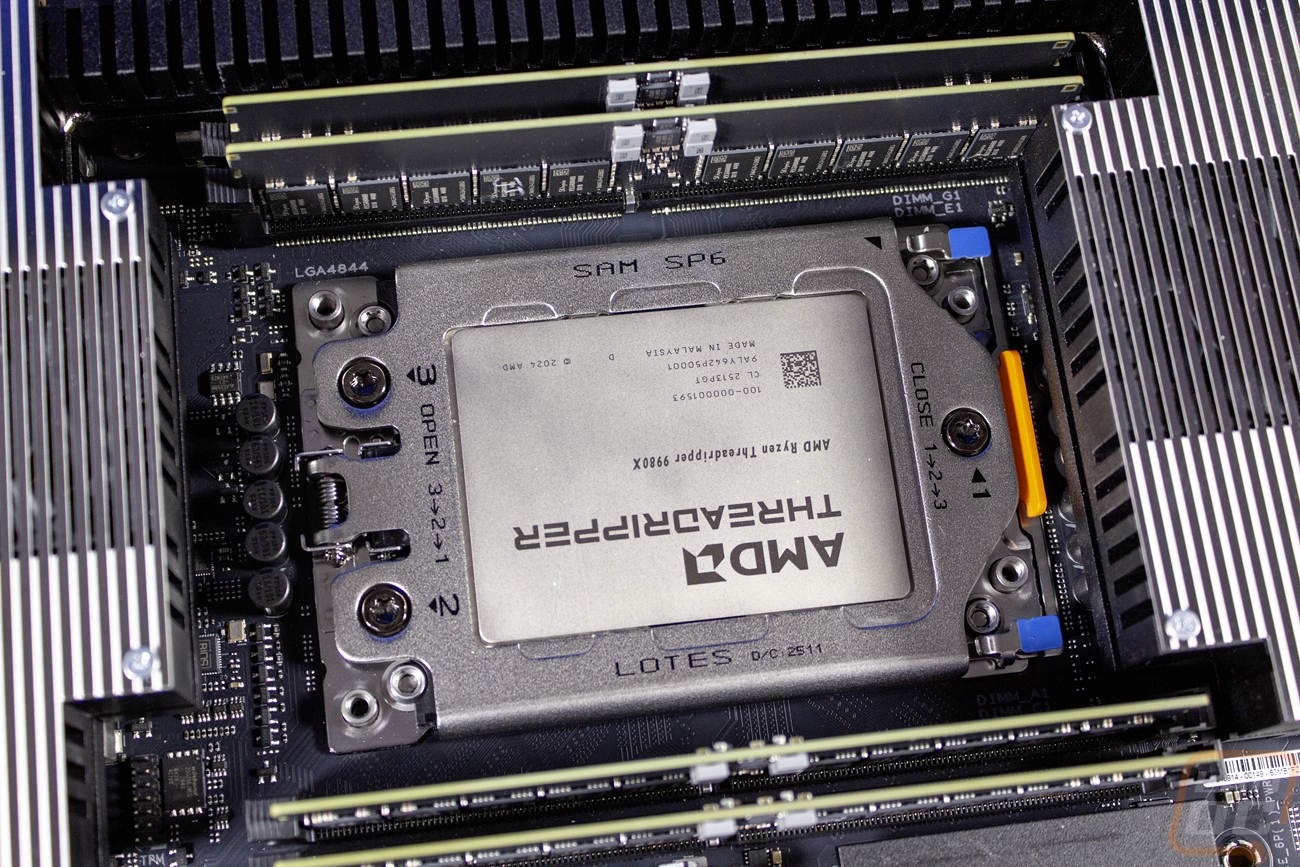
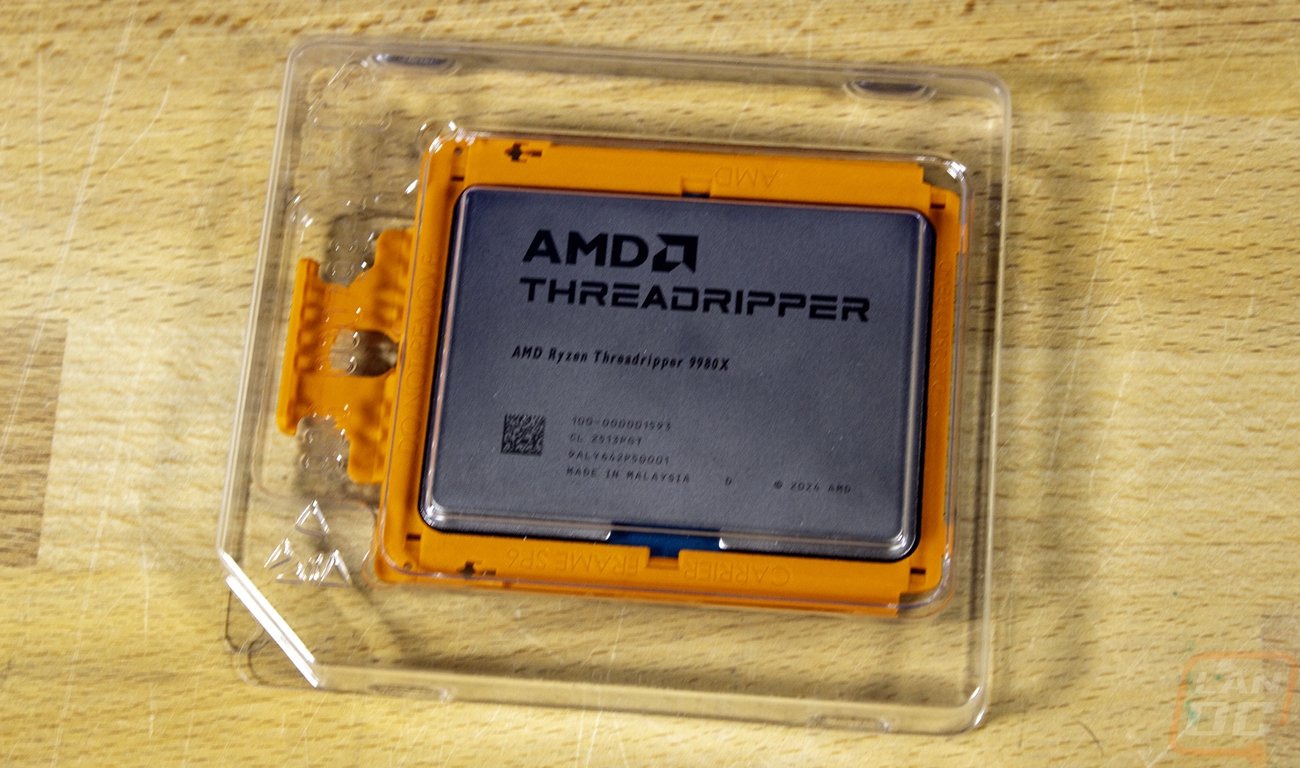
With how I plan on using this PC, a Ryzen 9 9950X3D might be the perfect blend of gaming performance and performance when doing other tasks. Even the new Ryzen 7 9850X3D would be a good fit to help keep costs down slightly. But last July I did test out AMD's latest Threadripper CPUs, the 9980X and 9970X. The 9980X would be out of my budget in any other situation, but with it already on hand, why not take advantage of that situation and put it to good use? So with that in mind, for this build I will be running the 9980X along with the Asus Pro WS TRX50-SAGE WIFI motherboard that AMD sent with it for testing. I covered it in our full review of the Threadripper 9980X, but with 64 cores and 128 threads, it is a complete monster. It has a base clock speed of 3.2 GHz, but does boost up to 5.4 GHz in some situations. That is paired up with a 64MB L2 Cache and a 256 MB L3 cache.
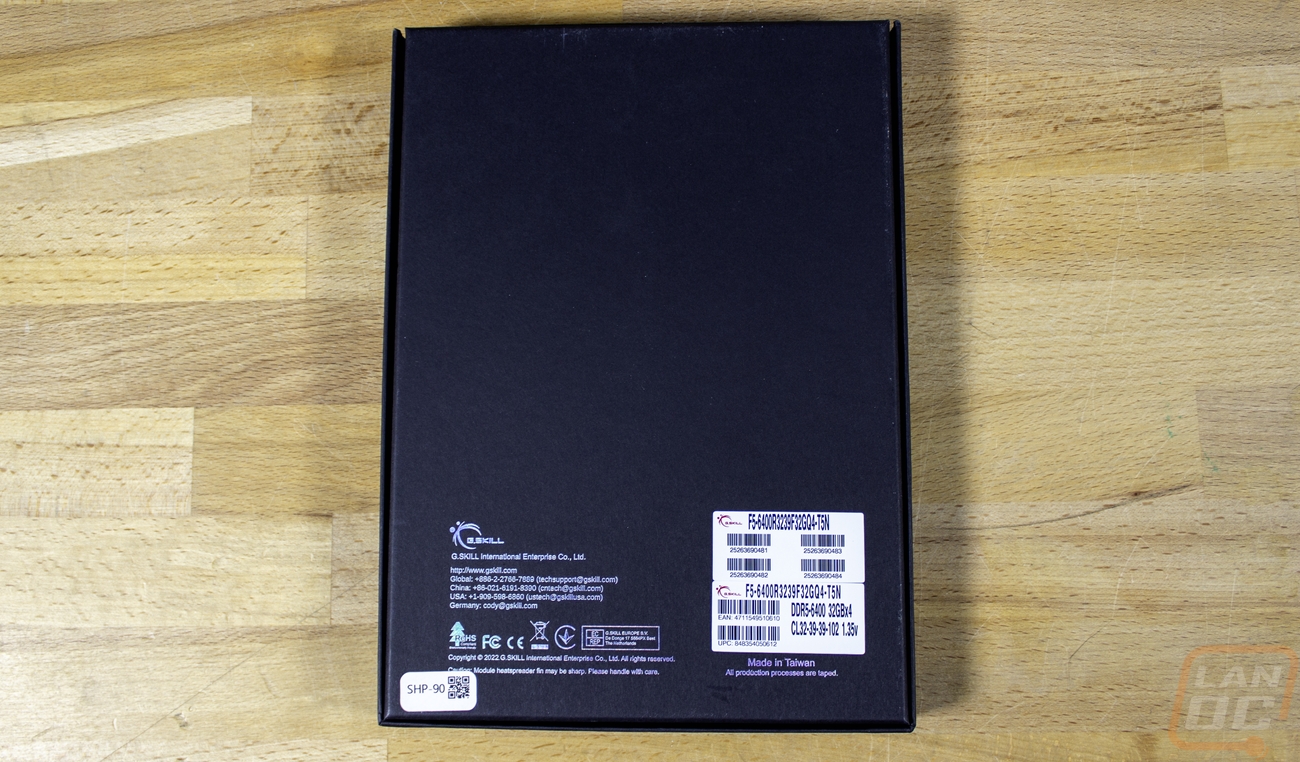
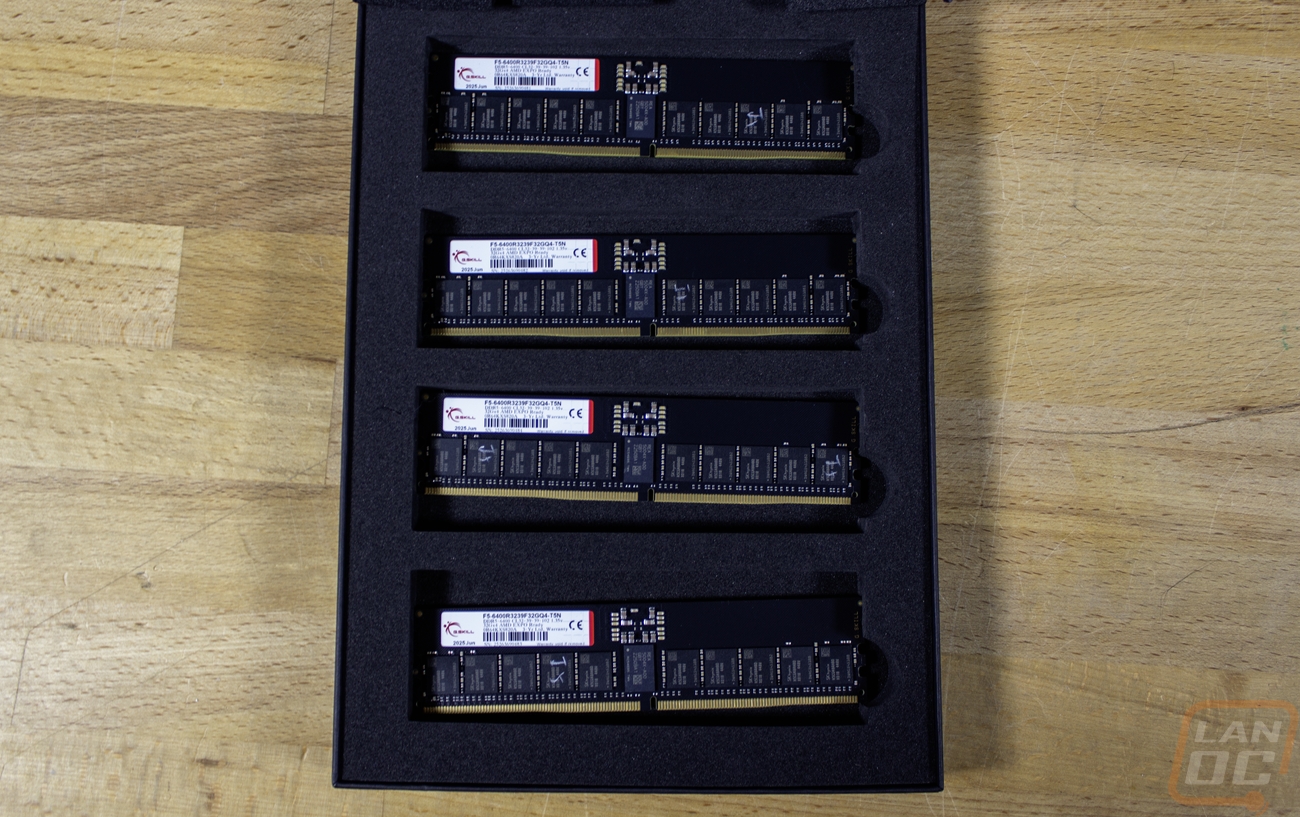
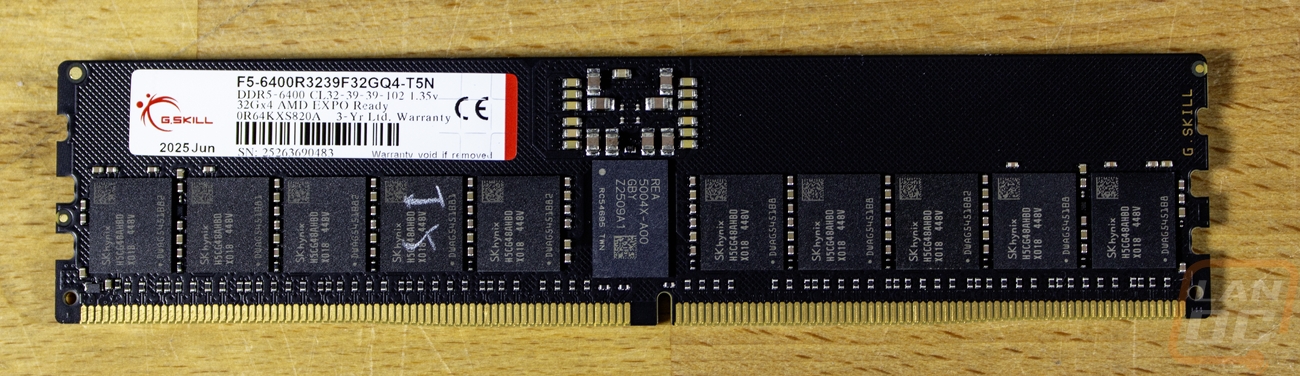
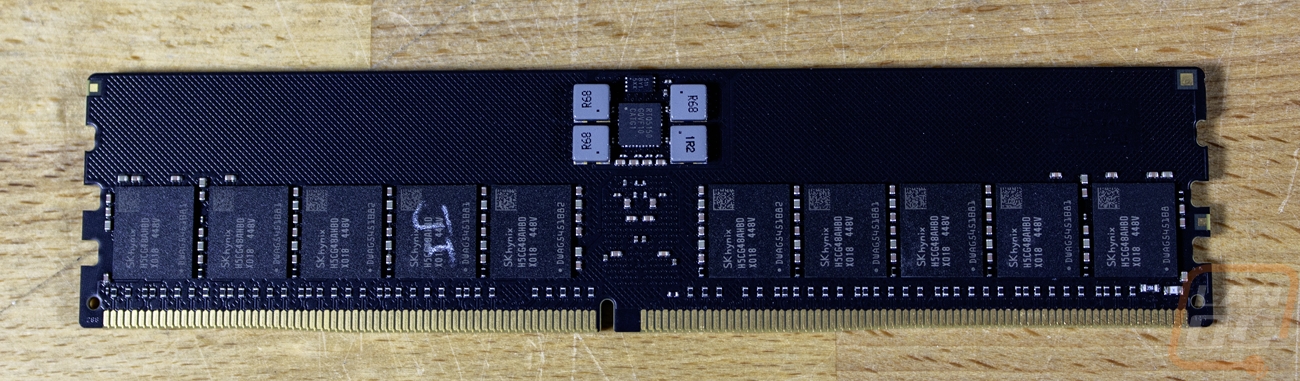
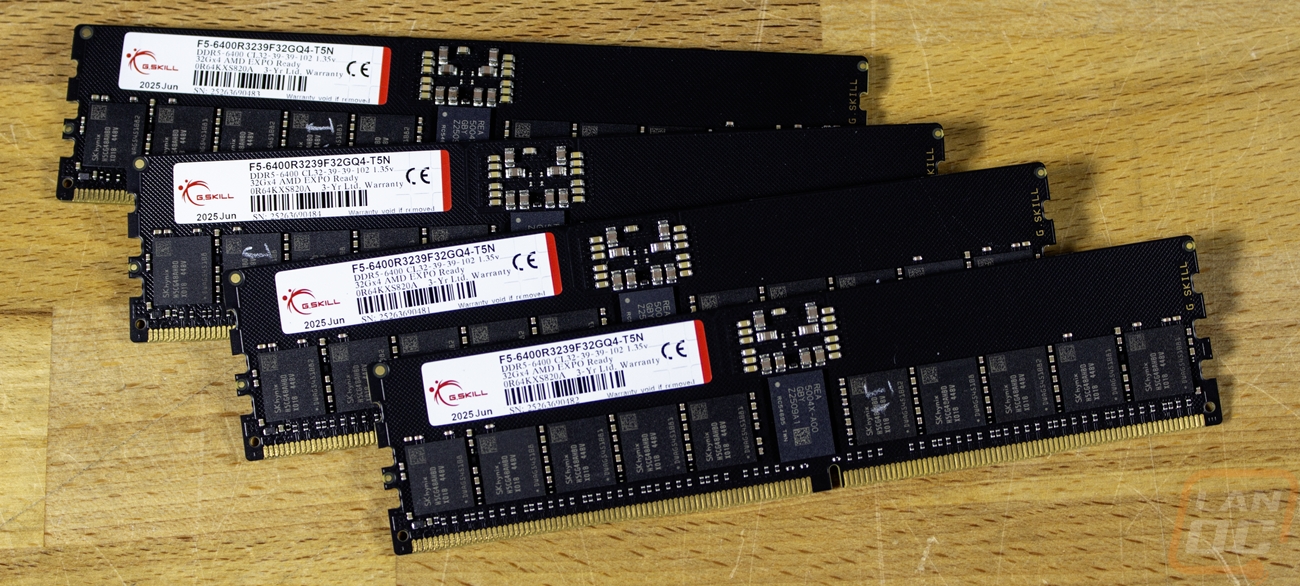
I’m pairing the Threadripper 9980X up with the same G.Skill memory kit that was included with the Threadripper review kit from AMD. The G.Skill F5-6400R3239F32GQ4-T5N kit is clocked at 6400MHz and is a quad-channel 32 GBx4 kit giving the system 128GB of memory, which with current memory availability and prices, I would be crazy not to put to use. They don’t have a fancy heatspreader on them, but they do have on-die ECC which is supported with the Threadripper CPUs and support for AMD's EXPO profiles as well.
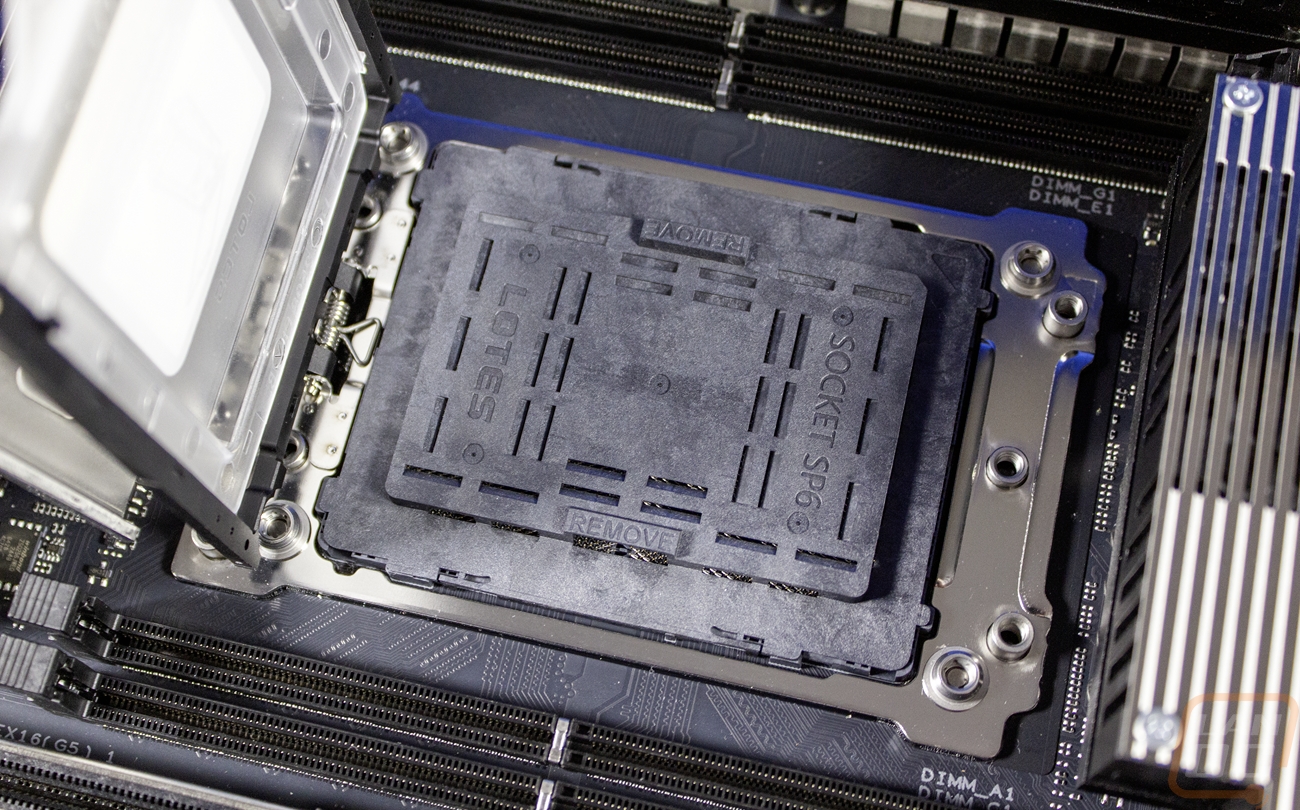
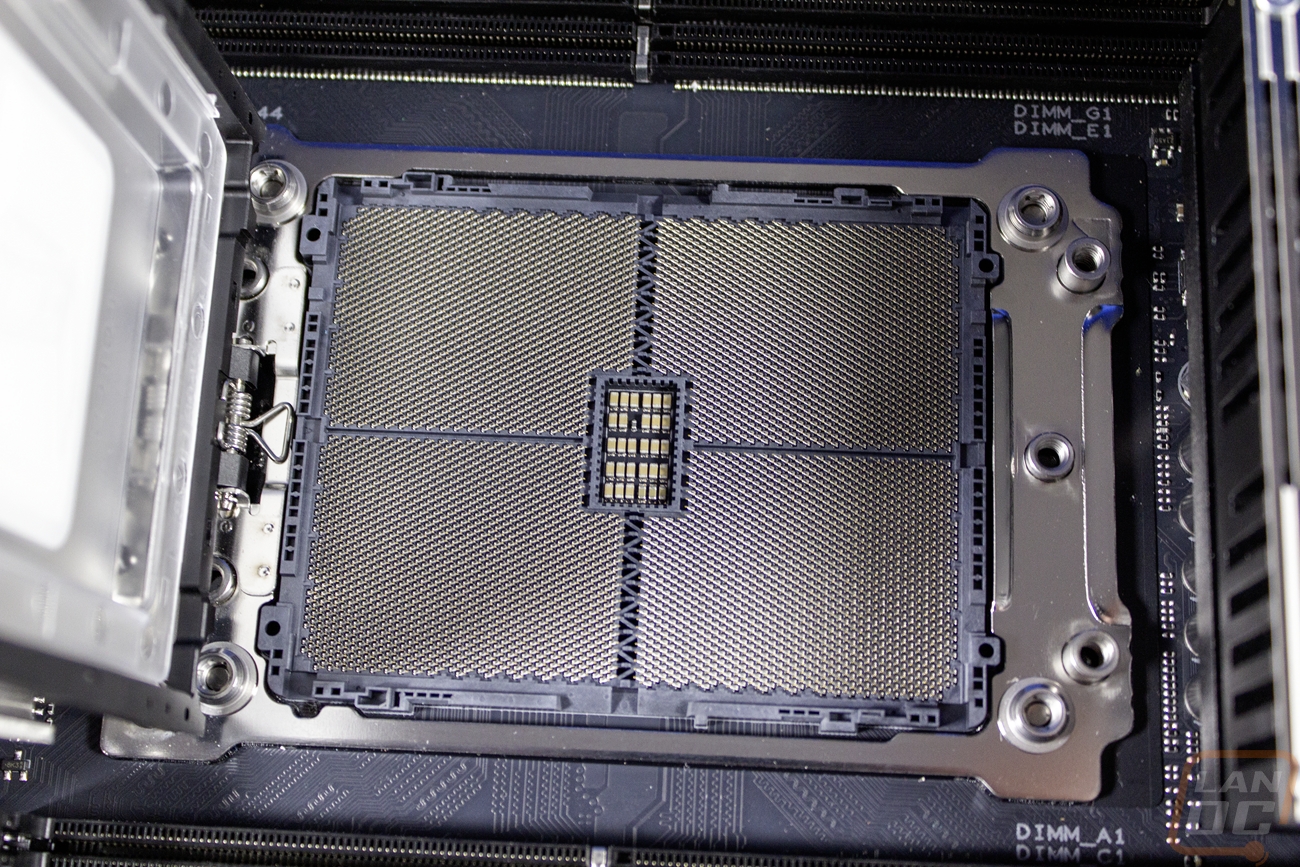
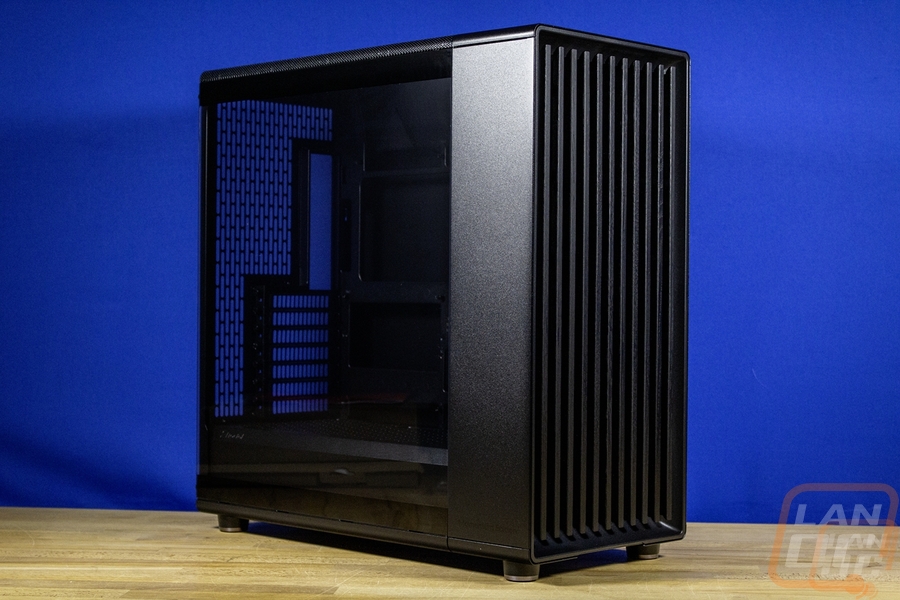
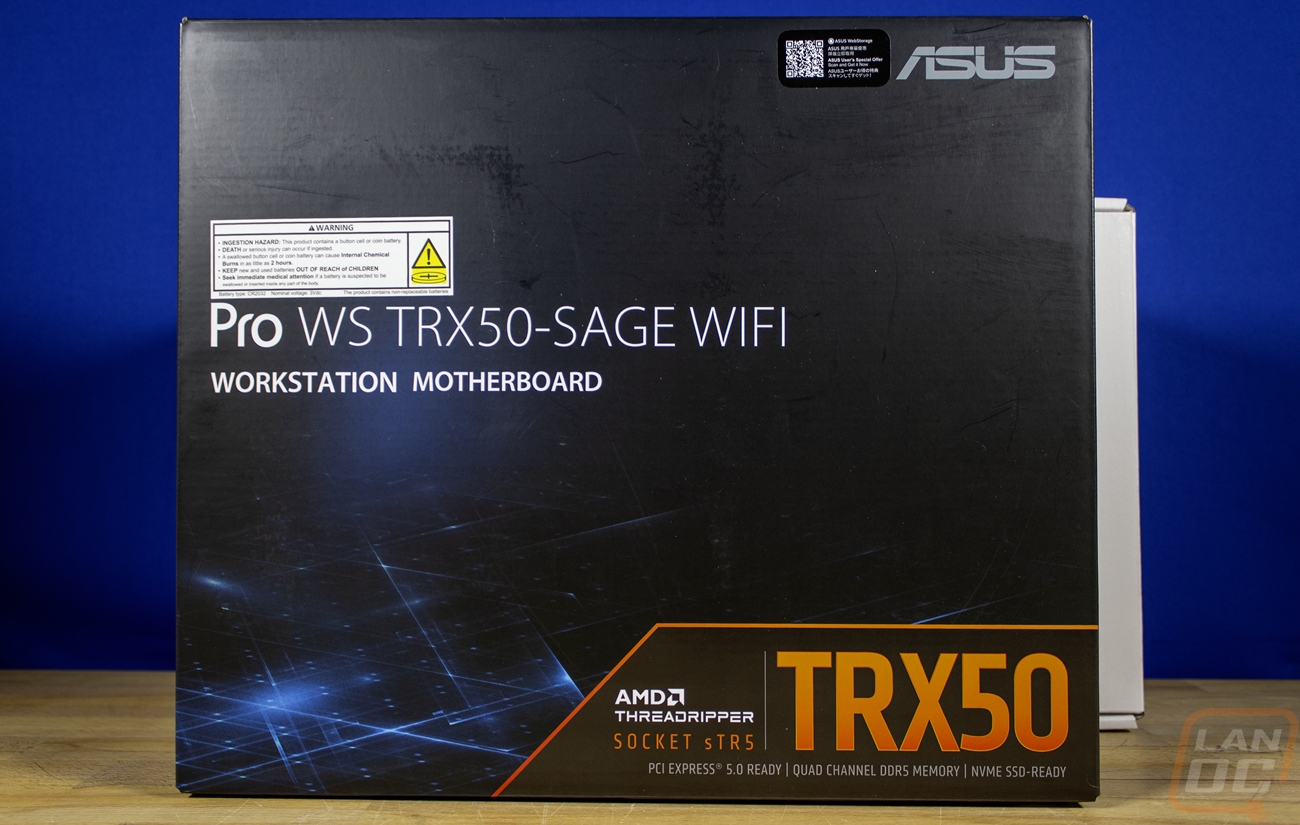
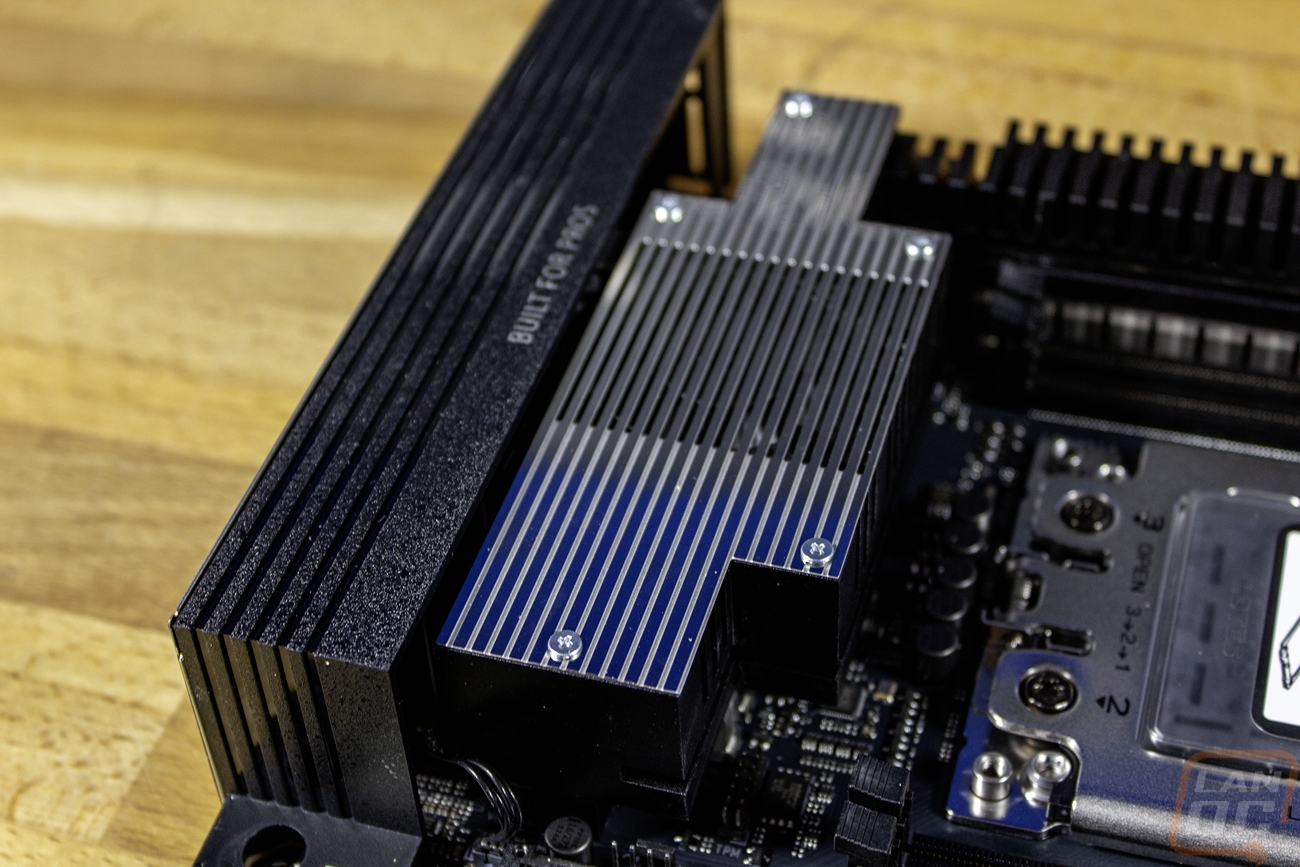
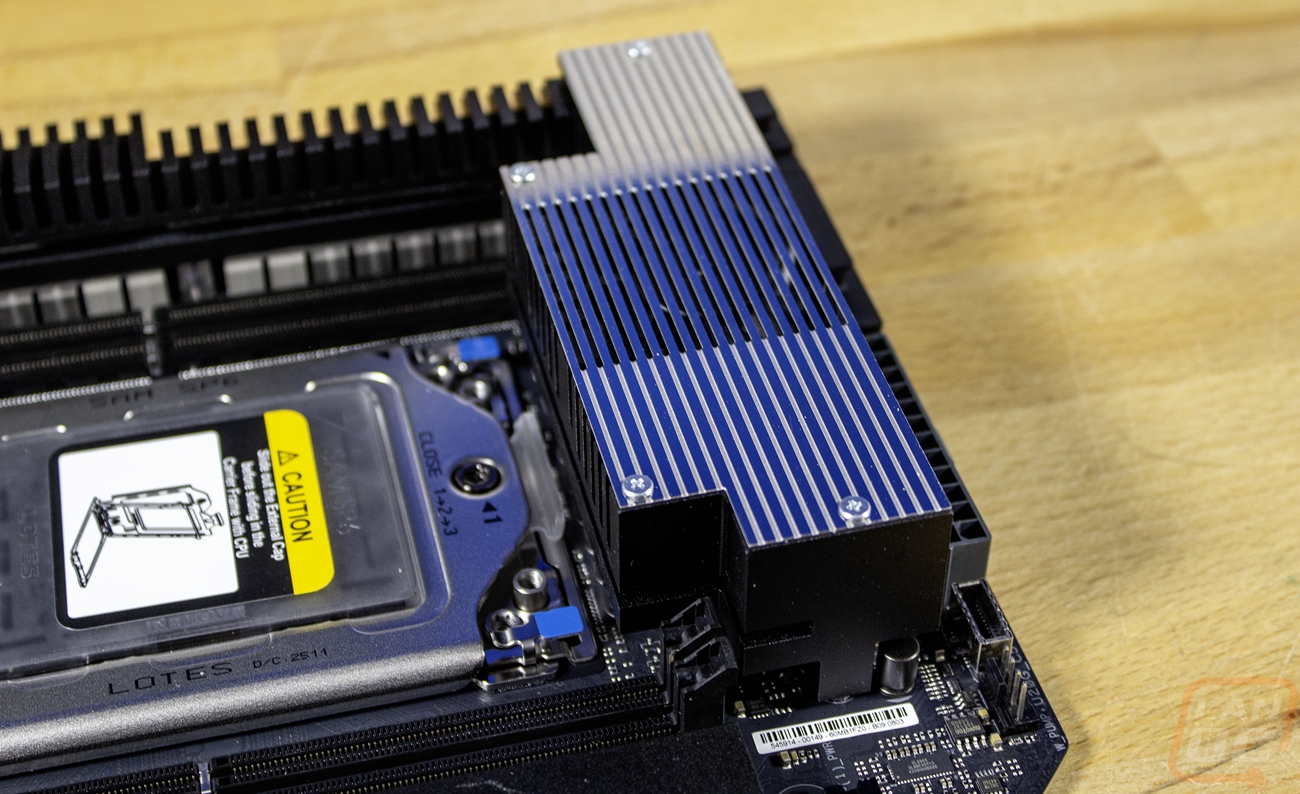
Connecting the AMD Threadripper 9980X and the G.Skill memory together is the Asus Pro WS TRX50-SAGE WIFI. Going with this board played a big role in the case selection as well because it is actually a CEB form factor. CEB or SSI-CEB was designed for use with dual CPU motherboards, and this one has just one. It is still a large motherboard at 12 inches tall and 11 inches wide. Thankfully, CEB uses standard ATX standoffs. With that, it can work with a lot of boards that support E-ATX. The board has 4 DDR5 DIMM slots and of course the sTRX5 socket for Threadripper. Those are up in the top half of the board, and then all around the CPU socket they have large heatsinks with a cast aluminum heatsink along the top covering up some of the 36 power stages. On both sides, there are aluminum heatsinks that handle the rest of the VRMs. Those two side heatsinks do have fans built into the middle for active cooling for both. They also link into the top heatsink with a heatpipe wrapped around to all three.
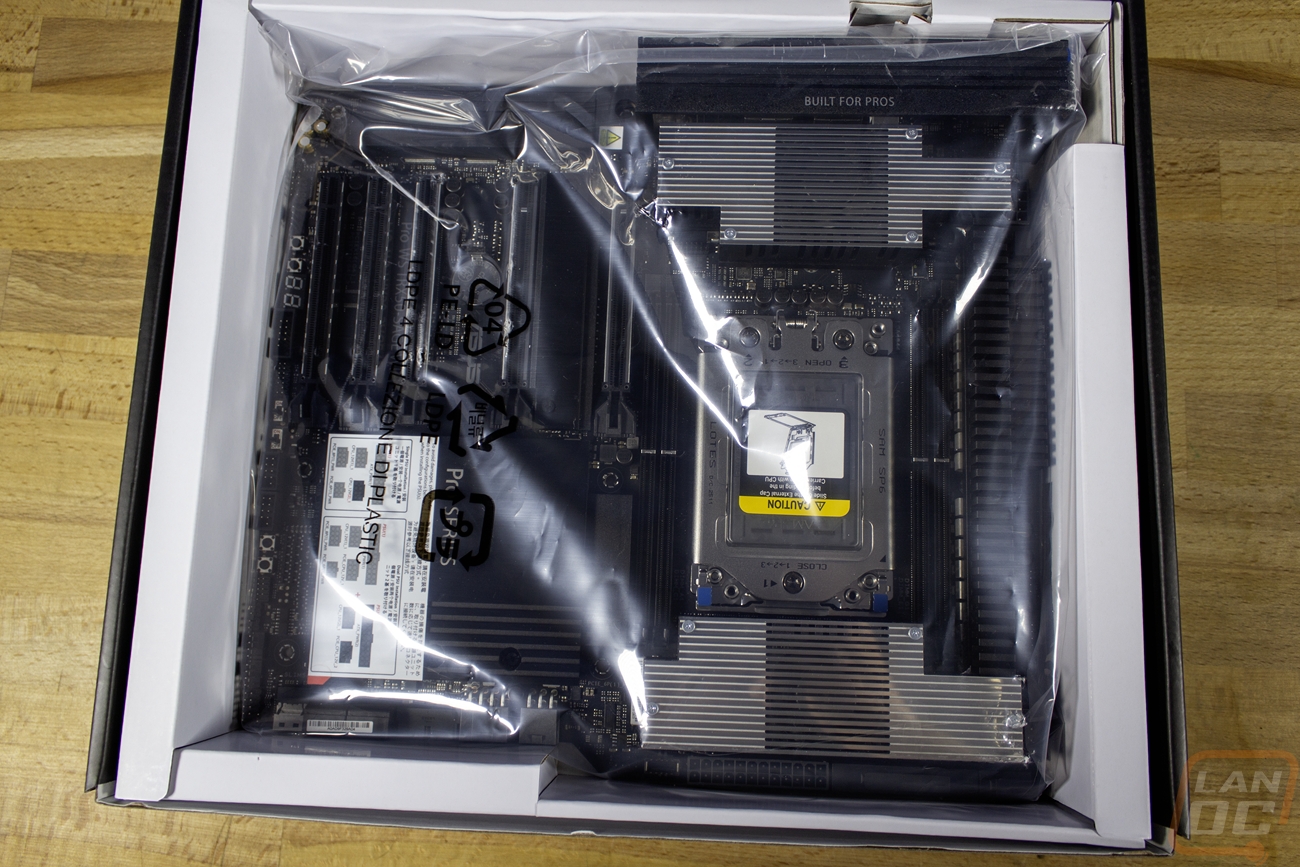
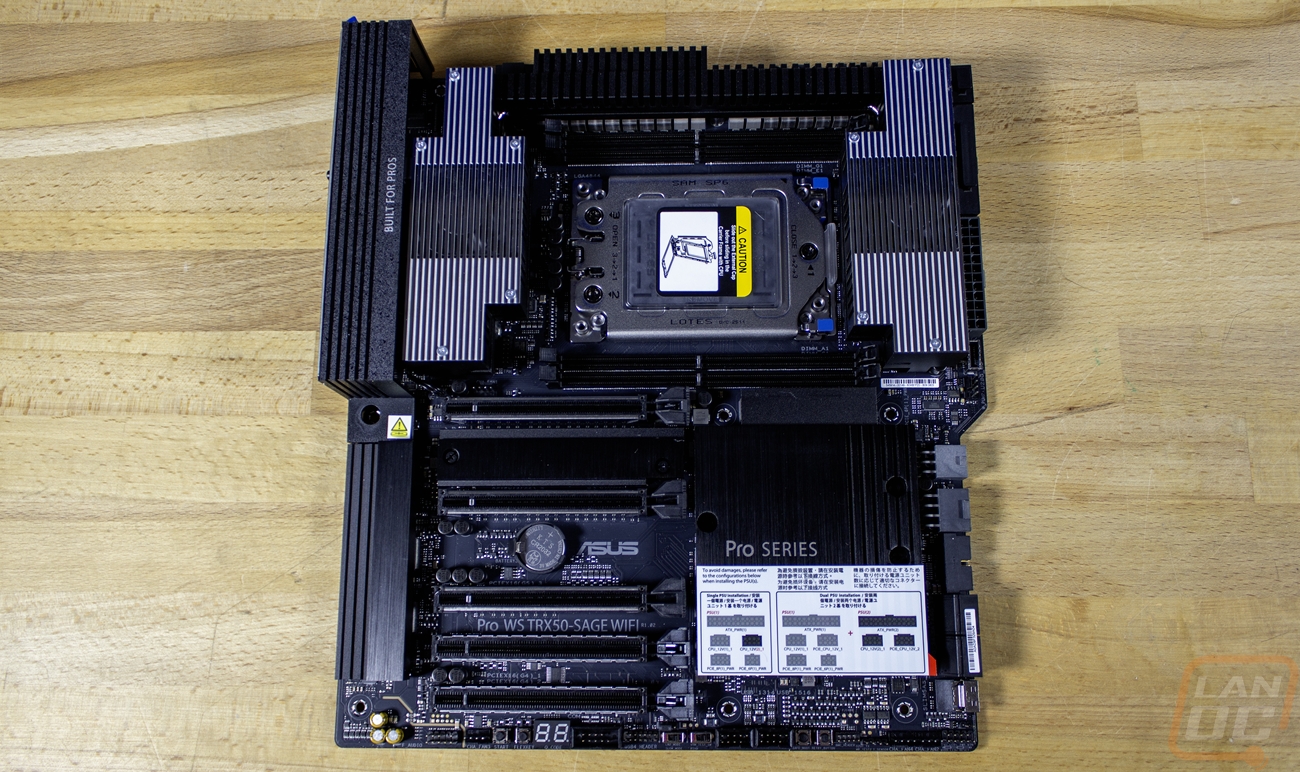


For features, the Asus Pro WS TRX50-SAGE WIFI has two PCIe 5.0 x16 slots, one PCIe 5.0 x16 slot that runs at x8 speeds, one PCIe 4.0 x16 slot, and one PCIe 4.0 x16 length slot running at x4 speeds. That is more than enough to handle the capture card that I always have in my PC as well as a video card while leaving room for expansion if needed. For storage the board actually has less M.2 capacity than you might expect with three in total. Two PCIe 5.0 x4 slots that run through the processor and then one more that runs through the TRX50 chipset, which runs at PCIe 4.0 x4 speeds. There are four SATA 6Gb/s ports and one SlimSAS port that supports a PCIe 4.0 x4 NVMe device as well. That should be enough to handle my storage needs though I wouldn’t have been upset to have one more M.2 slot there. For networking it has 2x2 Wifi 7 for wireless and then two wired NICs. One is the Intel I226-LM 2.5Gb and the other is the Marvell AQtion 10Gb. I run a 10Gb network so that is great to see and the 2.5Gb NIC is a nice fallback. I would have preferred to see the wireless be 320MHz, but I’m really hoping we get the wired network issues worked out (more on that in a future article) so that I don’t even need to use the wireless.
Another important feature for me is having a lot of USB connections and the Asus Pro WS TRX50-SAGE WIFI has a total of 9 ports on the back with one 20Gbps Type-C connection, six 10Gbps Type-A connections, and two USB 2.0 Type-A ports. Then for the front (depending on our case) it can support up to 7 with one 20Gbps Type-C with up to 27 watts of charging power, two 5Gbps Type-A ports, and then two USB 2.0 ports.
While we don’t have our storage yet I did go ahead and prep the motherboard by installing the 9980X Threadripper CPU and the G.Skill memory as well.