Case
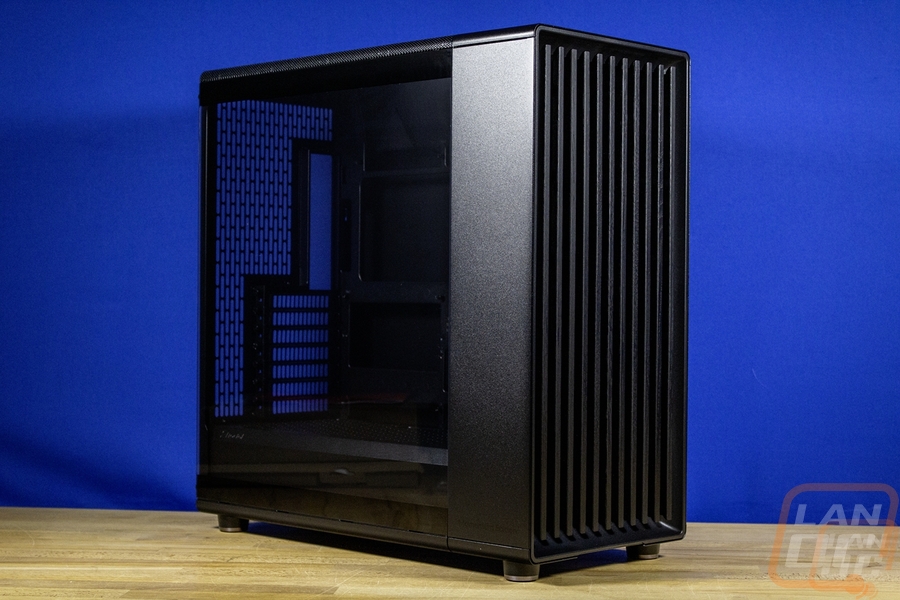
Once I decided that I would utilize the Threadripper setup we had in the office. That made a big impact on what case I would go with. My previous Case Labs Bullet case is a square design and with that it stays on an 18-inch square wire rack. I would have to get rid of the printer that was also on the rack to make room for a traditional case which I knew I would have to go with to have a case that would be easier to work in, large enough to fit a large cooler to handle the 9980X, and to fit a larger modern video card none of which my Case Labs case would do. Another issue that I am going to have to deal with eventually is that the 18 x 18 inch rack isn’t deep enough for a lot of large cases. The case I went with is included in that. I’m going to have to address that when I get to that. But with the large SSI-CEB motherboard my options were a little more limited than normal. A lot of the cases that support E-ATX will work, but there is no way to know for sure without diving into the measurements. I ended up reaching out to Fractal and their new Momentum Edition of the North XL would fit the motherboard, cooling, and everything else (except maybe fitting where I want to put it, but we will see). On top of that the all blacked out look of the Momentum Edition perfectly fits what I wanted to do this time around. I’ve had crazy flashy builds, I’ve had compact SFF builds, PCs with screens inside and lighting everywhere. This PC is right out in the middle of my office and I just wanted it to be completely blacked out. The North XL Momentum Edition has the same design as the original North and North XL but drops the silver option and the wood colored grill for black on black on black. It has a large tempered glass side panel but that has a light tint to it as well. Perfect to tucked the Asus Pro WS TRX50-SAGE WIFI inside which is black with a few touches of aluminum.

The North XL Momentum Edition comes in at 503mm x 240mm x 509mm or 19.8 inches deep, 9.4 inches wide, and 20 inches tall. That depth is going to be an issue for future me for sure but Fractal confirmed that it would fit the SSI-CEB motherboard even though it isn’t officially listed in the specifications and the North XL Momentum Edition supports up to 413mm for video card length if you are just running the front fans and 380mm if you have a front radiator installed. A radiator can also be run up on the top with the front supporting a 420 or 360 mm and the top supporting 280 or 360 mm. You can also slip in a rear 120 mm radiator as well if you need even more. For the power supply, it is hidden down in the bottom compartment and can be 175 mm long if you run both hard drive trays and 290 mm if you run just one.
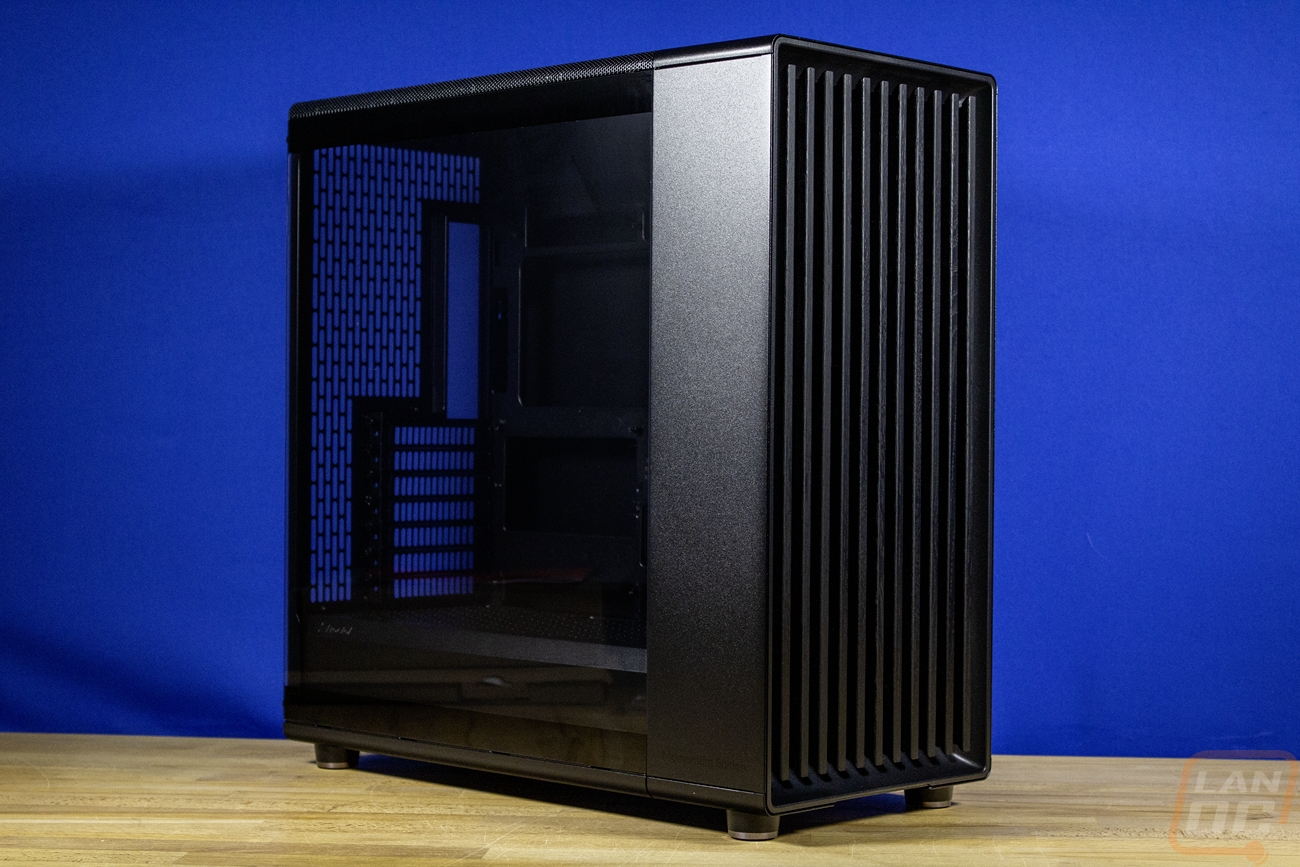
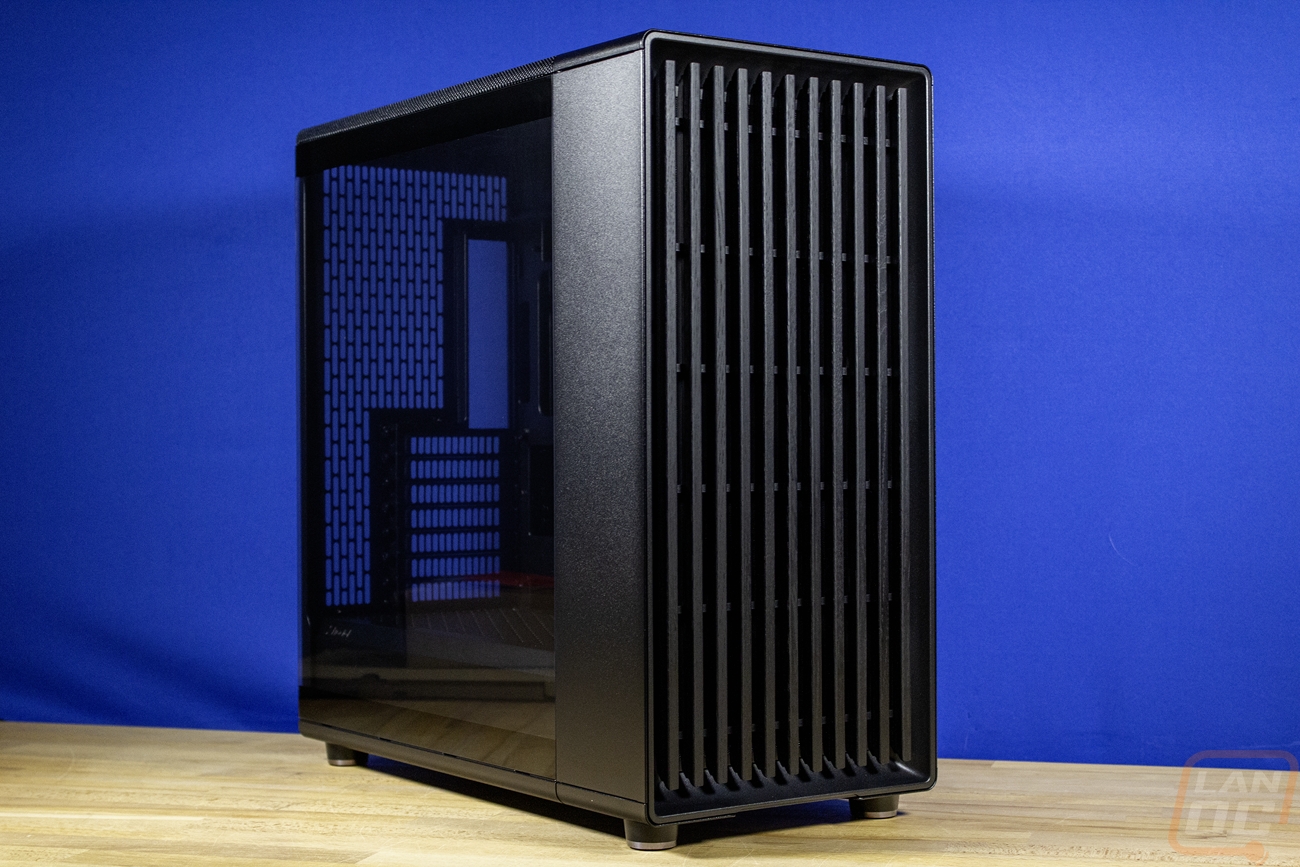
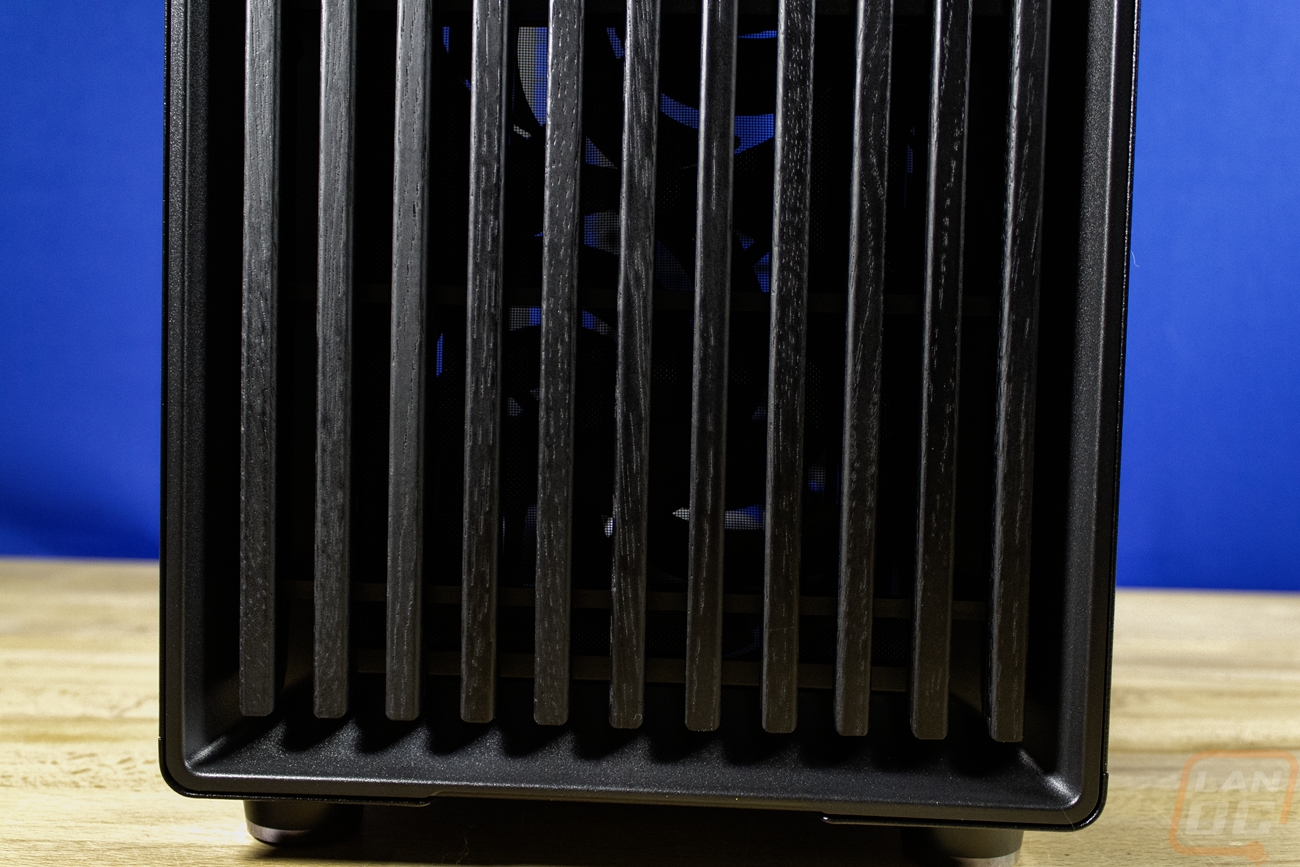
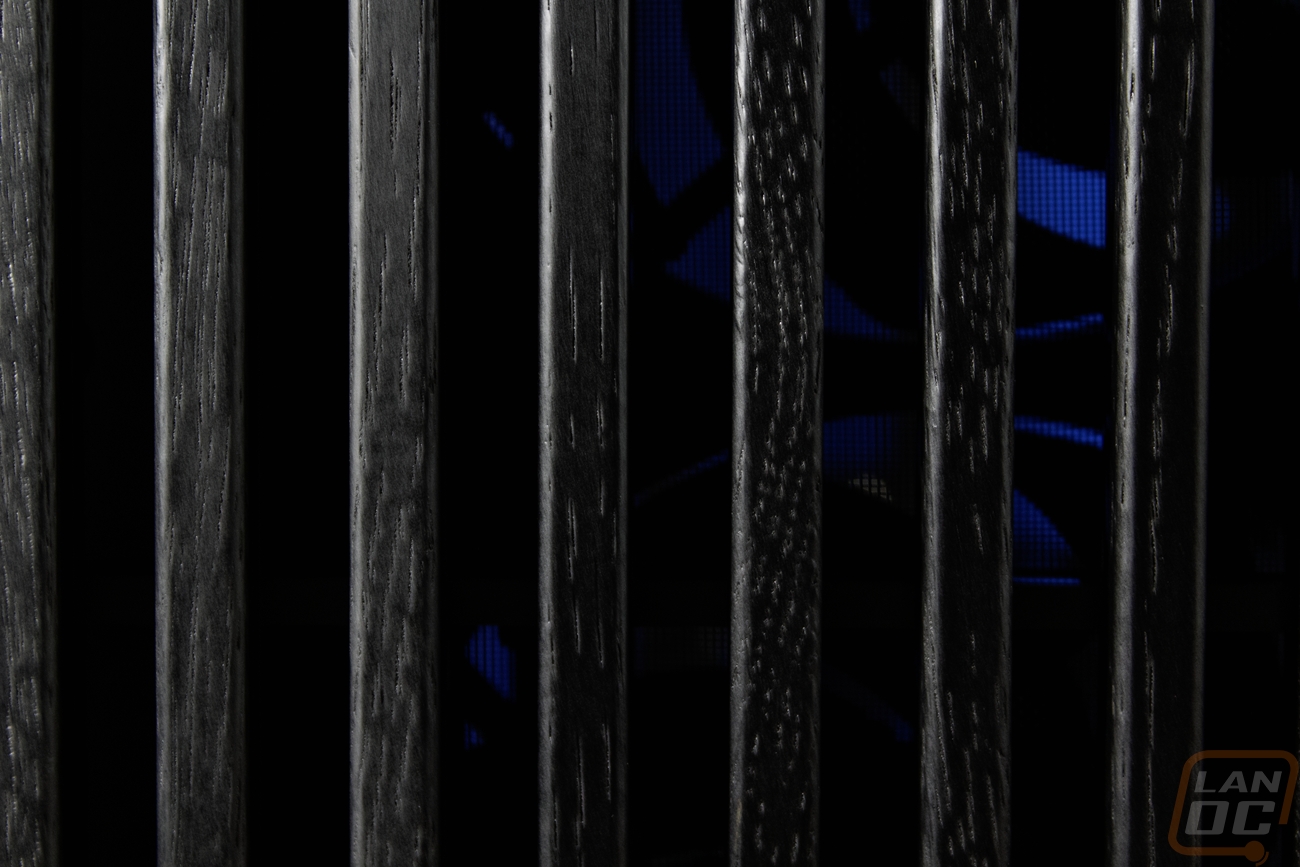
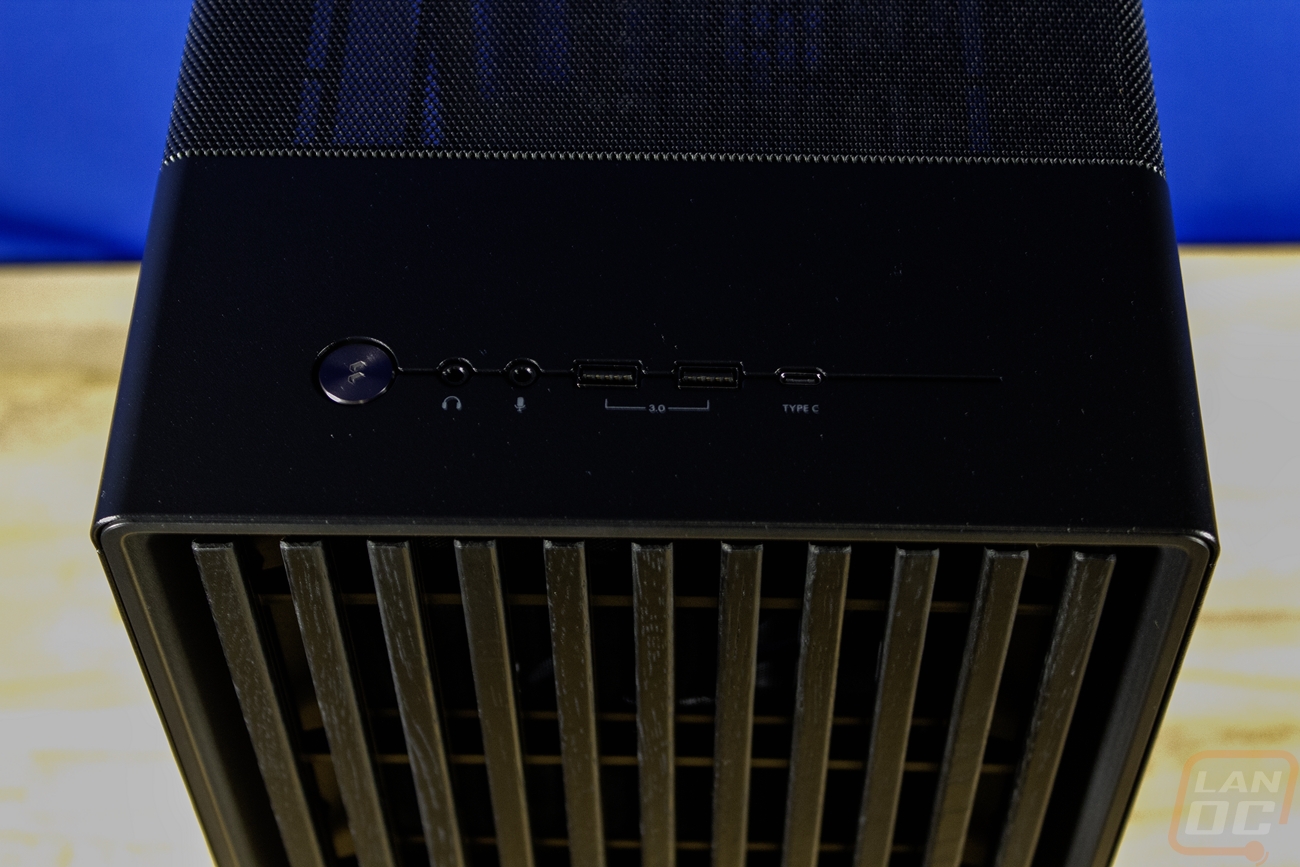
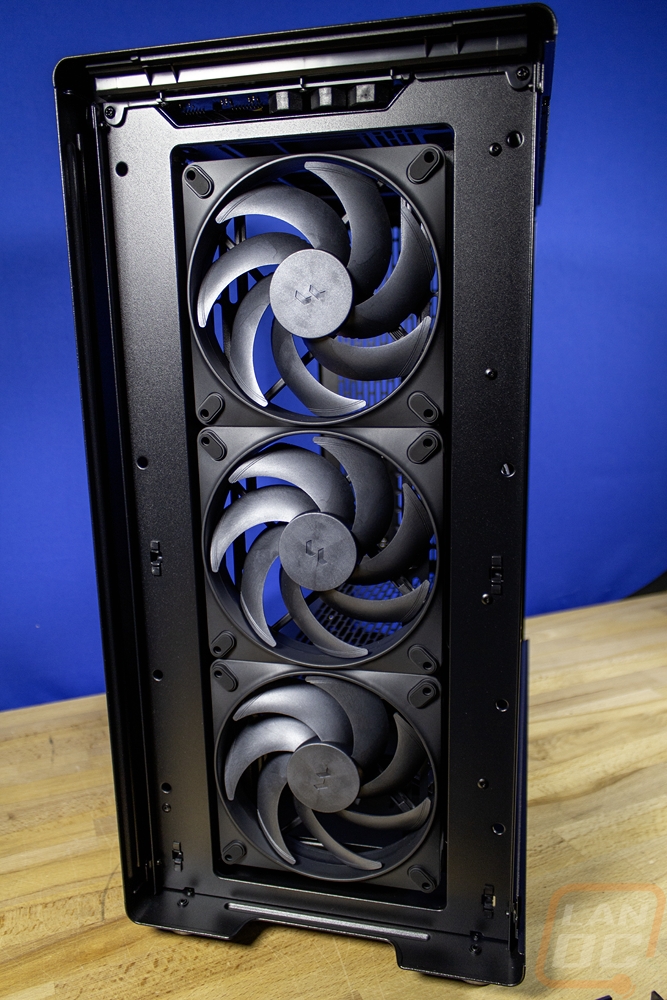
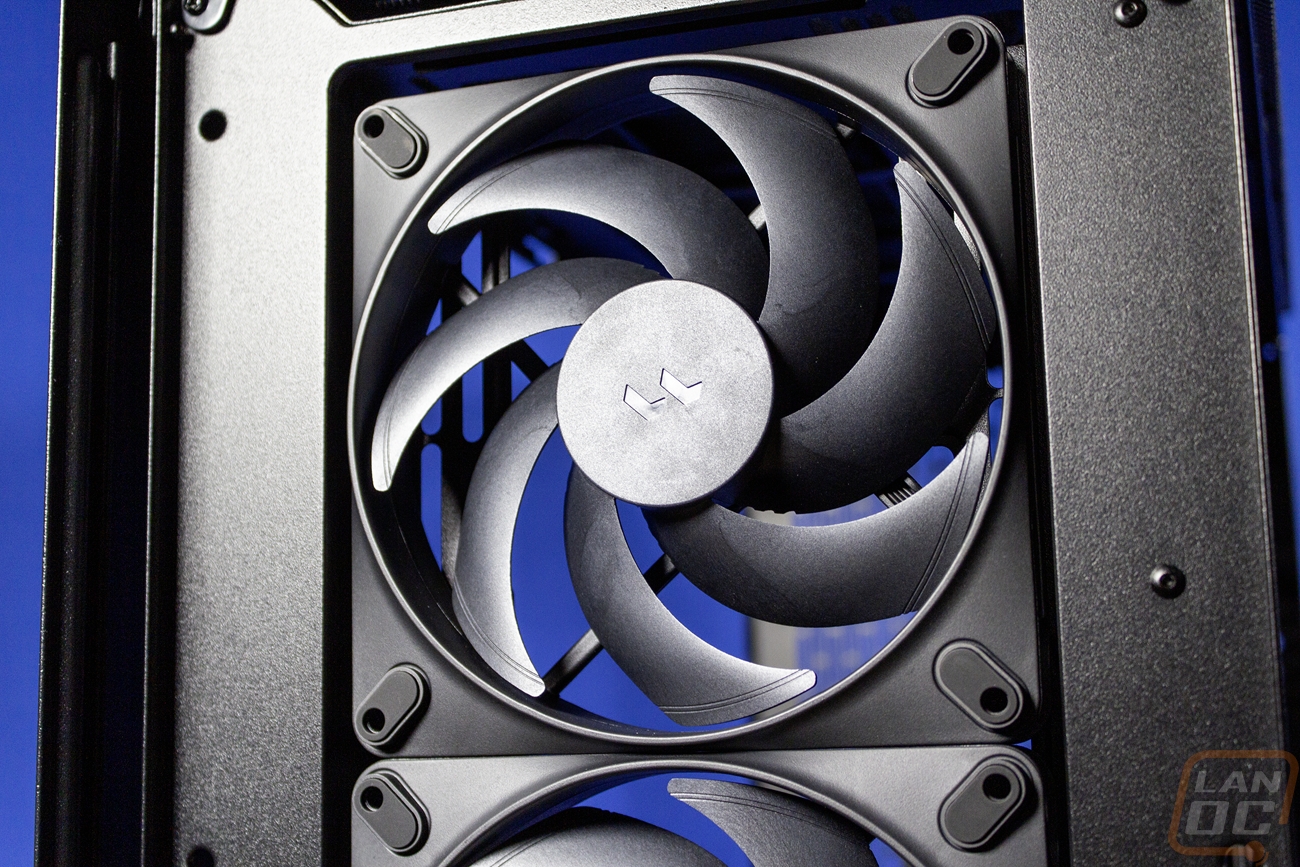
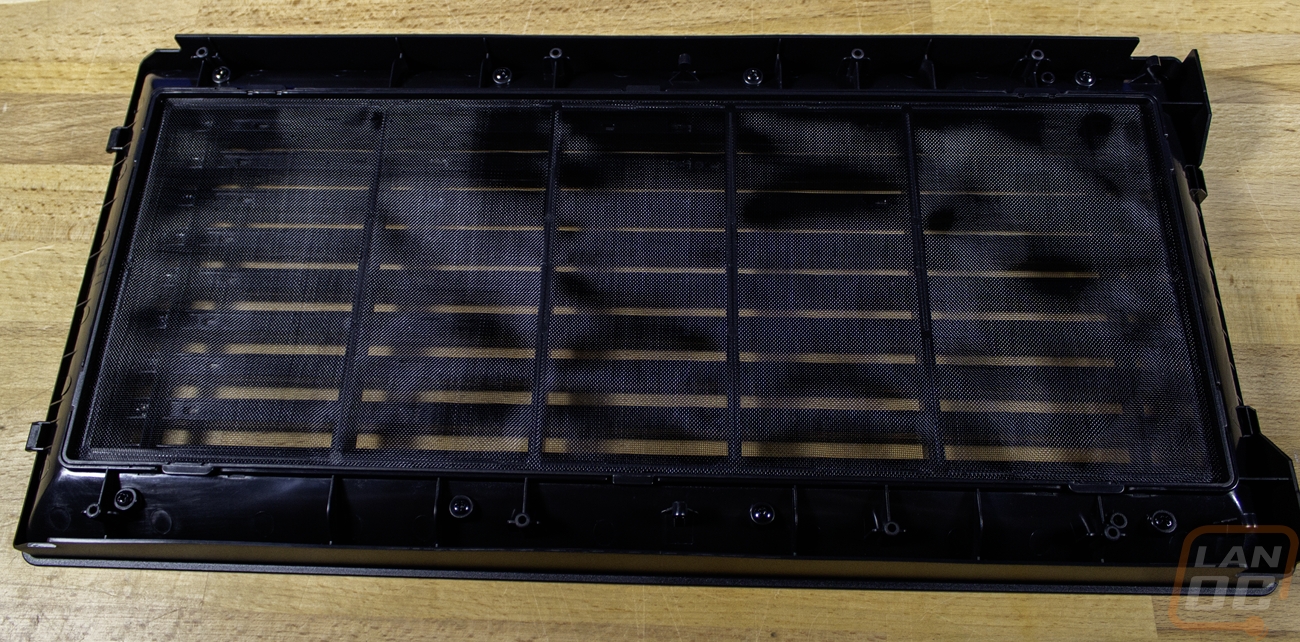
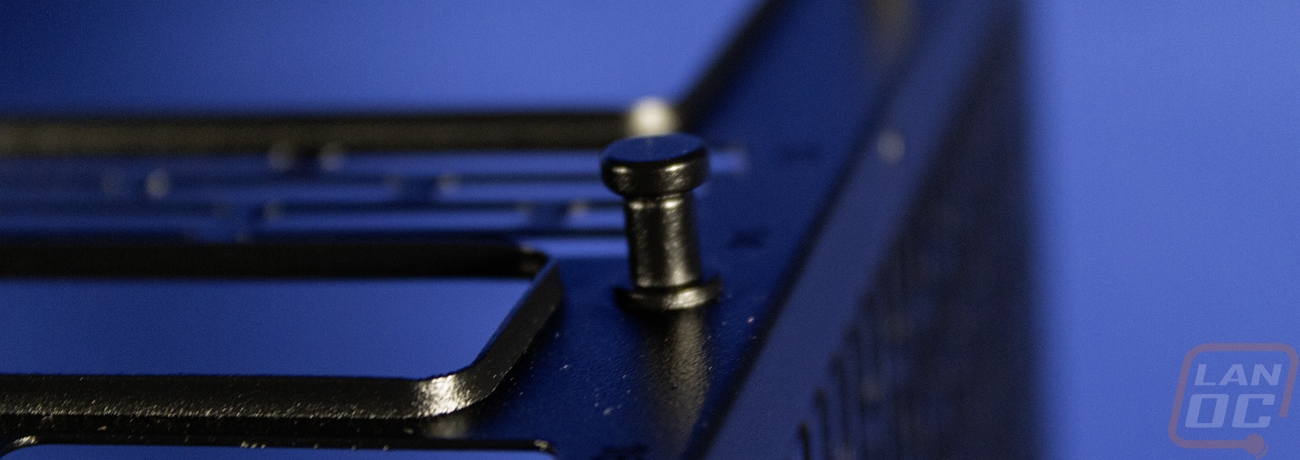
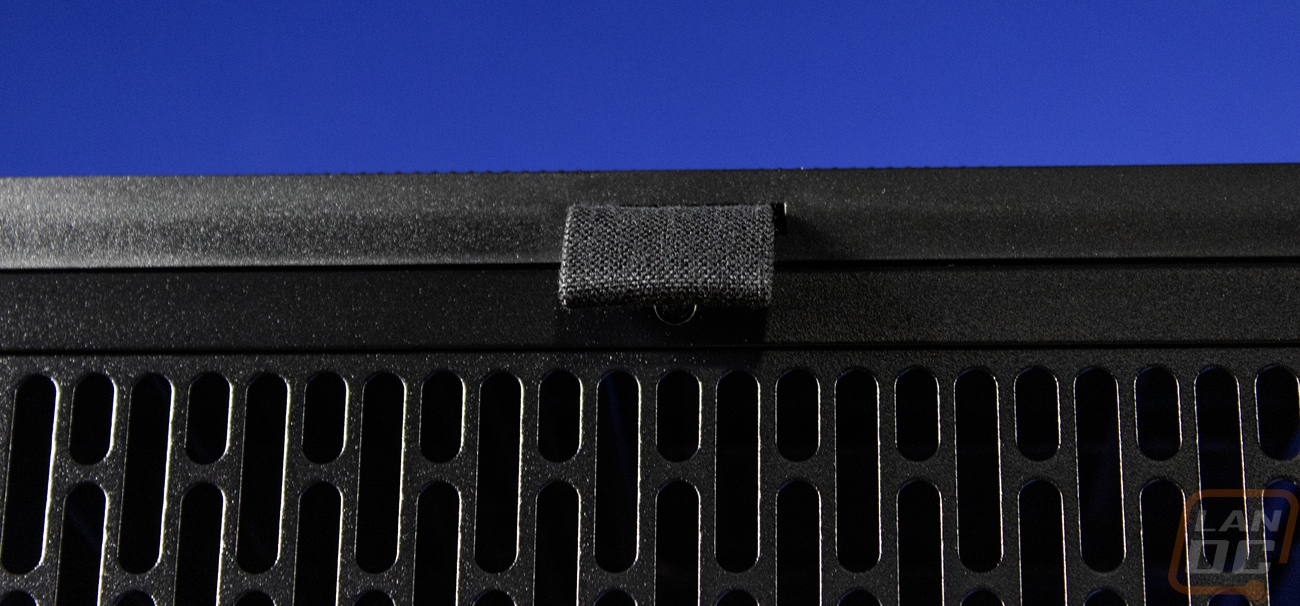
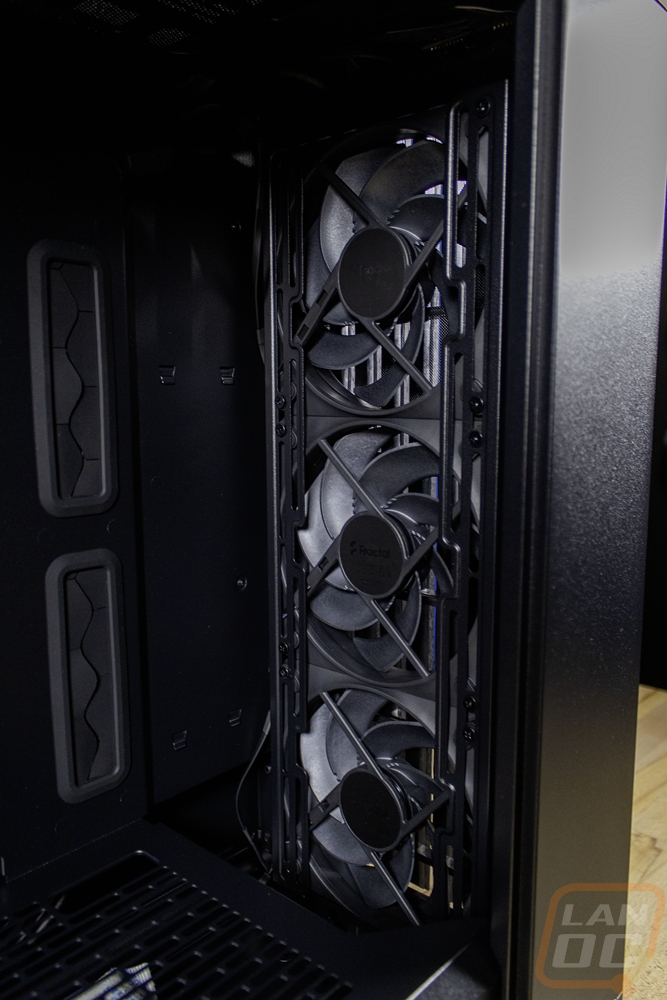
The exterior of the North XL Momentum Edition is nearly the same as the original North and North XL cases shape-wise but visually there is one big change. The wood pillars that run up the front of the case, which are wood colored on the original design are blacked out in the North XL Momentum Edition. The wood grain design is still there and in black I even thought it was plastic until I got a closer look at the back of the front grill where I could see it was actually wood. Behind that grill you can see a dust filter and behind it, the case has three of the Fractal Aspect 140mm PWM fans mounted on the inside pulling air in. That front grill does pull off without any tools and you can then remove the dust filter to clean it from there, also toolless. Up top just above the grill is the front I/O. You get a nice metal power button with the Fractal logo etched into it and headphone and microphone jacks. There are two USB 3.0 Type-A USB connections then a single Type-C connection as well. The I/O sits in the one solid area on the top of the case, the rest of the top is a black mesh for airflow that wraps just around the top, giving the top a nice rounded corner from the front to back. That top panel does pull off using the pull tab on the back if you have both side panels off, making it possible to clean out. That also gives access to the fan or radiator mounting on the top of the case for three 120mm fans, two 140mm fans or two 180mm fans. It is held in place with two small standoffs that is slides into.
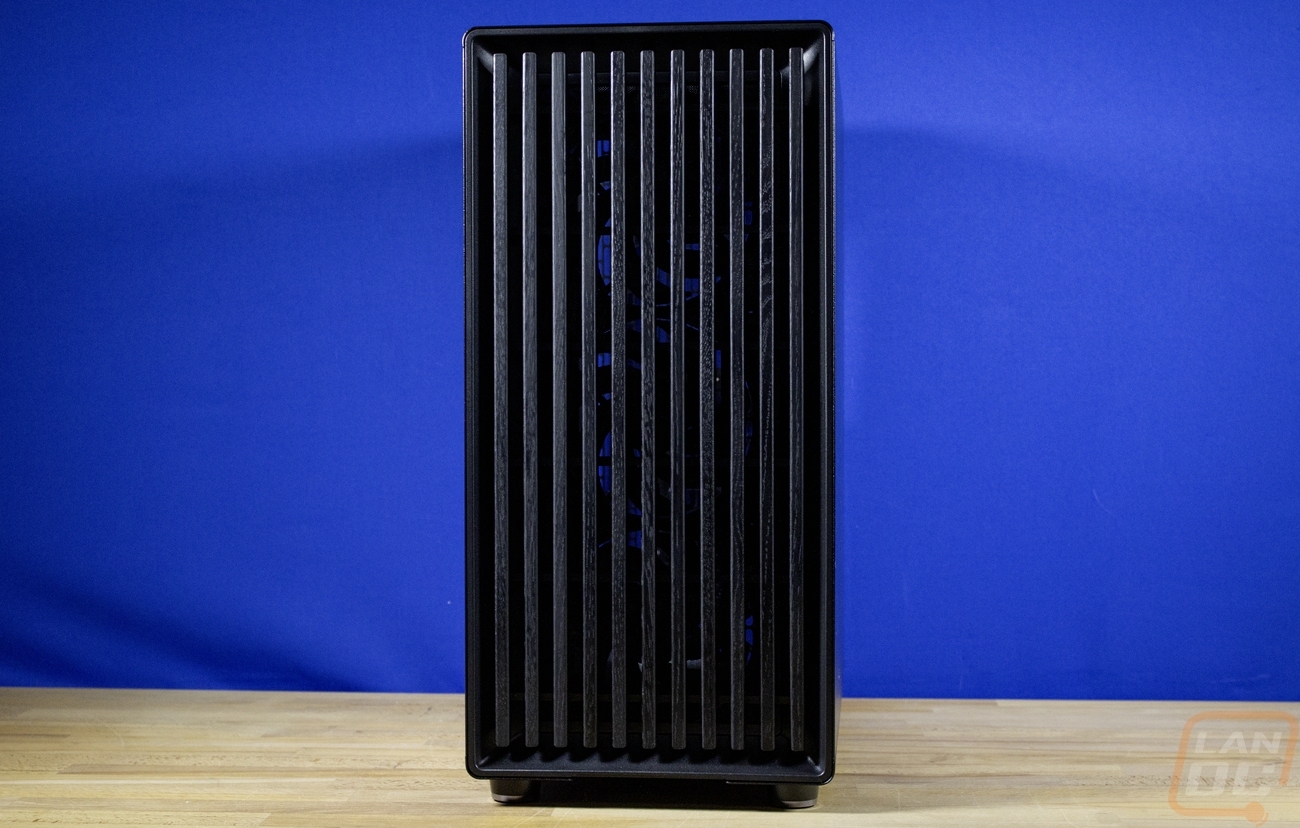

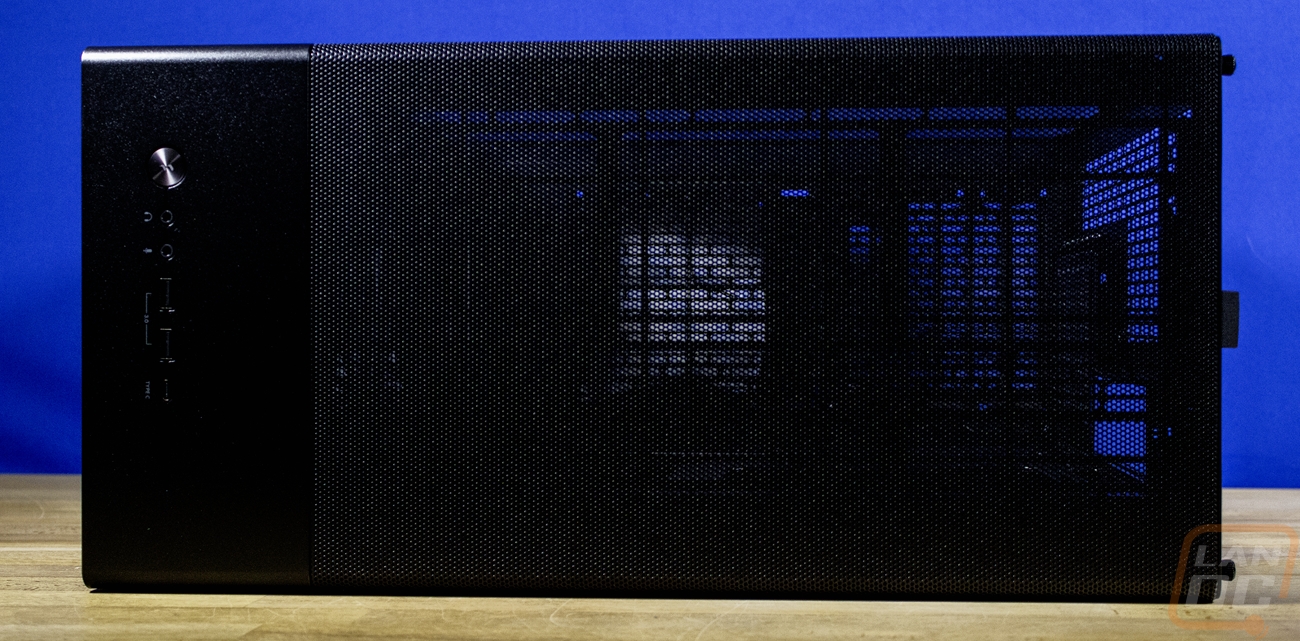
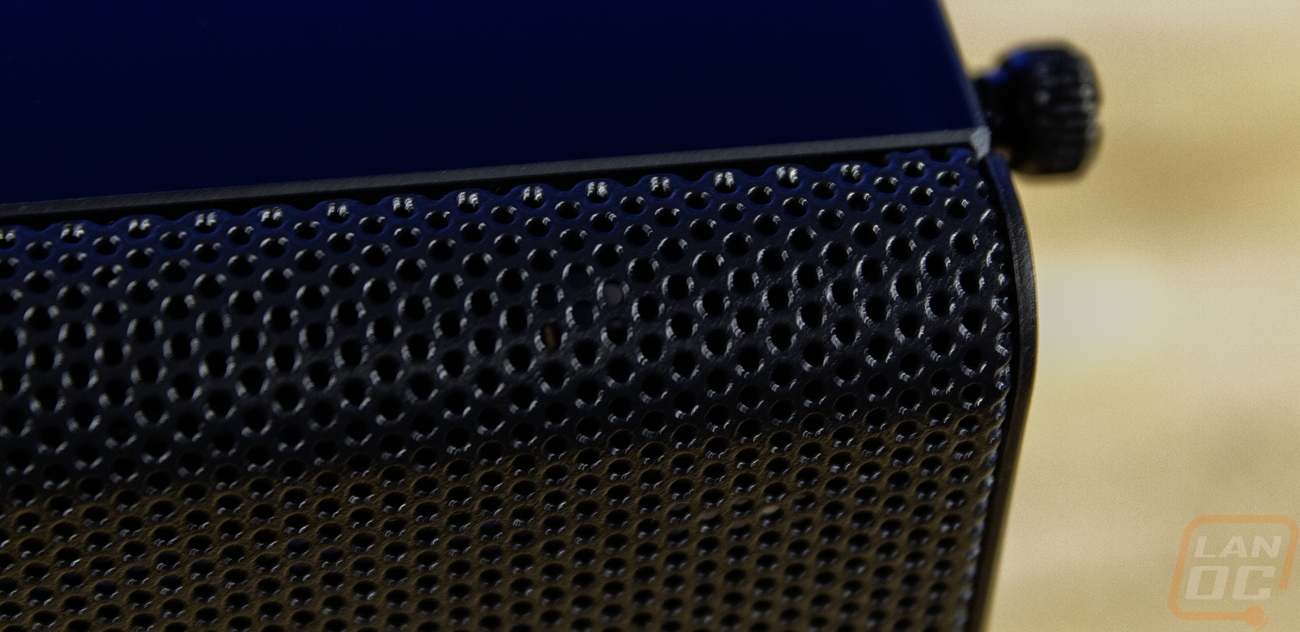

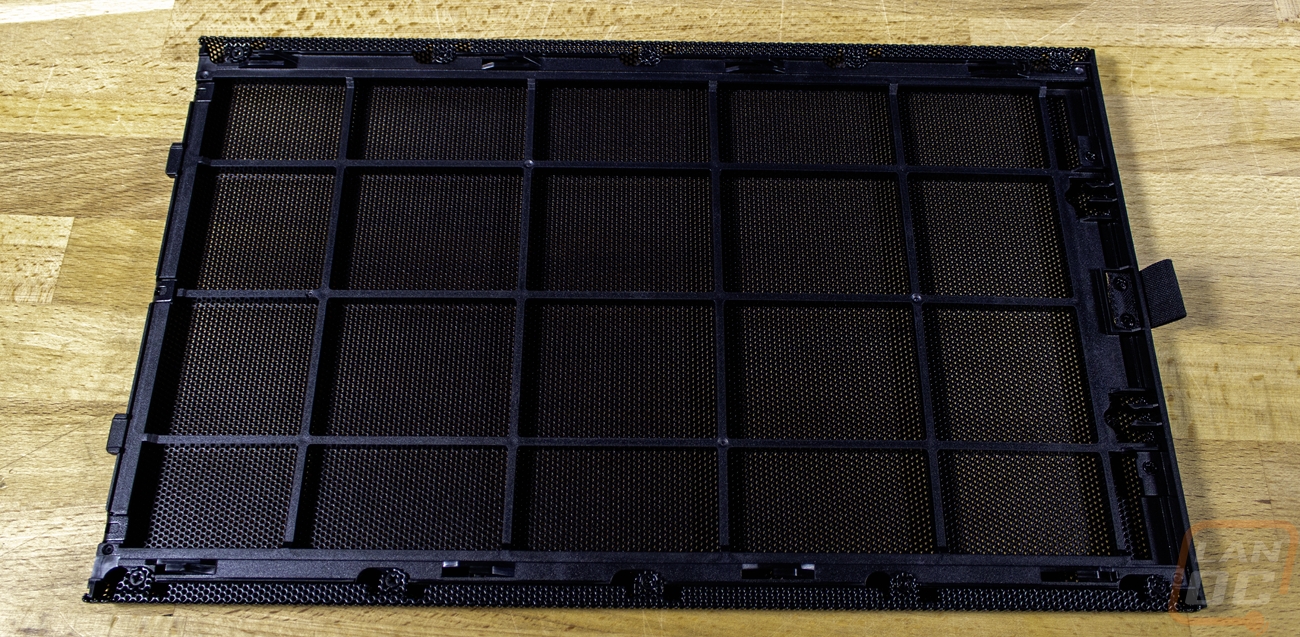
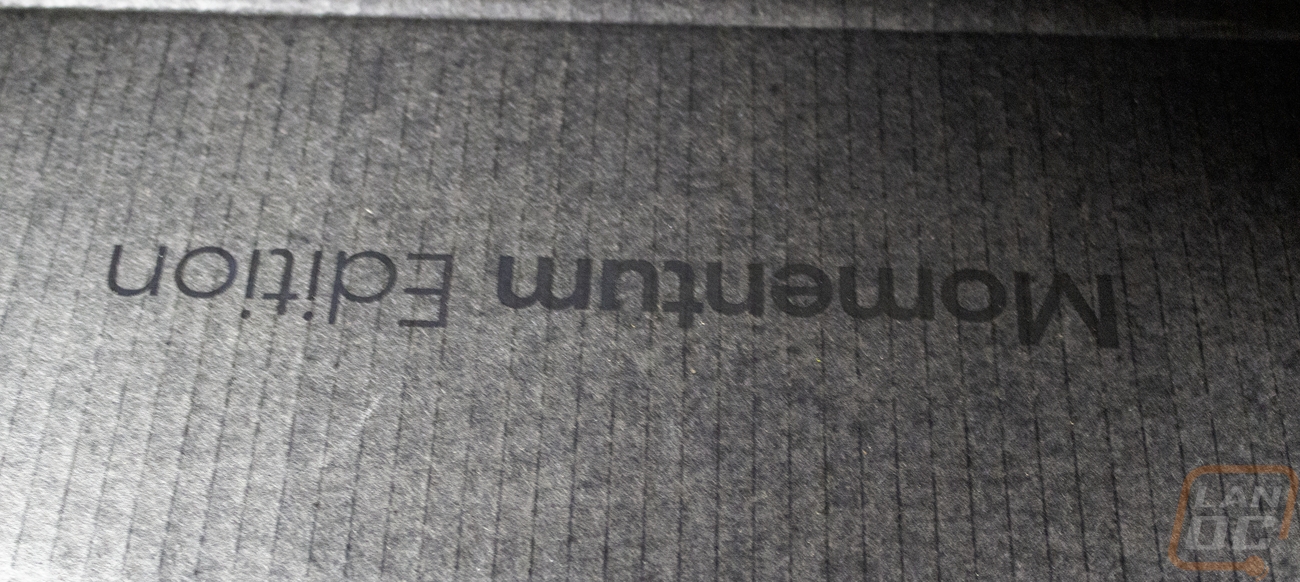
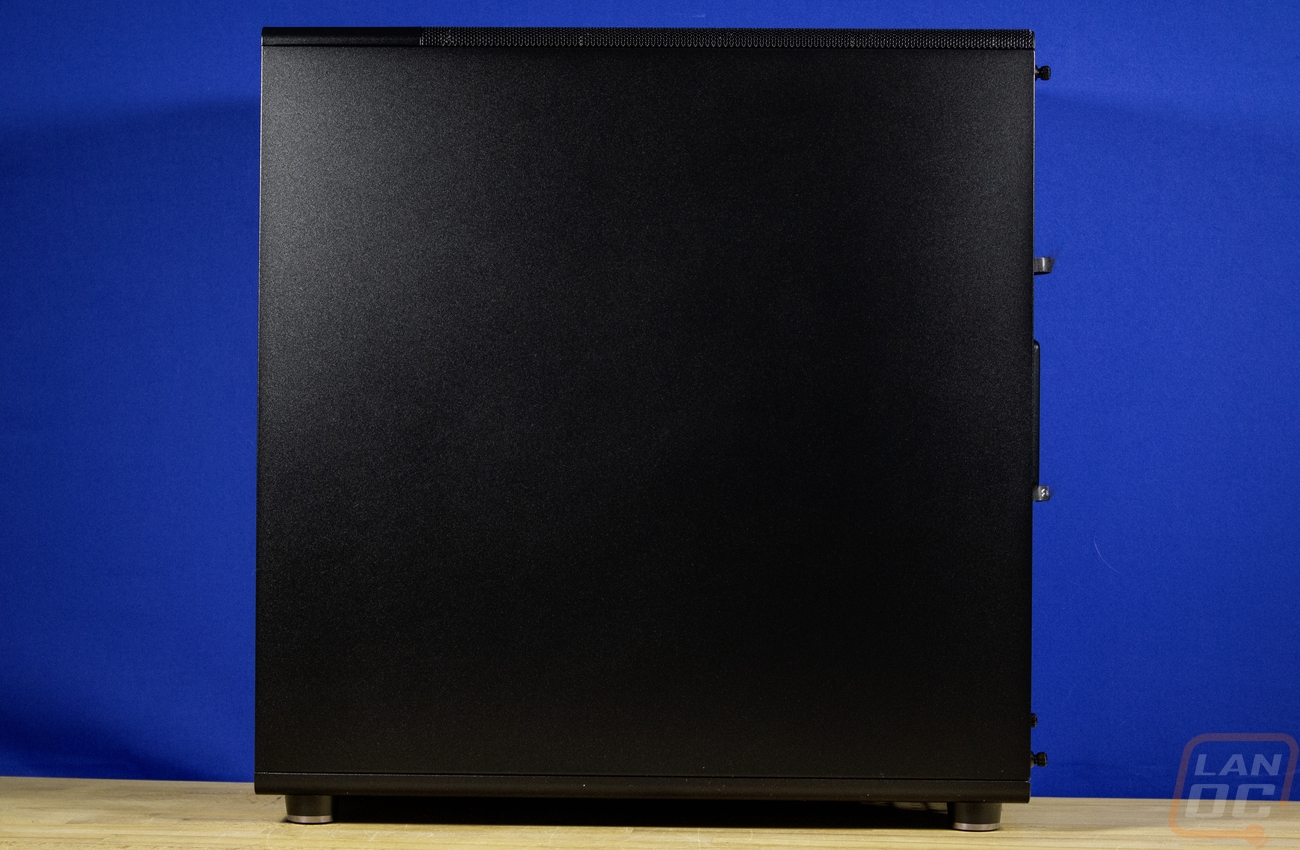
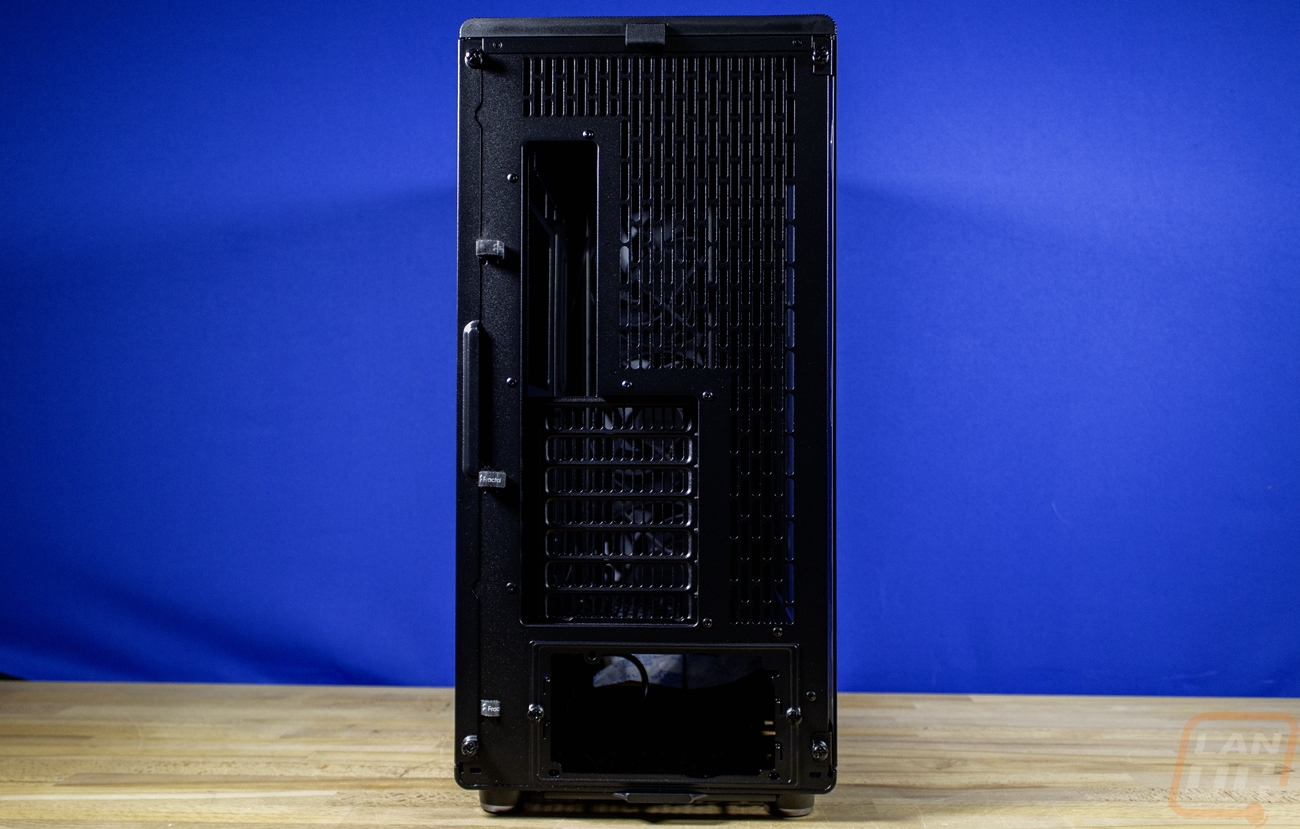
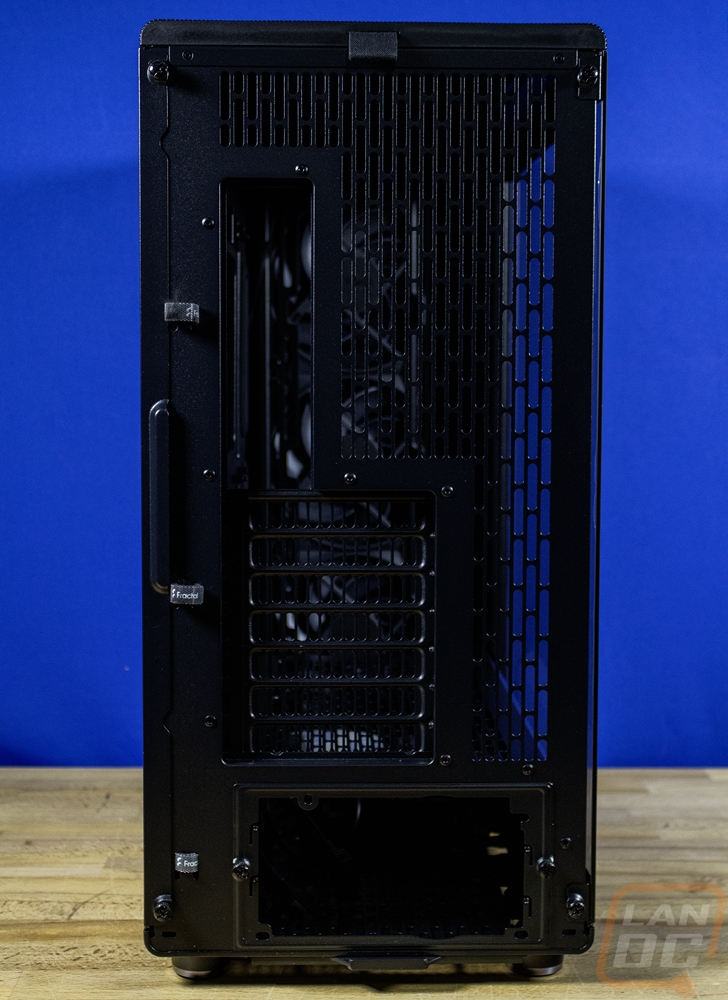
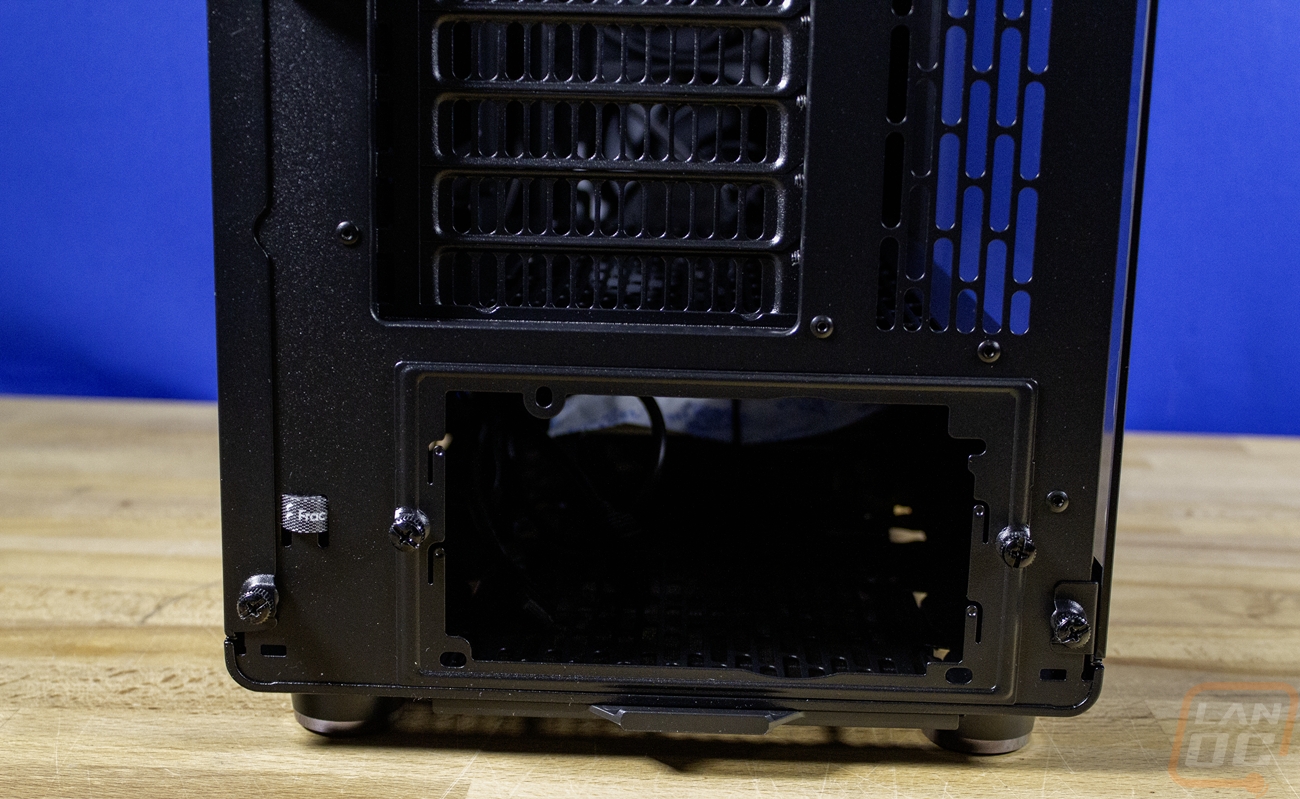
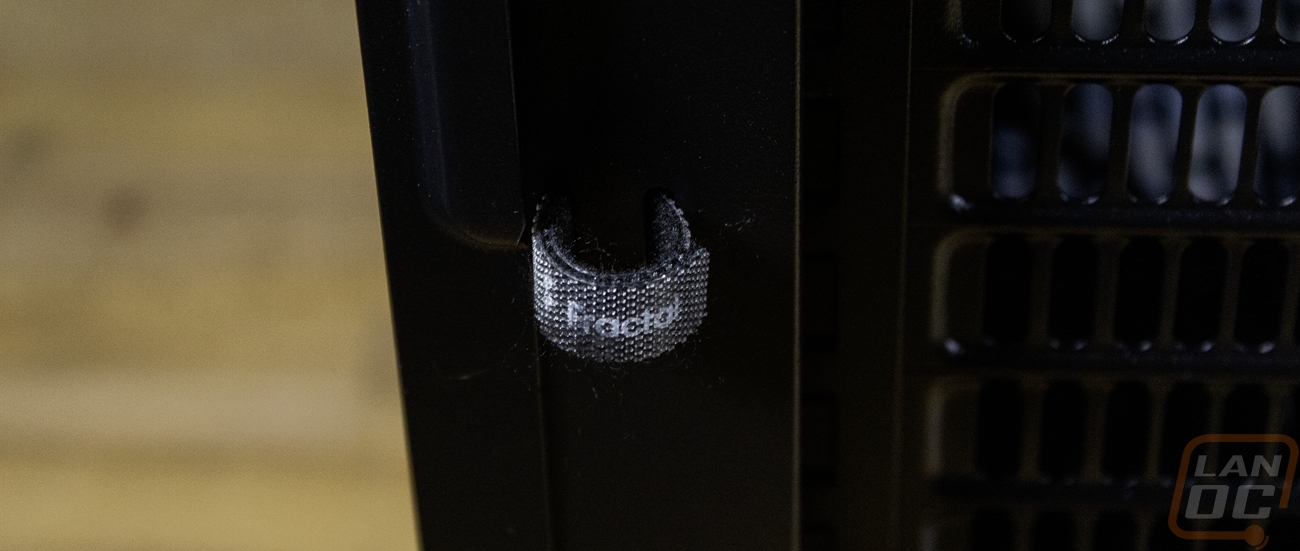
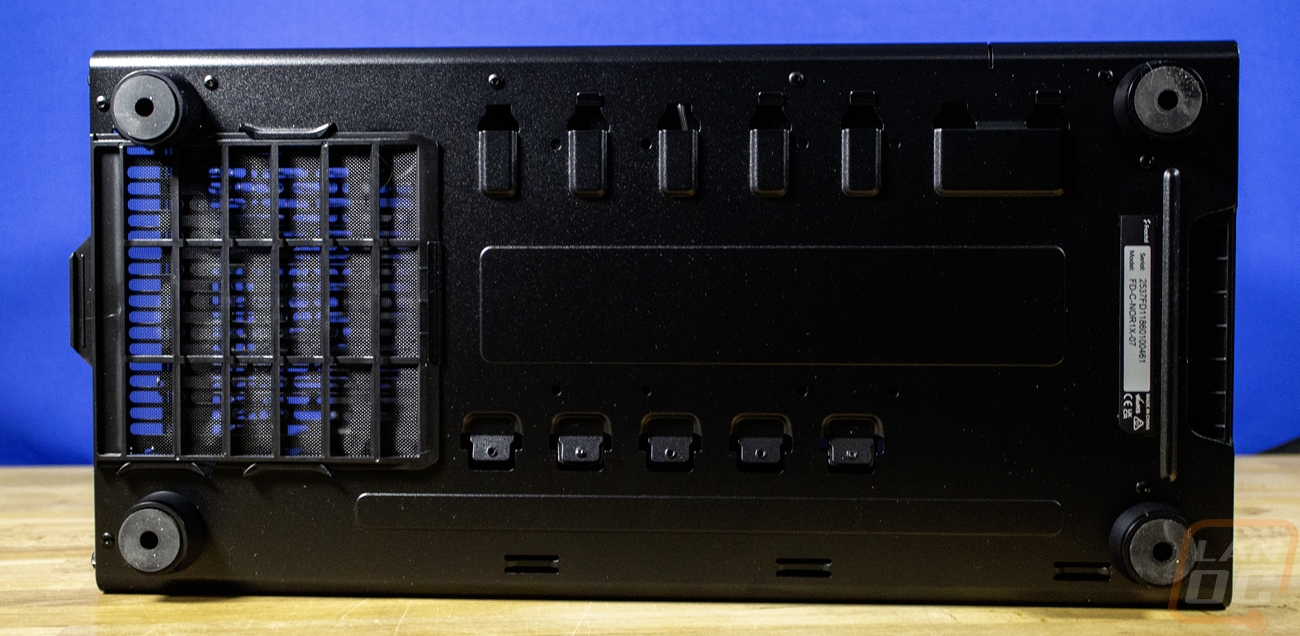
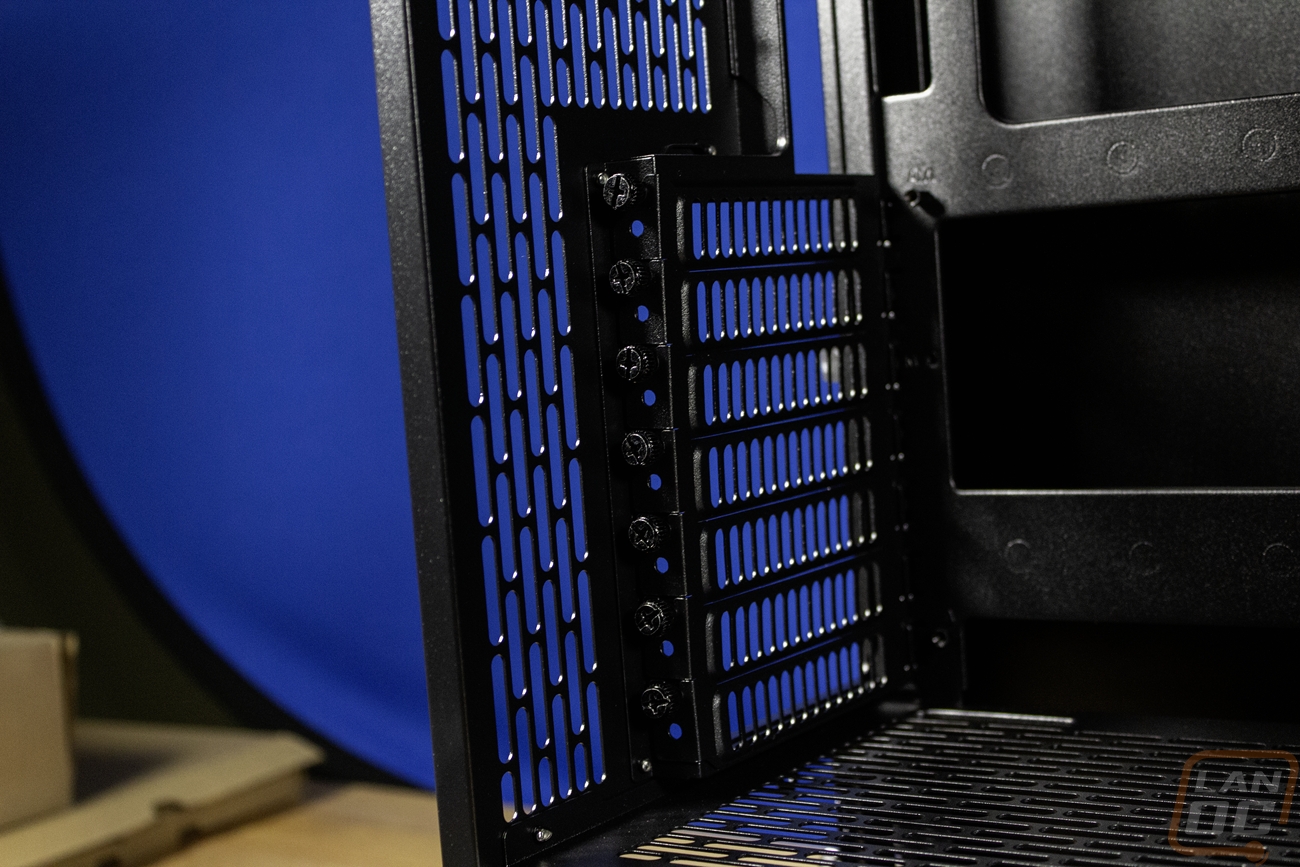
Now the regular North XL is available with a mesh side panel or a tempered glass window. For the North XL Momentum Edition they don’t have the mesh version, just a tempered glass side panel with a slightly tinted glass to match the blacked-out finish. On top of that, the silver option is dropped for a fully black finish that matches the black wood on the front. The left side has the tempered glass but there is still a black plastic section near the front which in the right light, you can see that it says Momentum Edition down at the bottom. The right side of the case has a standard metal side panel that helps hide all of your wiring behind the motherboard tray. Both sides have thumbscrews integrated into them so you don’t have to worry about losing those when you take the side panels off. Then at the back most of the back is vented including each of the 7 PCI slots and all of the space on the back next to the rear I/O as well. The back is all blacked out as well and then the PSU mount is down at the bottom and is removable with two thumbscrews. Also on the back Fractal has preinstalled three Fractal branded Velcro straps to use with wire management for the cables going to the rear I/O which is a nice touch. On the bottom the North XL Momentum Edition has a dust filter at the back for the PSU fan which will pull air from the bottom of the case. This can be pulled out from the back and is the filter that is most likely to get the most dust in a lot of situations. The bottom has a small sticker with the model number and the case's serial number. Then it has four wide feet, one in each of the corners, with rubber on the bottom to help keep the case planted.
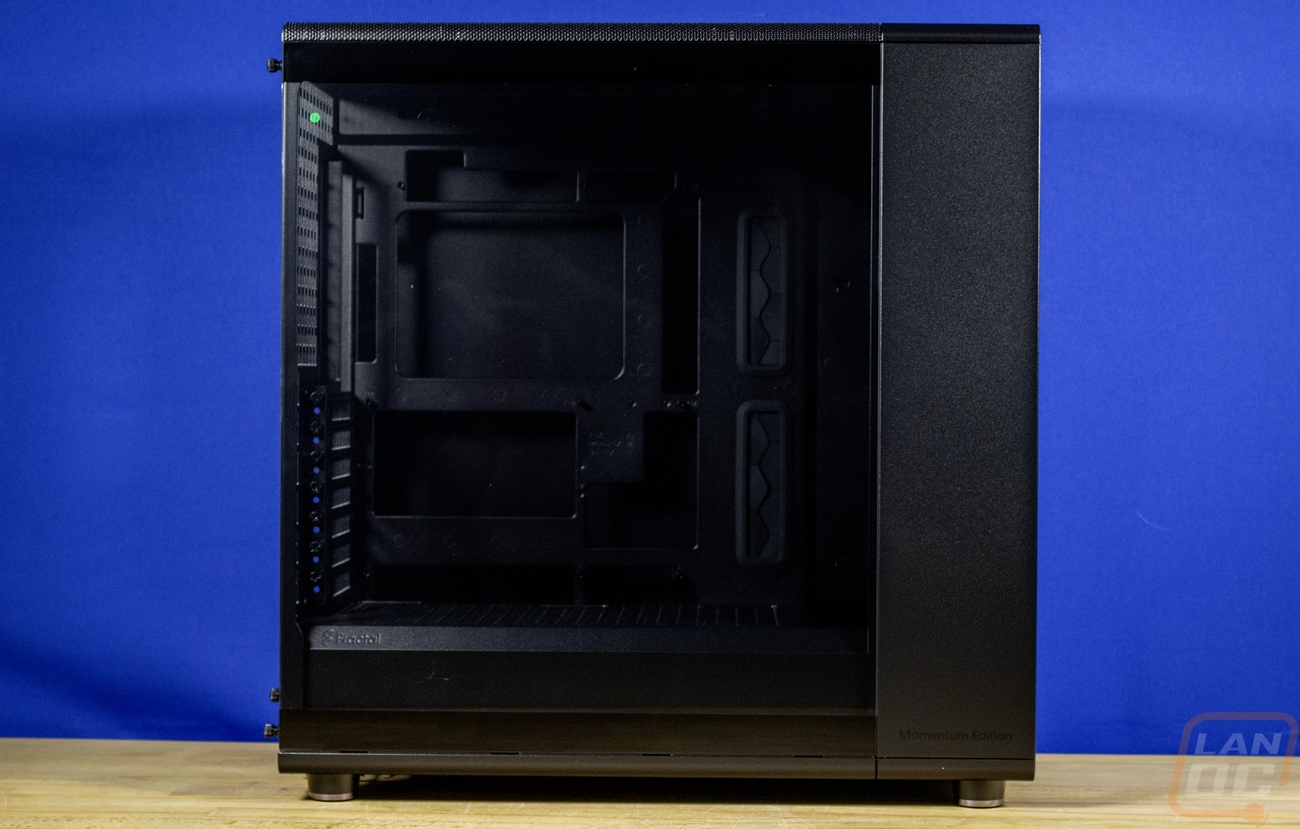
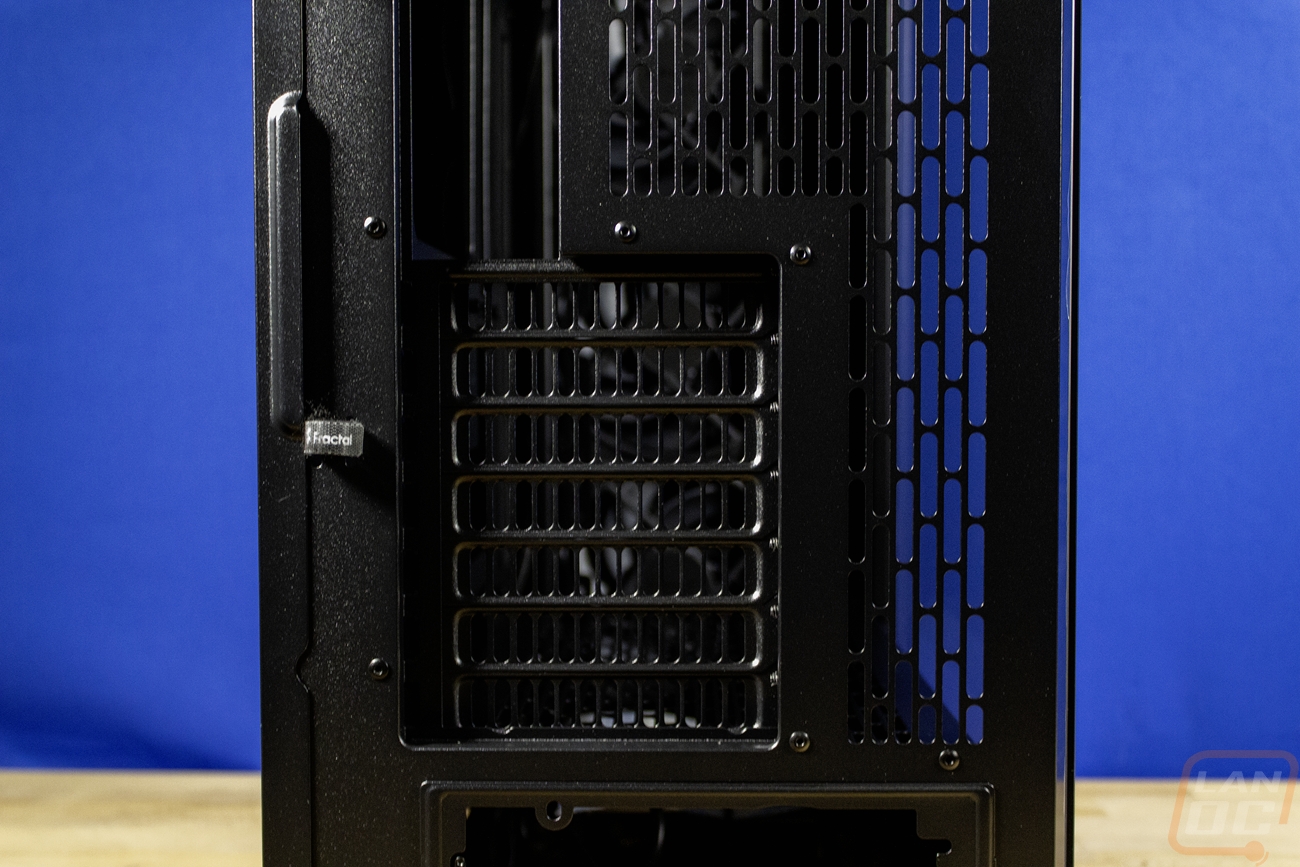
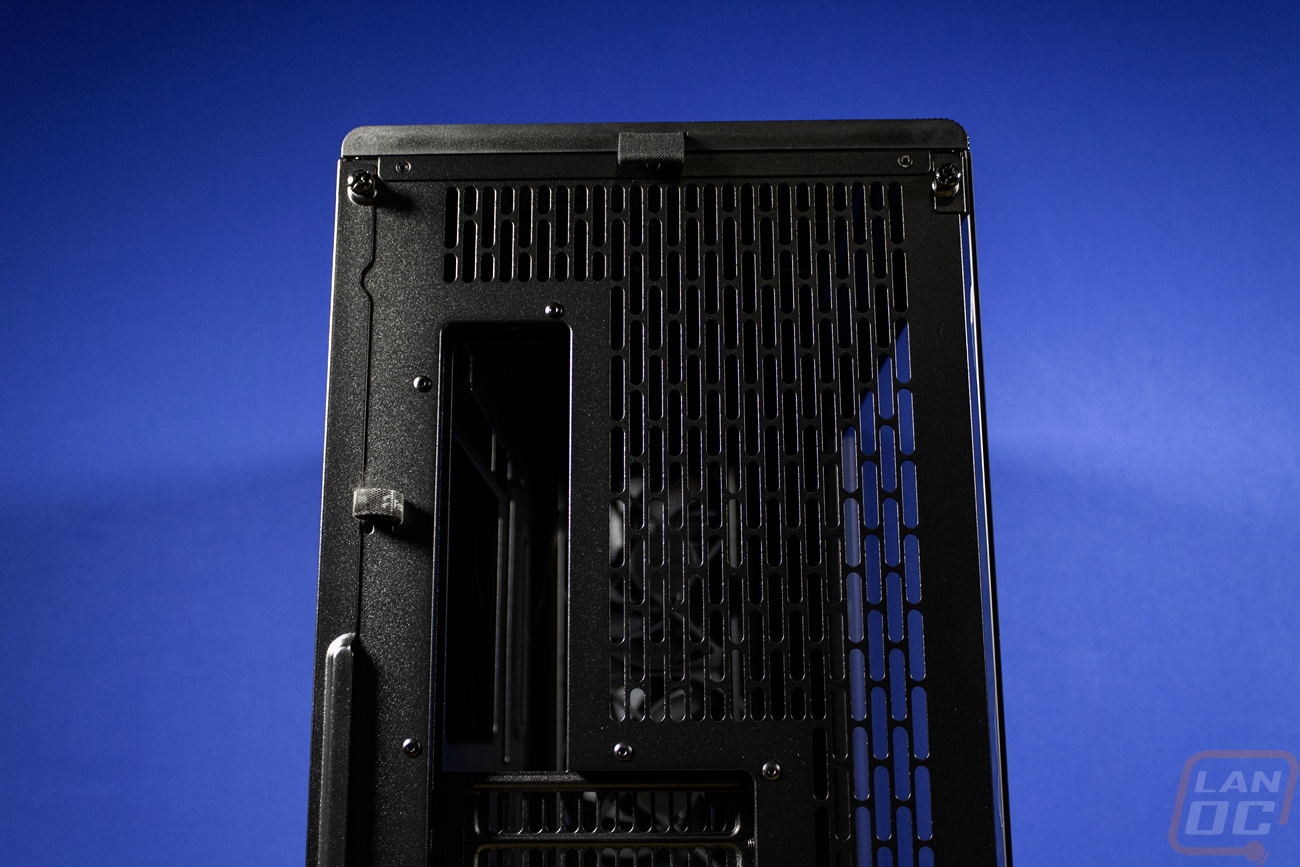

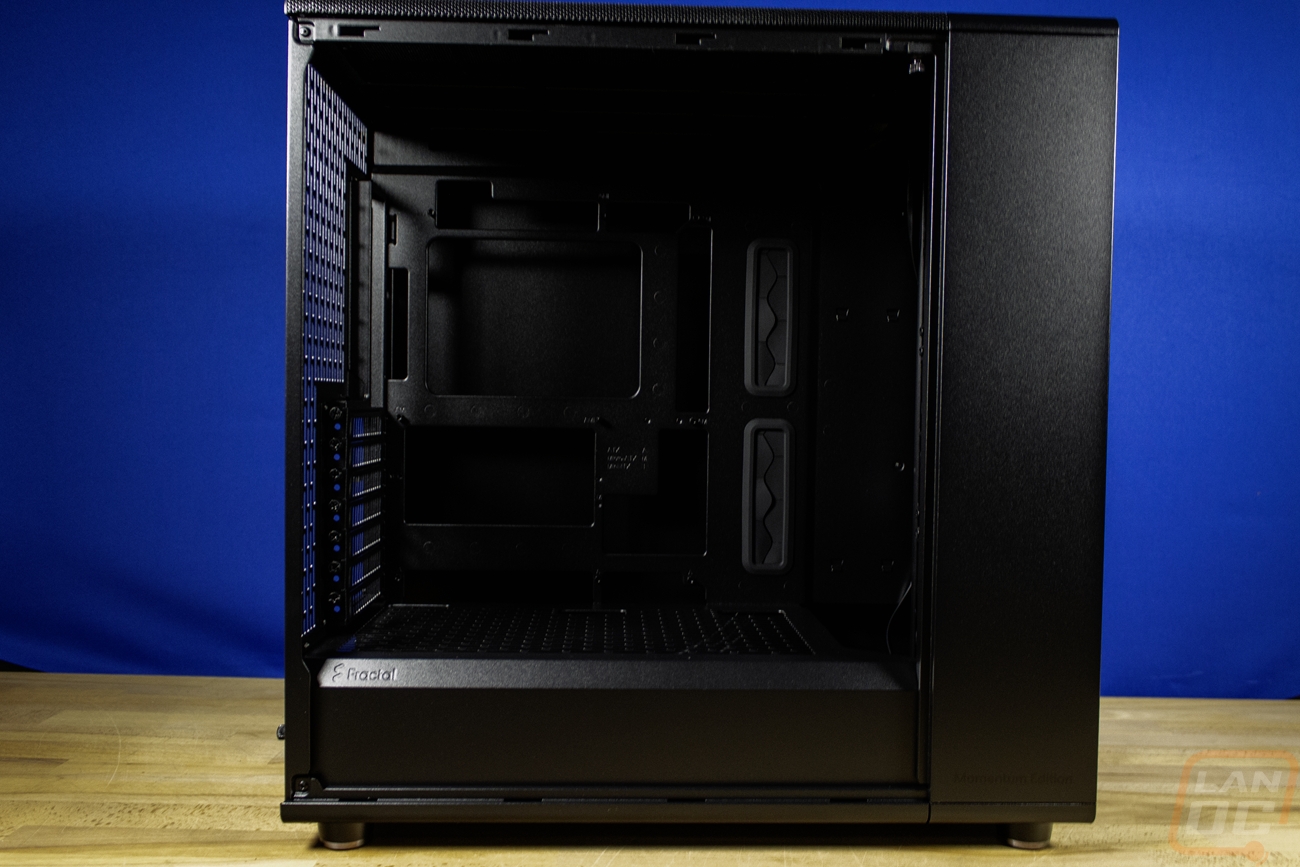
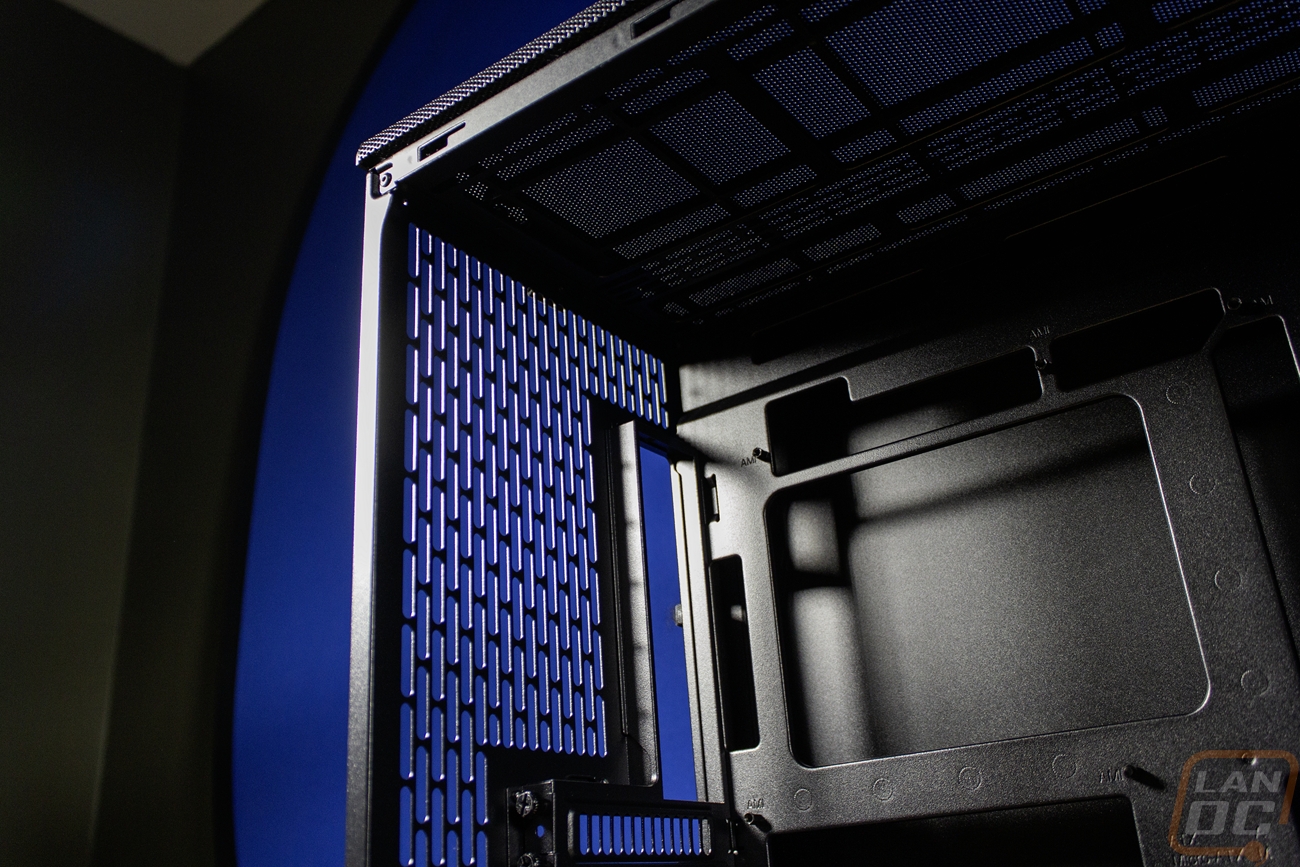
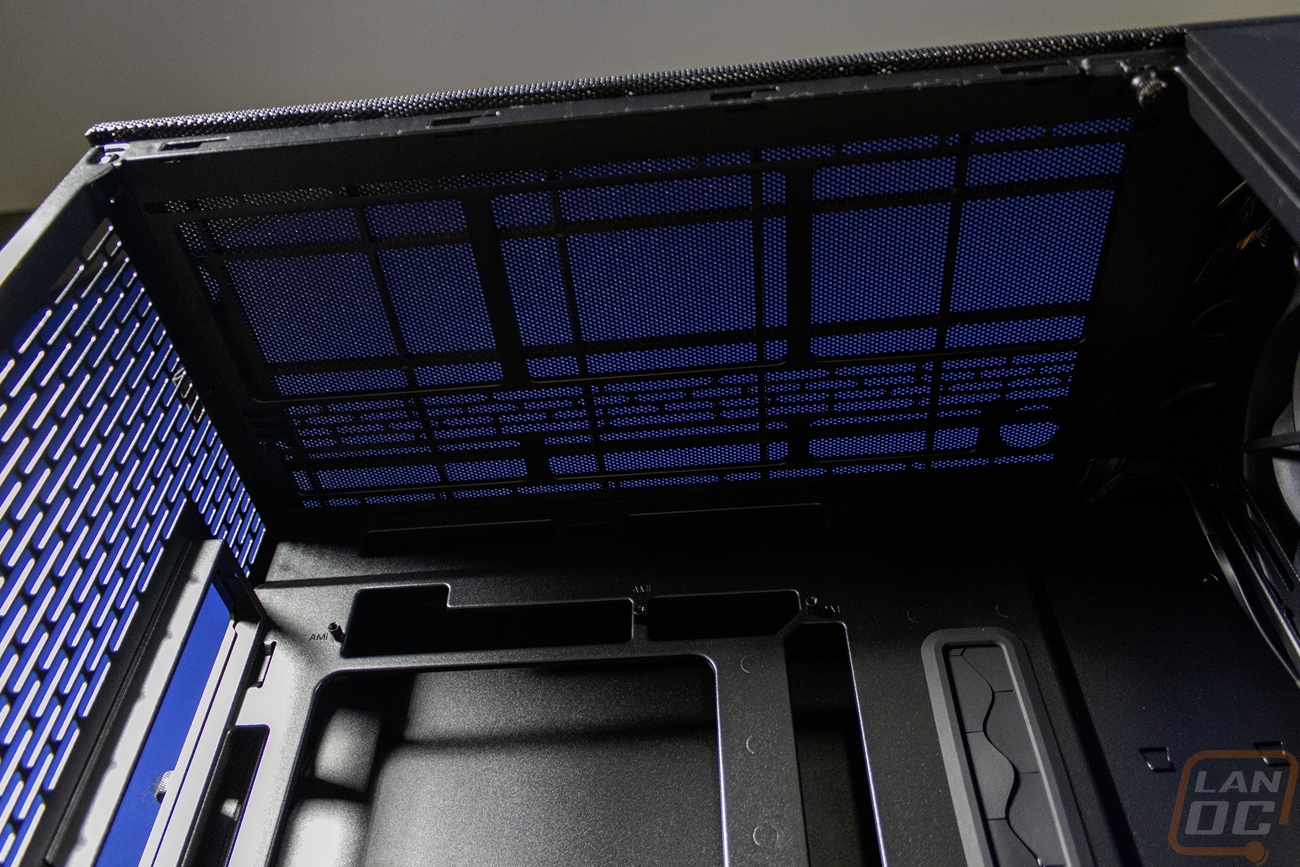
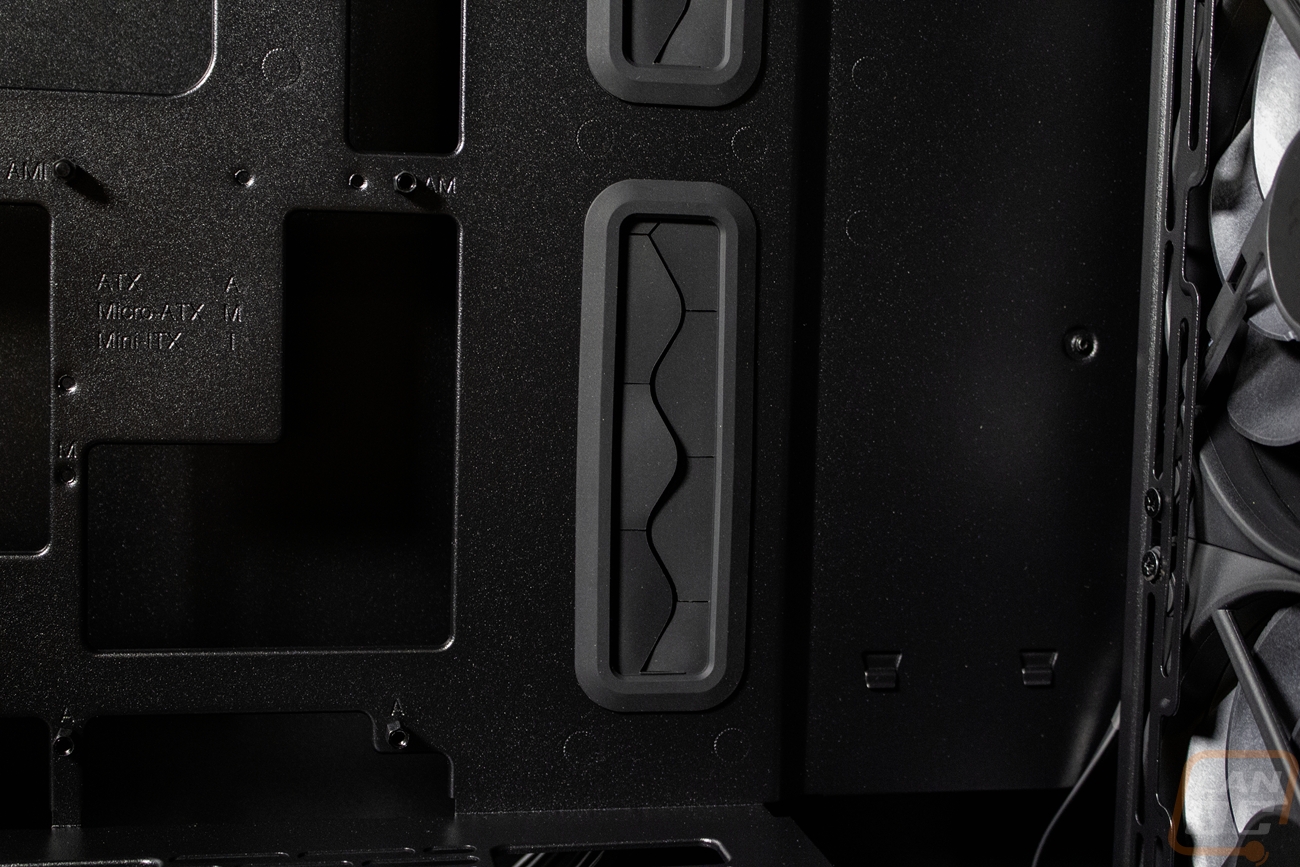
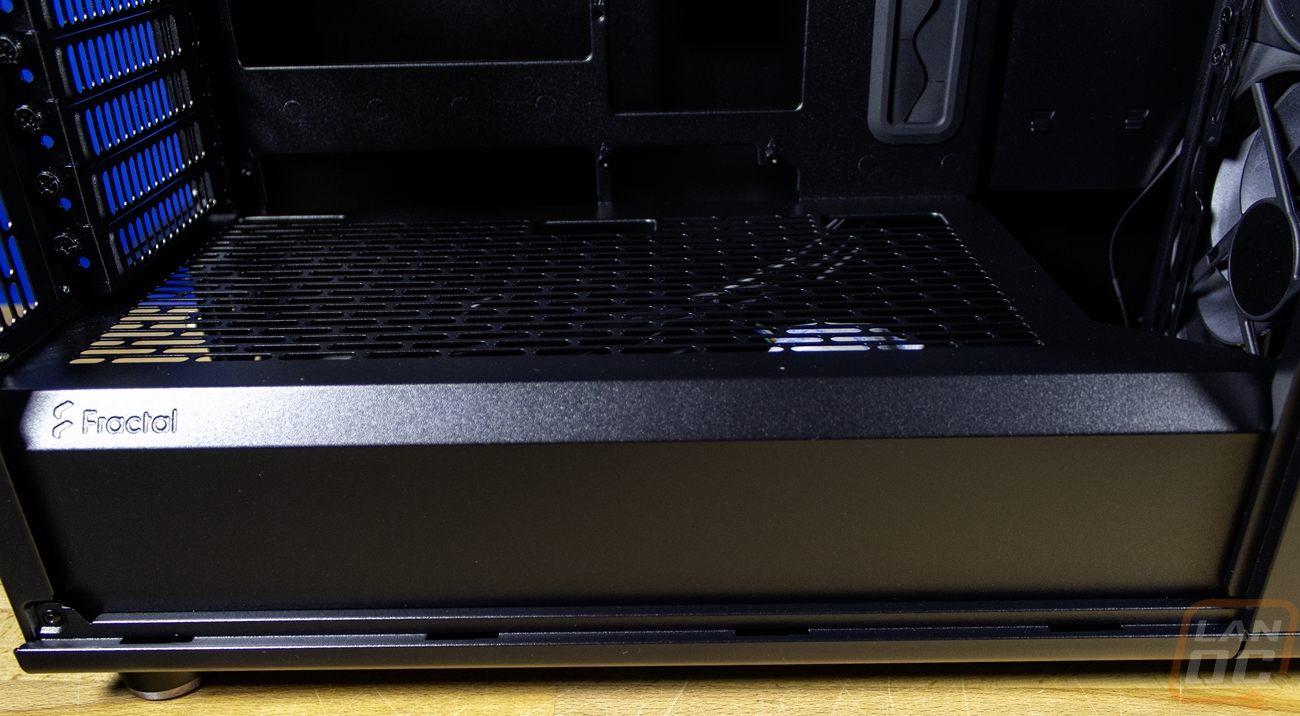
With the tempered glass side panel off you can see the all-black interior that ties the whole blacked-out theme together. The North XL design leaves the thick metal section at the front of the case attached with the side panel off. This hides your fans and radiator if you decide to mount that to the front. Then at the bottom they have a steel enclosure around the entire bottom of the case as well that covers up the PSU area as well as where you would install any hard drives. That bottom section does have vents cut all across the top for ventilation however. The motherboard side is relatively standard layout-wise. Fractal has the motherboard tray but you will notice that there are a LOT of large holes cut in it. You have the standard rear of the CPU access hole along with a hole to slip a few wires in at the top. But there is also a larger hole below that that gives access to the back side of the PCI slot area, a few boards have had extra M.2 slots on the back there. On the right there are hidden wire slots that go top to bottom almost and next to those you have two exposed wire holes with grommets in them. We saw that the rear of the case has ventilation all over it from the outside. You can mount a 120 mm or 140 mm fan or radiator on the back if you need it. On top of that, the entire top of the case has ventilation with a support bracket over the top that allows you to mount a 280 or 360 mm radiator up top. Fractal has left a lot of room between the top of your motherboard and the top of your case to make sure you won’t have any clearance issues there as well. If you are only mounting fans the top also supports two 180 mm fans if you have them. Then at the front the case comes with three 140 mm Fractal Aspect PWM fans preinstalled. The front can install a 420 mm or 360 mm radiator. Now for GPU clearance it will depend on whether you are running a radiator in the front or not. Without one you have 413mm in clearance and with a 33 mm thick radiator that drops down to 380 mm in GPU length.
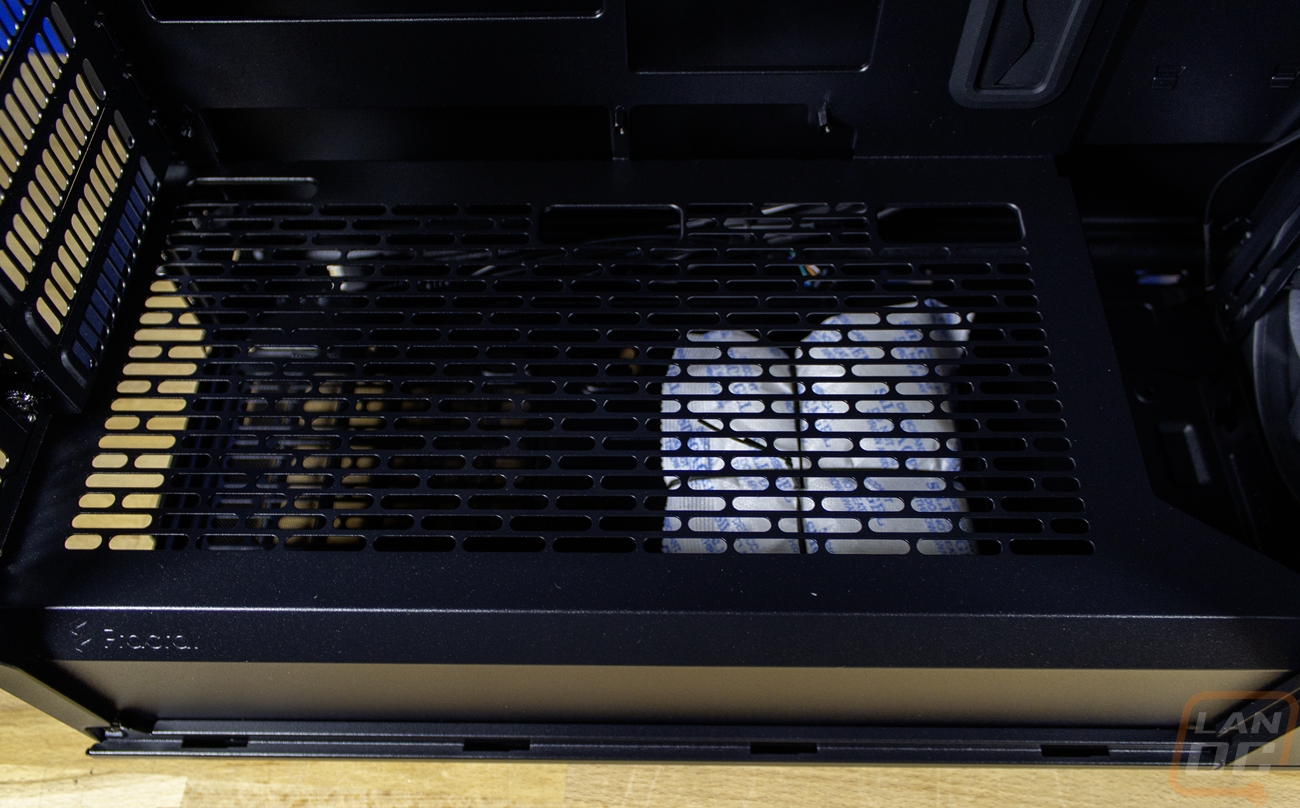
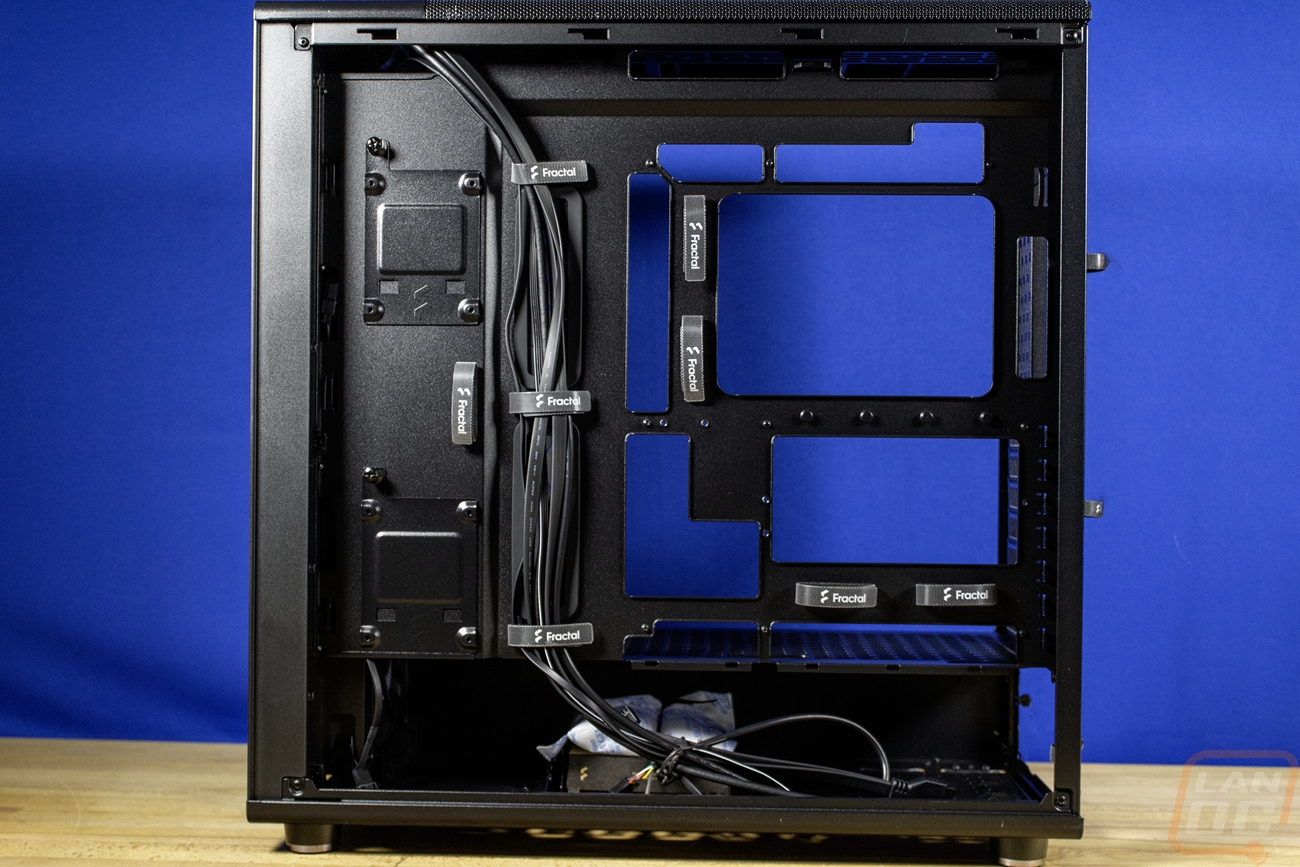
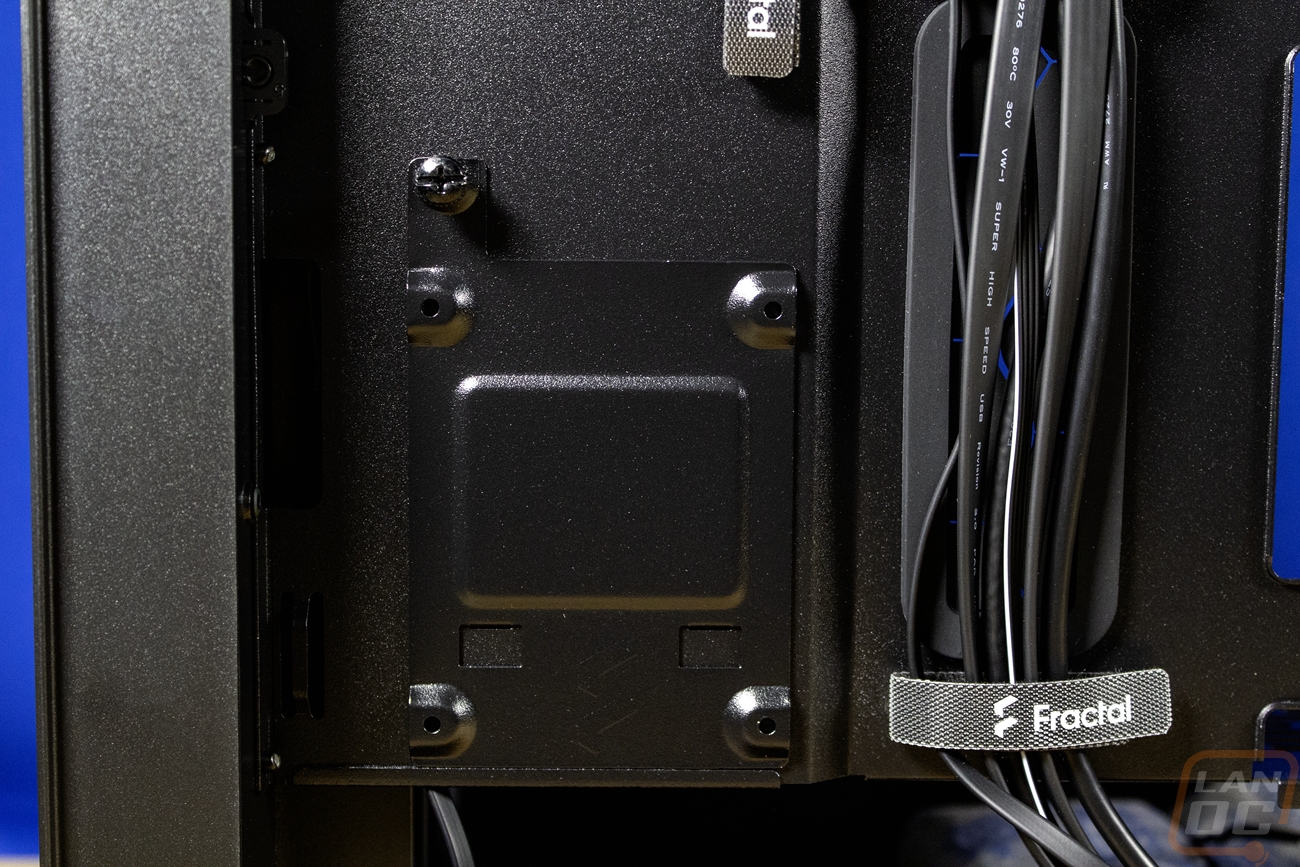
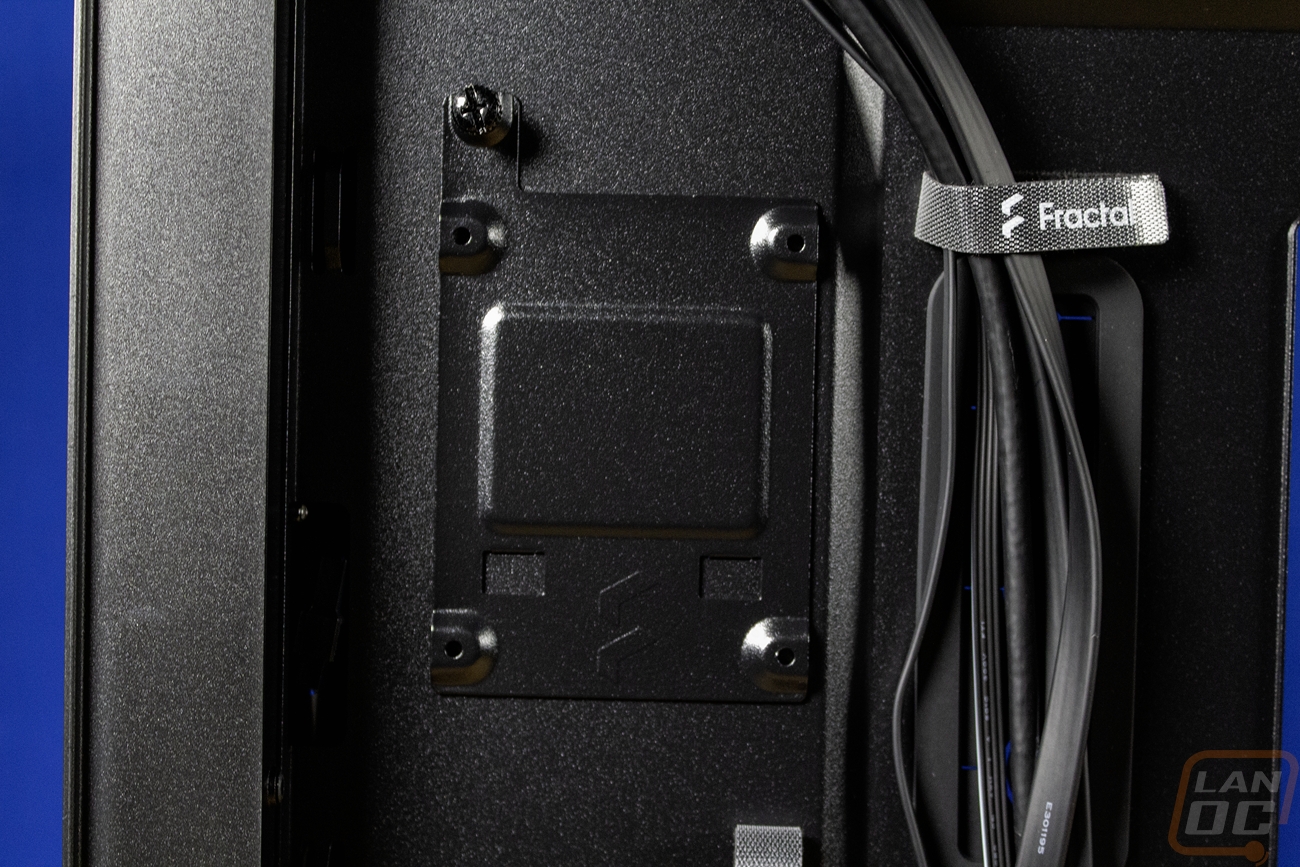
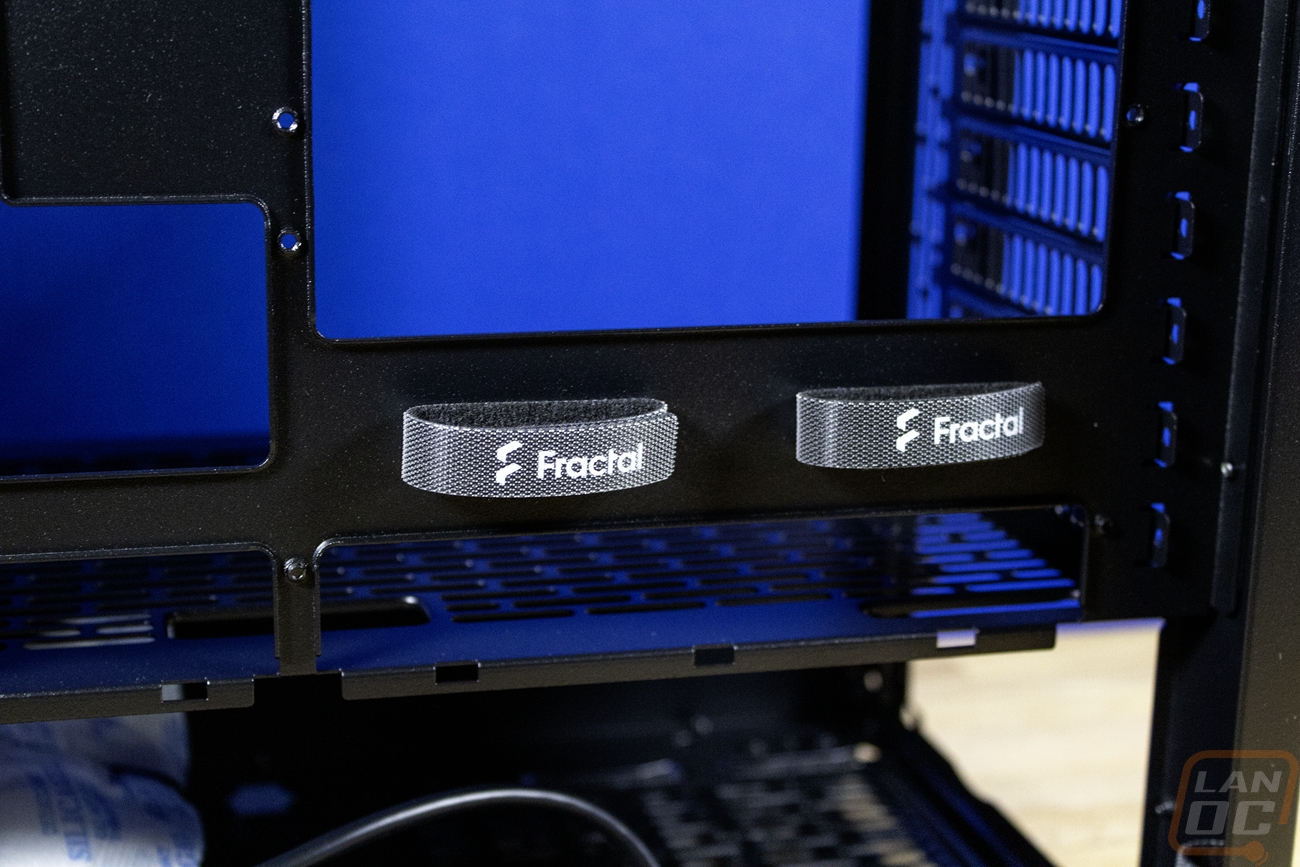
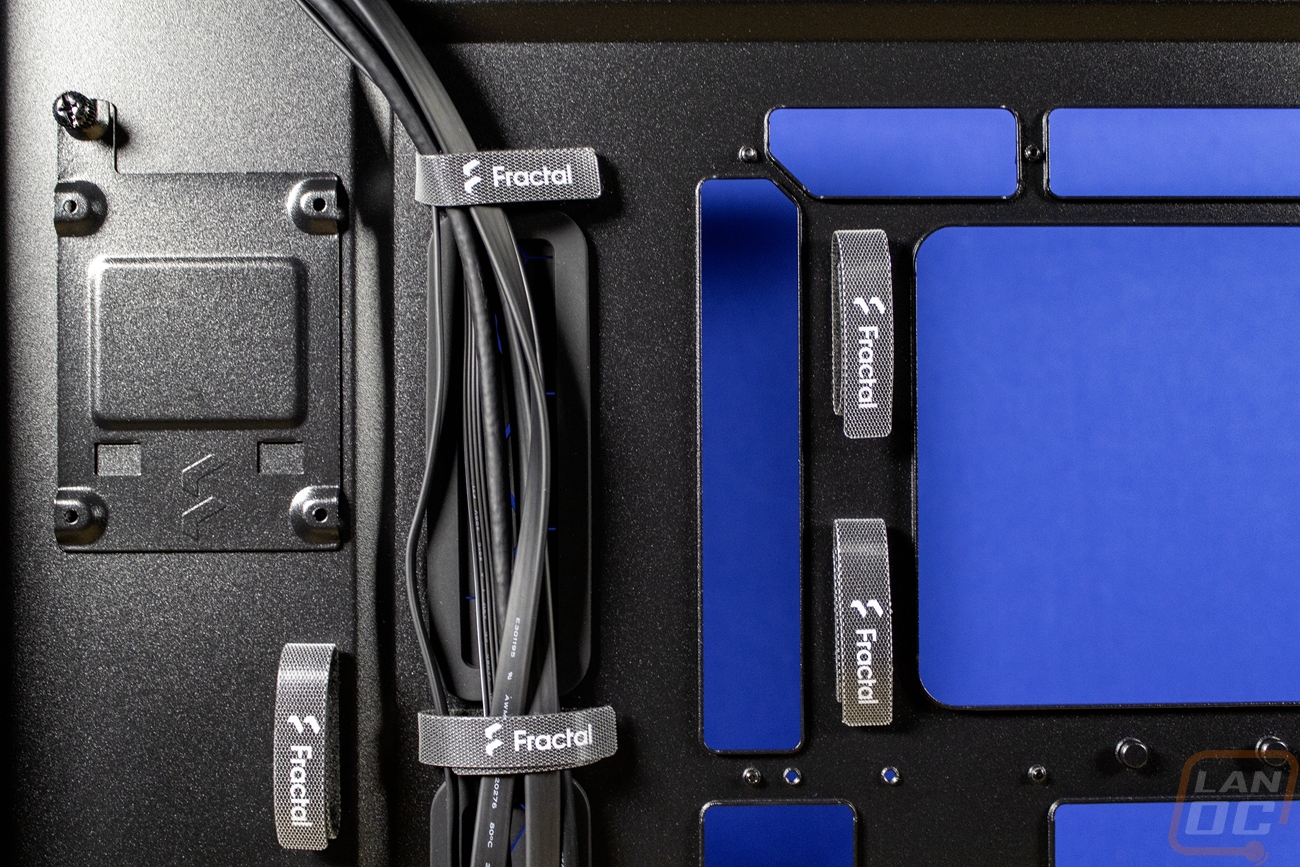
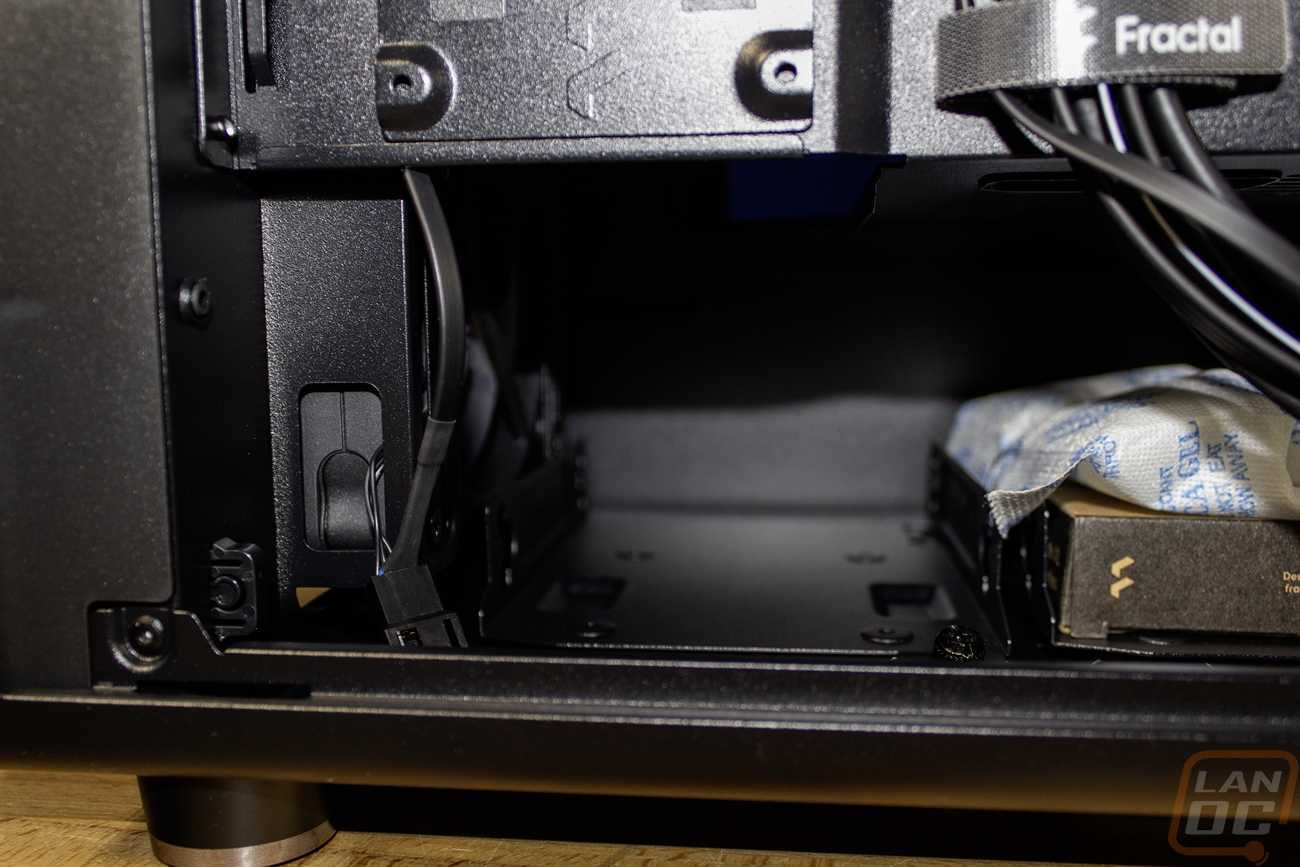
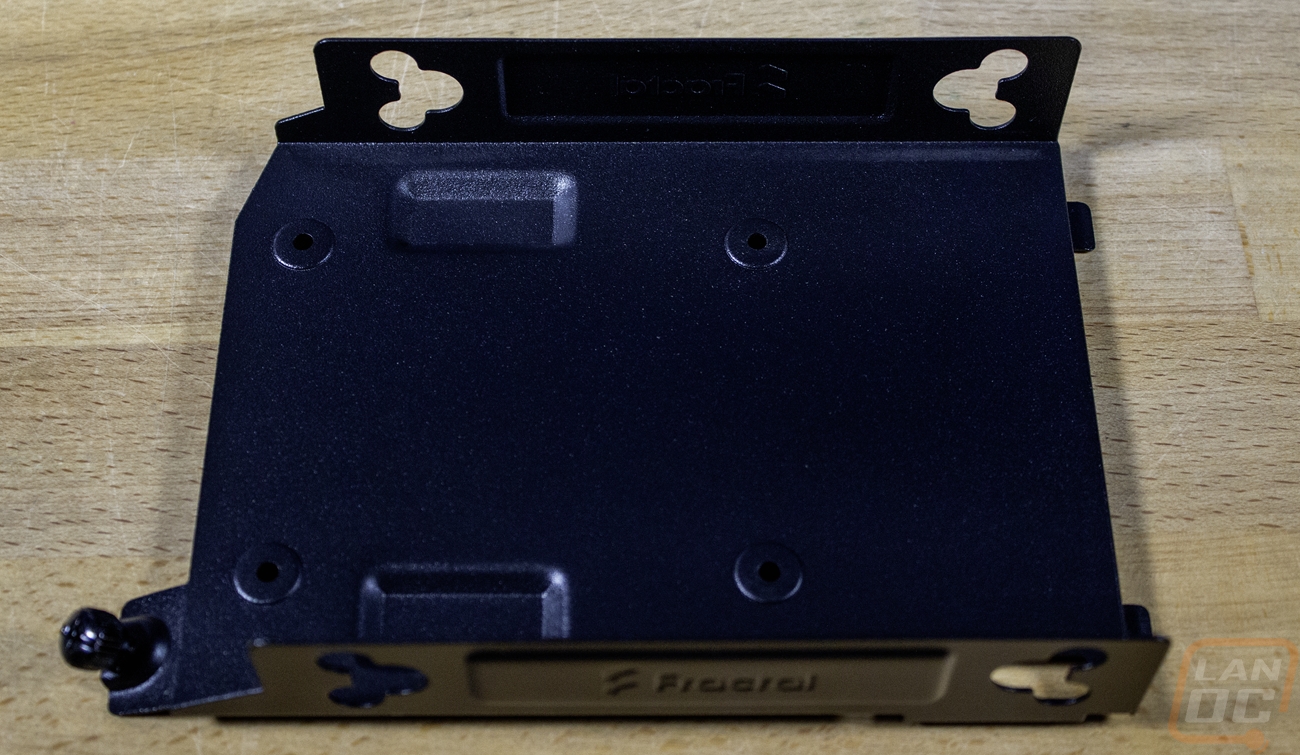
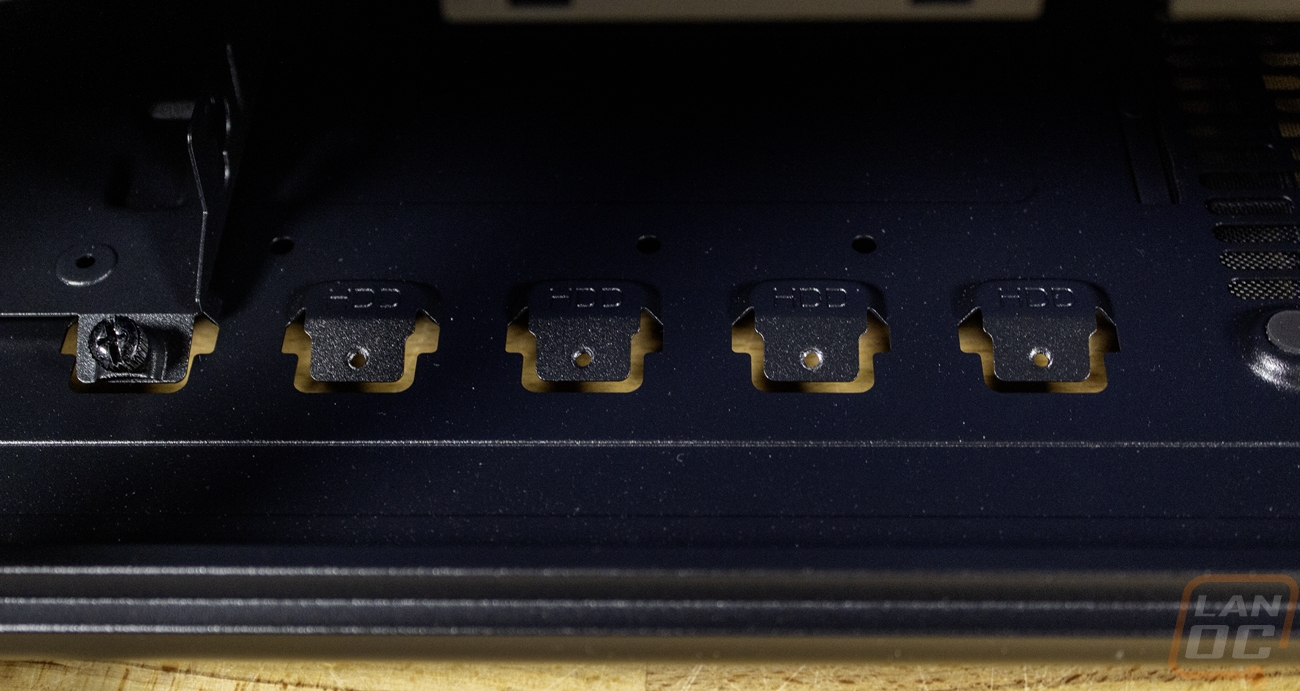
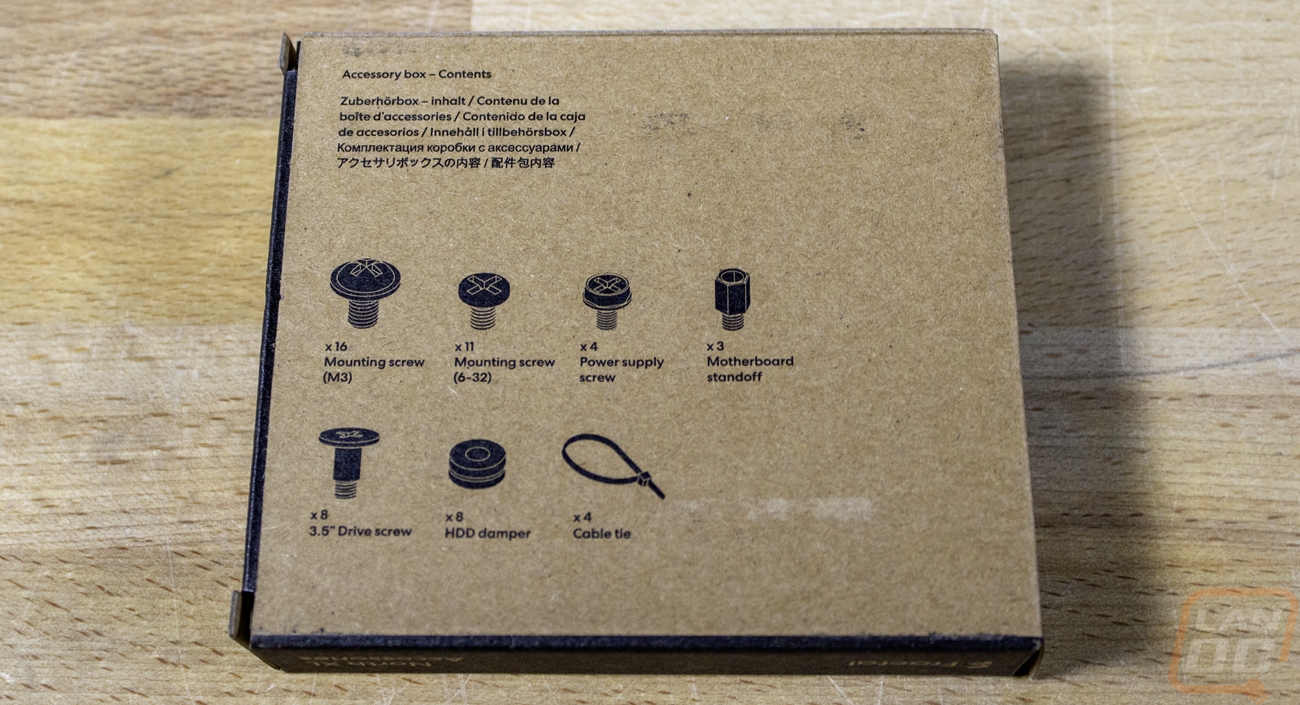
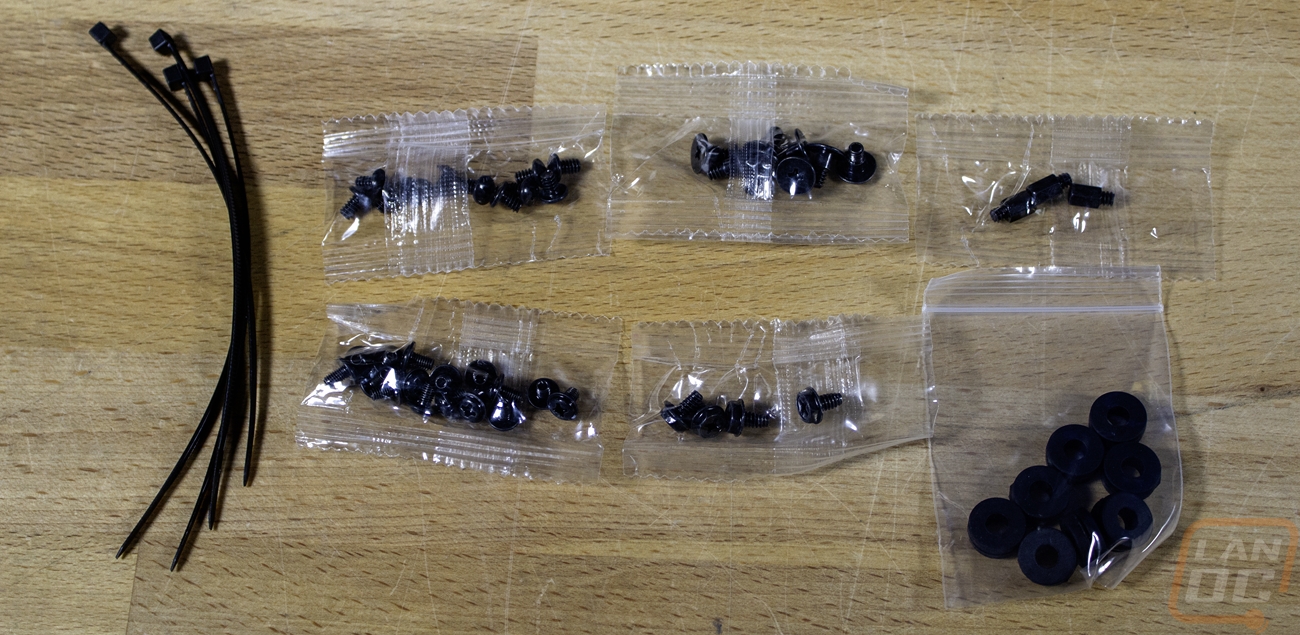
Behind the motherboard tray and all of the bottom PSU compartment are all accessible with the right side panel off on the North XL Momentum Edition. The back side allows 33 mm of space for wiring and Fractal has loaded the case up with more of those Fractal-branded Velcro straps all over the place. The case’s wiring comes pre-installed in a few of them, but there are other straps for the rest of the wiring as well. There are two removable 2.5-inch SSD trays on the left; these can be removed with just one thumb screw. Then down in that bottom section, there are two 3.5-inch hard drive trays, also secured with just one thumbscrew. Those have multiple mounting locations, you can move them forward or back, depending on whether you are running a long front radiator or a long PSU or both. Those trays will also support an SSD as well if you need more than just the two. The case’s accessories all come down here, mounted in one of the hard drive trays. You get a nice box with a picture of everything you will find inside, which includes a few more motherboard standoffs, mounting screws of all types, four zip ties, and a set of 8 hard drive screws and matching rubber dampers. Each other than the zip ties comes in a plastic bag with just the rubber dampers coming in a reusable bag.
I will dive into the North XL Momentum Edition a little more in a future article when we install everything into the case. Next time you see us, I will be diving into what I am changing network-wise to hopefully avoid any more NICs failing, as well as the power supply to power everything, and the video card as well.