It used to be that if you lived in an area that had a lot of power outages, you would need to own a gas generator to at least keep your refrigerator and freezer up and running, and if you were lucky enough, maybe keep a few amenities up and running as well. But as battery technology has improved, a new option has come along for some situations. Portable Power Stations have become capable enough to replace gas generators in some situations while being significantly cheaper than full whole-house battery backup options. They are also portable enough that they can be used not only with homes but with RVs, camping (well, maybe glamping), and at work sites as well when some power is needed. It’s become big enough that Anker created a full sub-brand with their SOLIX brand with a wide range of options and capacities which I’ve taken a look at a few of their smaller options. This month they introduced the new Anker SOLIX C2000 Gen 2 and they sent it and one of their fold-up portable solar panels over to check out. We already have three UPSs in the house trying to keep disruptions to a minimum. I’m curious to see how adding in the larger C2000 into the mix might help us be even more prepared, especially as we get closer to winter. So let’s dive in and see what the C2000 Gen 2 has to offer and then put it to the test.
Product Name: Anker SOLIX C2000 Gen 2
Review Sample Provided by: Anker
Written by: Wes Compton
Amazon Affiliate Link: HERE

Packaging
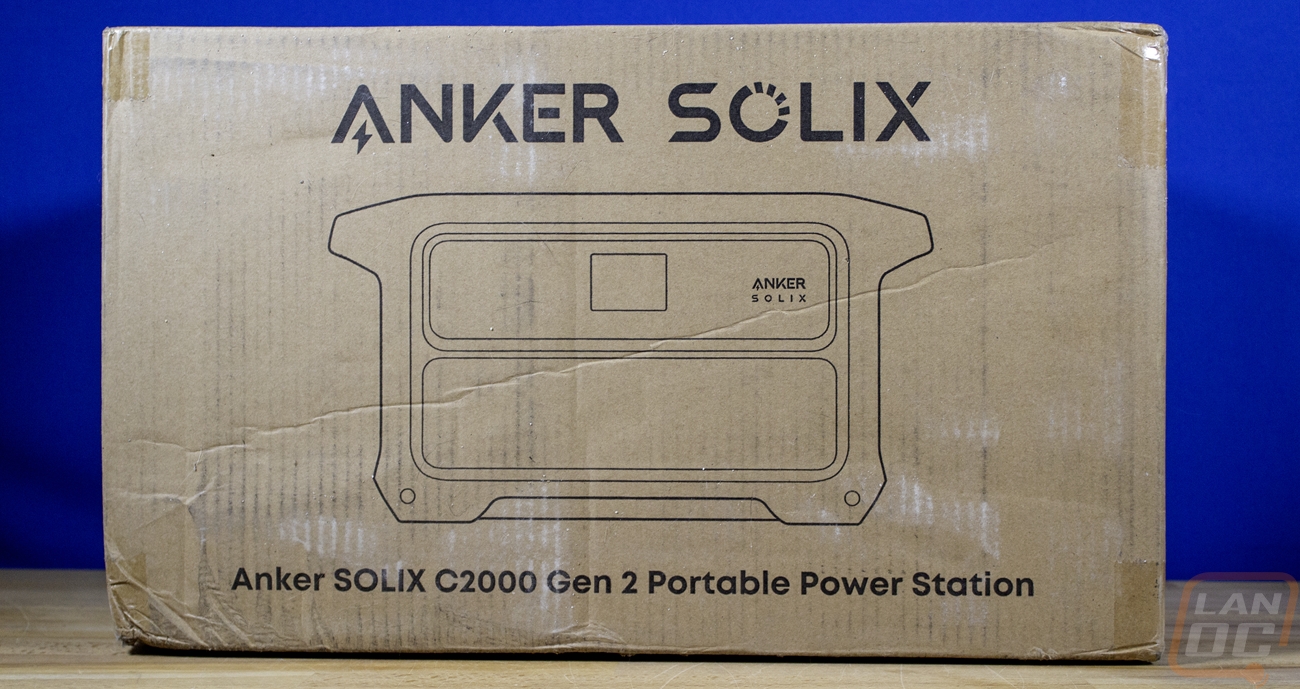
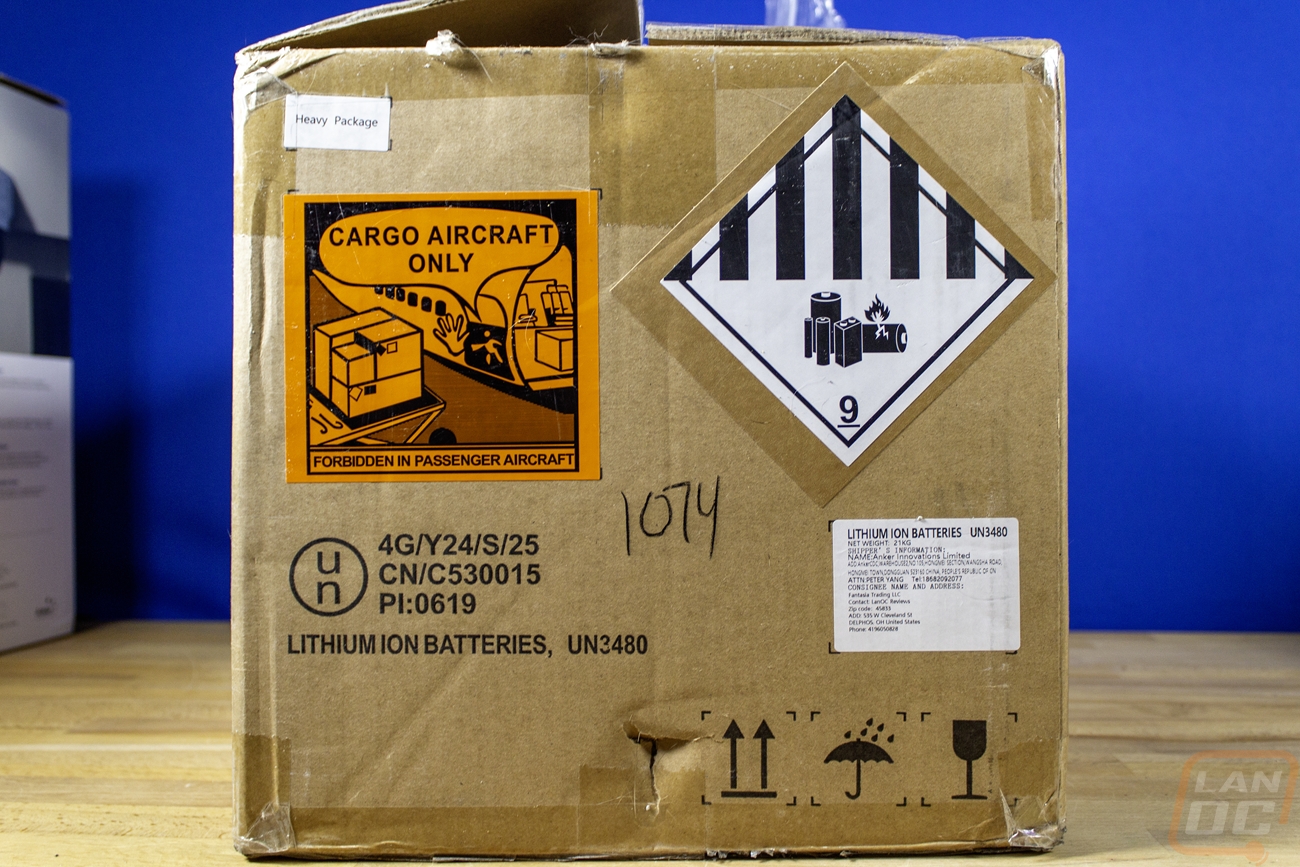
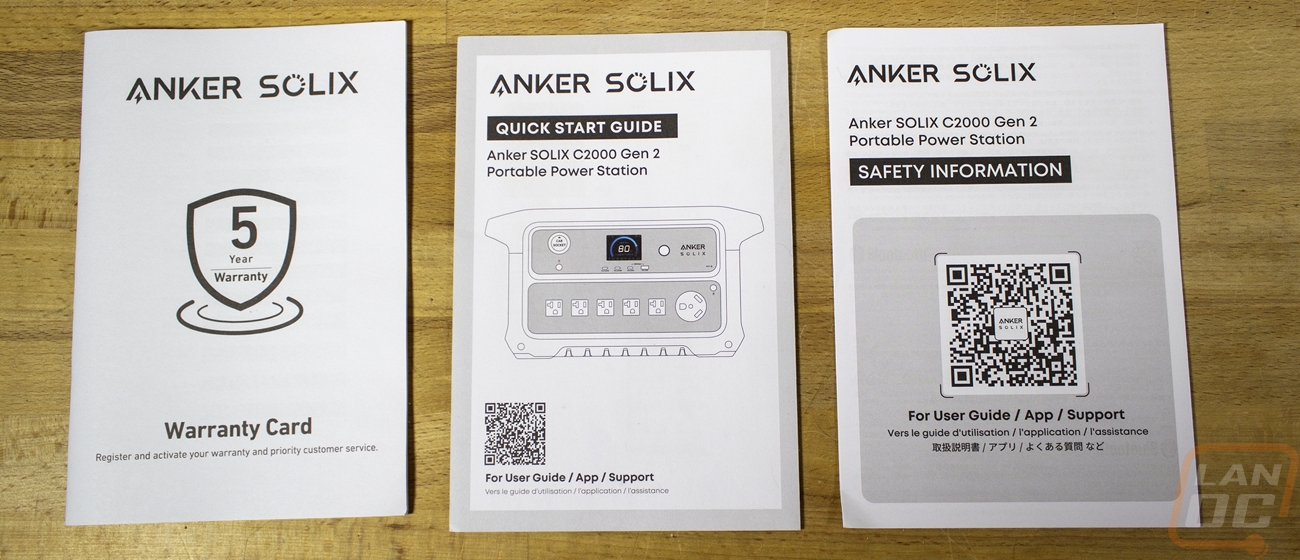
With the Solix C2000 Gen 2 being just under 42 pounds in its box, the packaging is a little more stout than you typically see from Anker. The C2000 Gen 2 came in a brown box with a simple line drawing of the power station on the front and back of the box. It also has a whole variety of important warning stickers on the side for the shipping company including one warning that it can only go on cargo aircraft and multiple warnings that it has lithium-ion batteries inside. Once in the box you can pull the C2000 Gen 2 out of its plastic bag and you do get a smaller cardboard box with its accessories. You also get some documentation including a warranty card for its 5-year warranty, a quick start guide and one with safety information as well. The last two both have a large QR code on the front that gets you to a digital user guide and links to both the app and support as well.
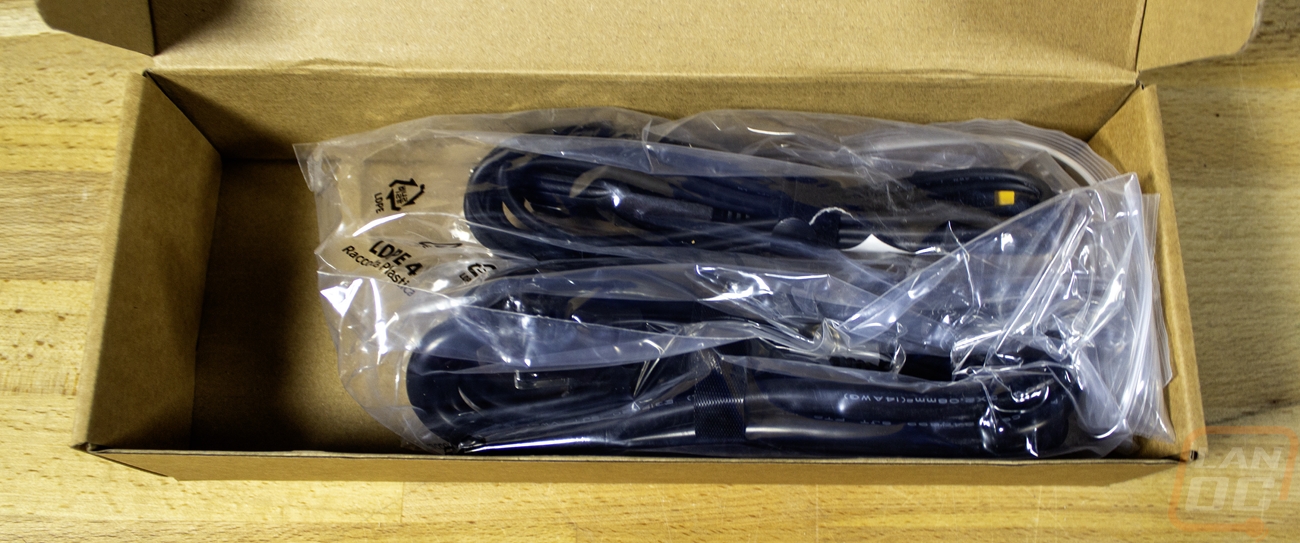
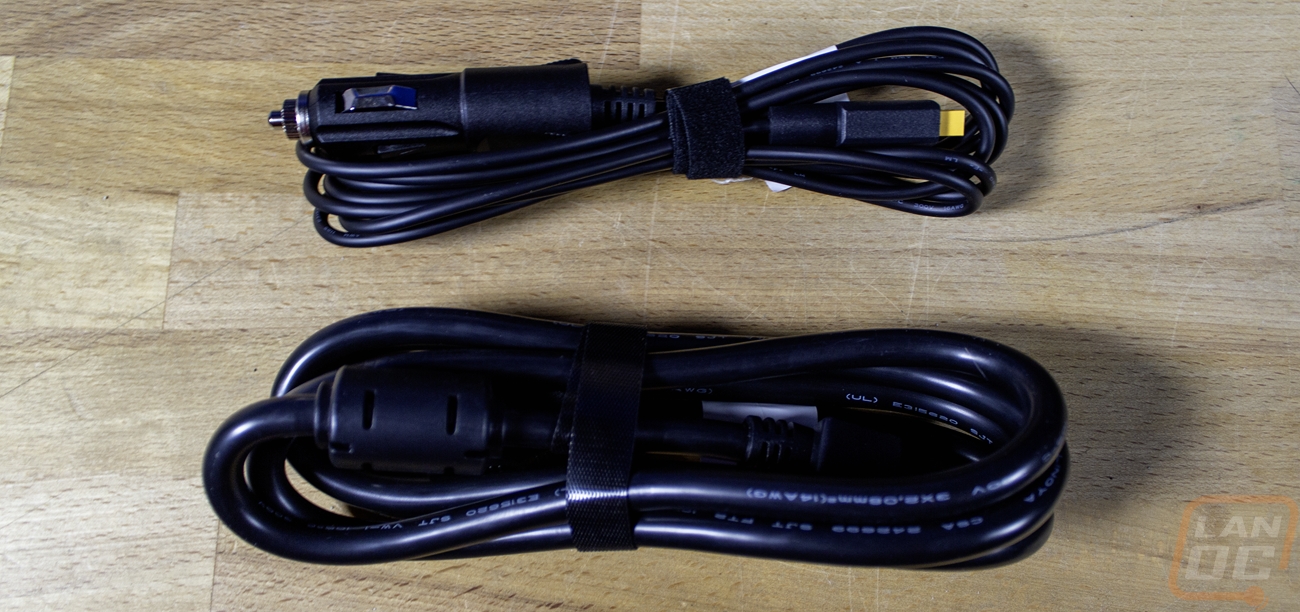
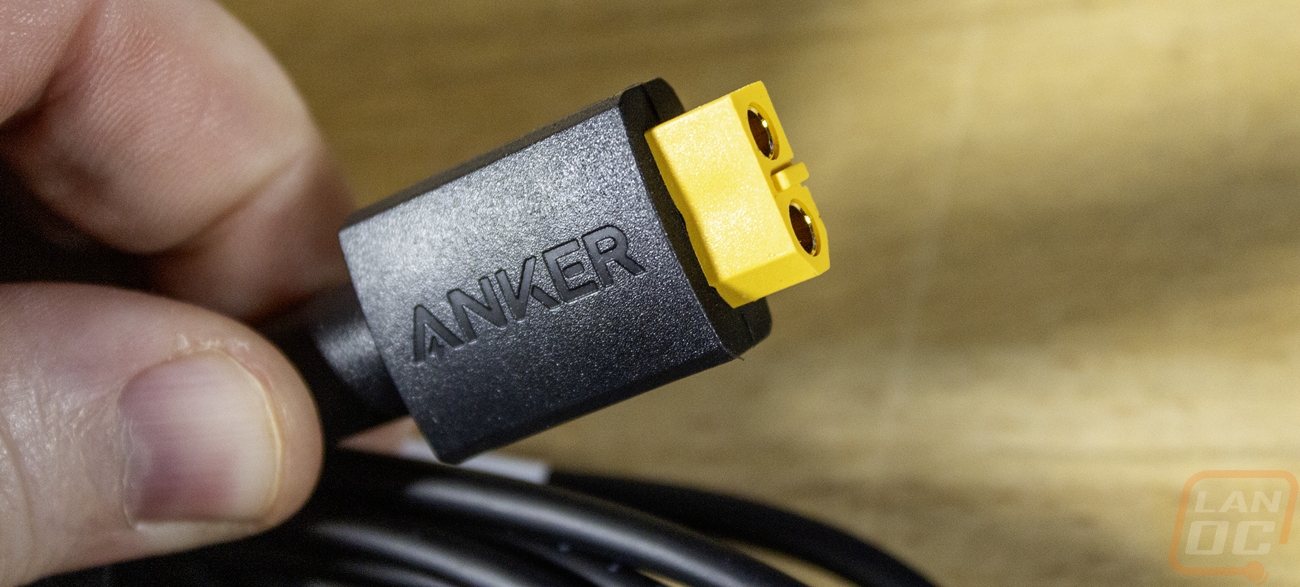
Inside the accessory box you have two cables, one is a thick AC charging cable and the thinner cable is a DC charging cable for use with your car. The AC charging cable has a traditional PC power cable layout with a NEMA 5-15p plug (US wall plug) on one end and a C13 plug on the other end. The DC cable has what some people would call a cigarette lighter plug or a car’s DC power plug on one end and the XT-60 connection on the other end.
Photos and Features
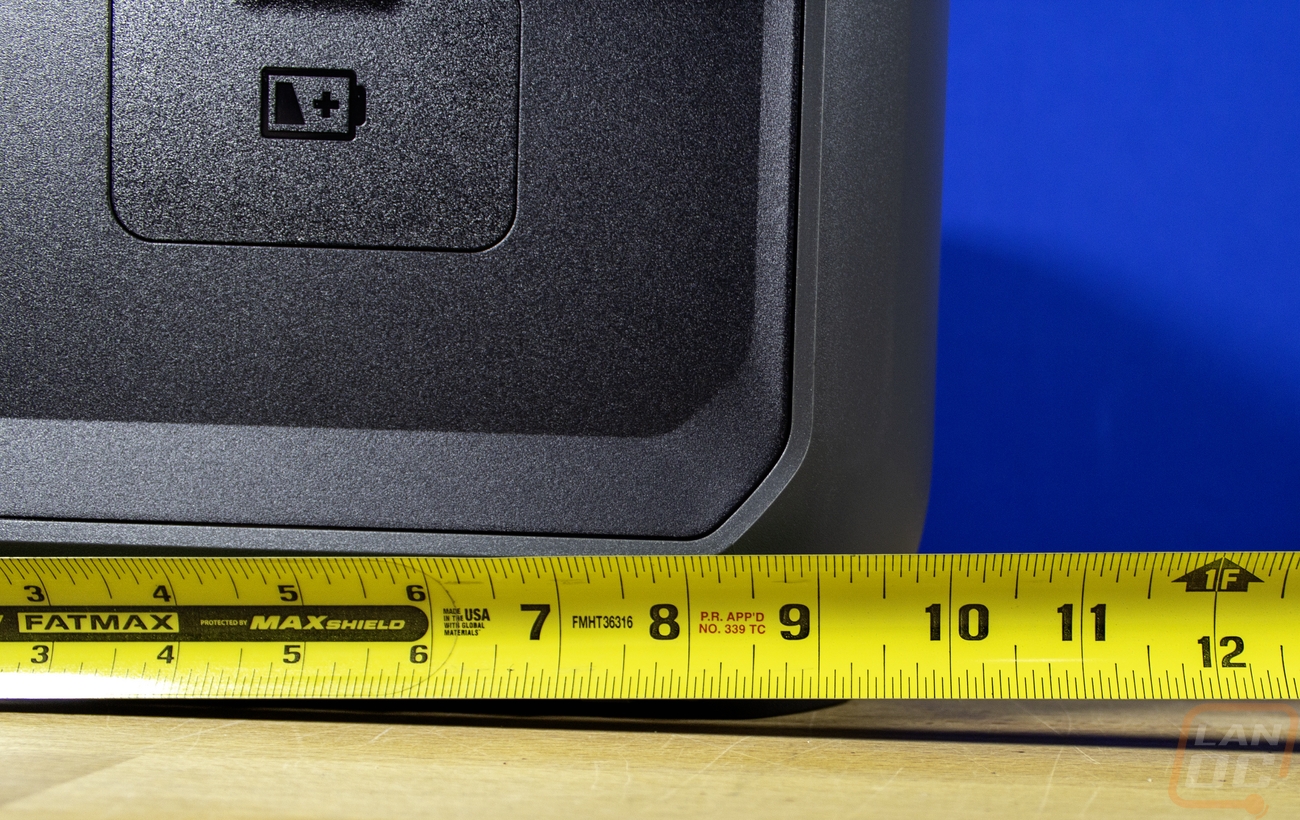
If you haven’t seen one of these portable power stations, they all have a similar look, no matter their capacity and size and even from different brands for the most part. That’s not to say that the Solix C2000 Gen 2 doesn’t have its own styling, but as far as layout goes they share similarities. Depending on the size they will have handles on the sides and some have wheels. The Solix C2000 Gen 2 has large handles on the top of the sides. There are a few things going on the sides, but most of the features and connectivity can be found on the front. This one comes in at 18.1 inches wide 9.8 inches deep and 10.1 inches tall. That isn’t small by any means, but if you are comparing it to even the smallest of gas generators it’s more compact. That said, with it being packed full of batteries, it is dense and weighs 41.6 pounds.
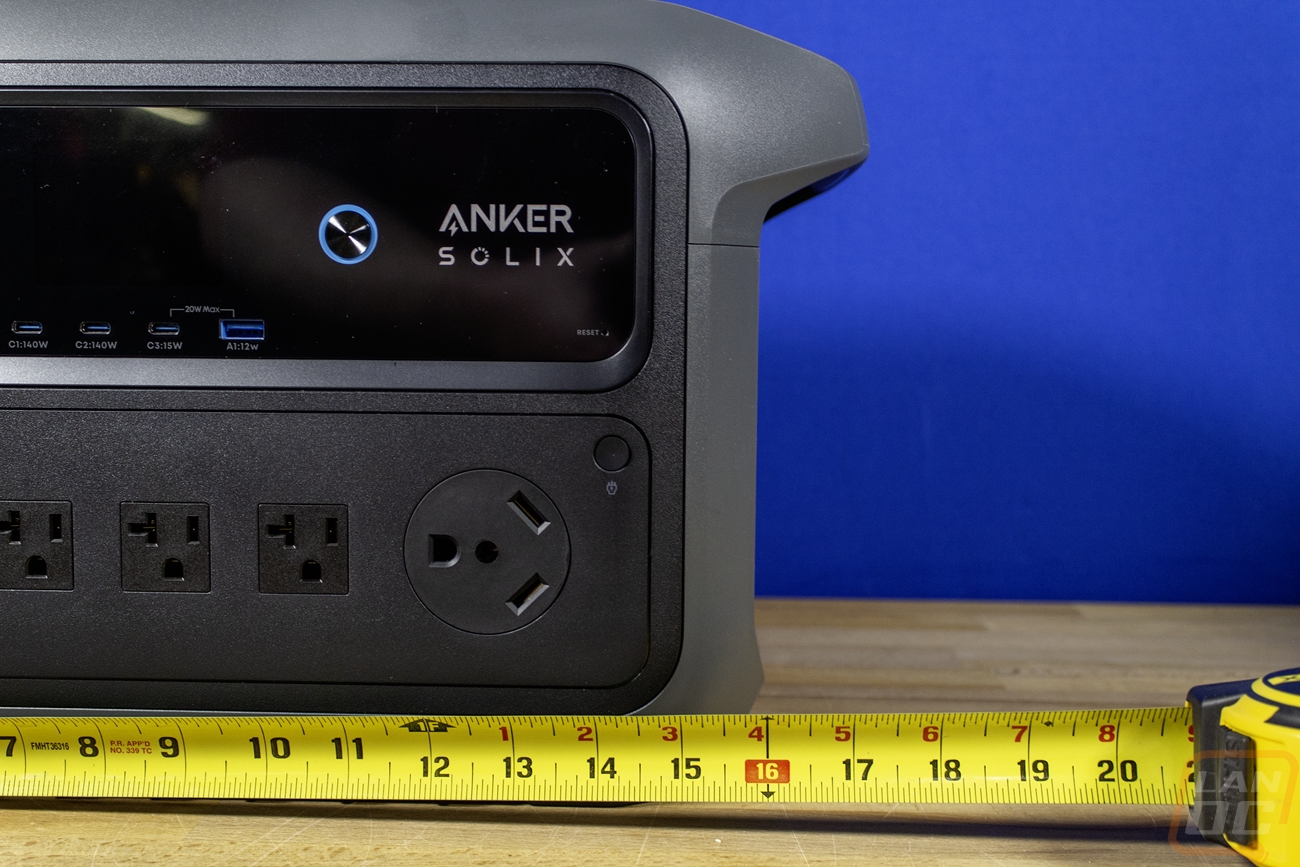
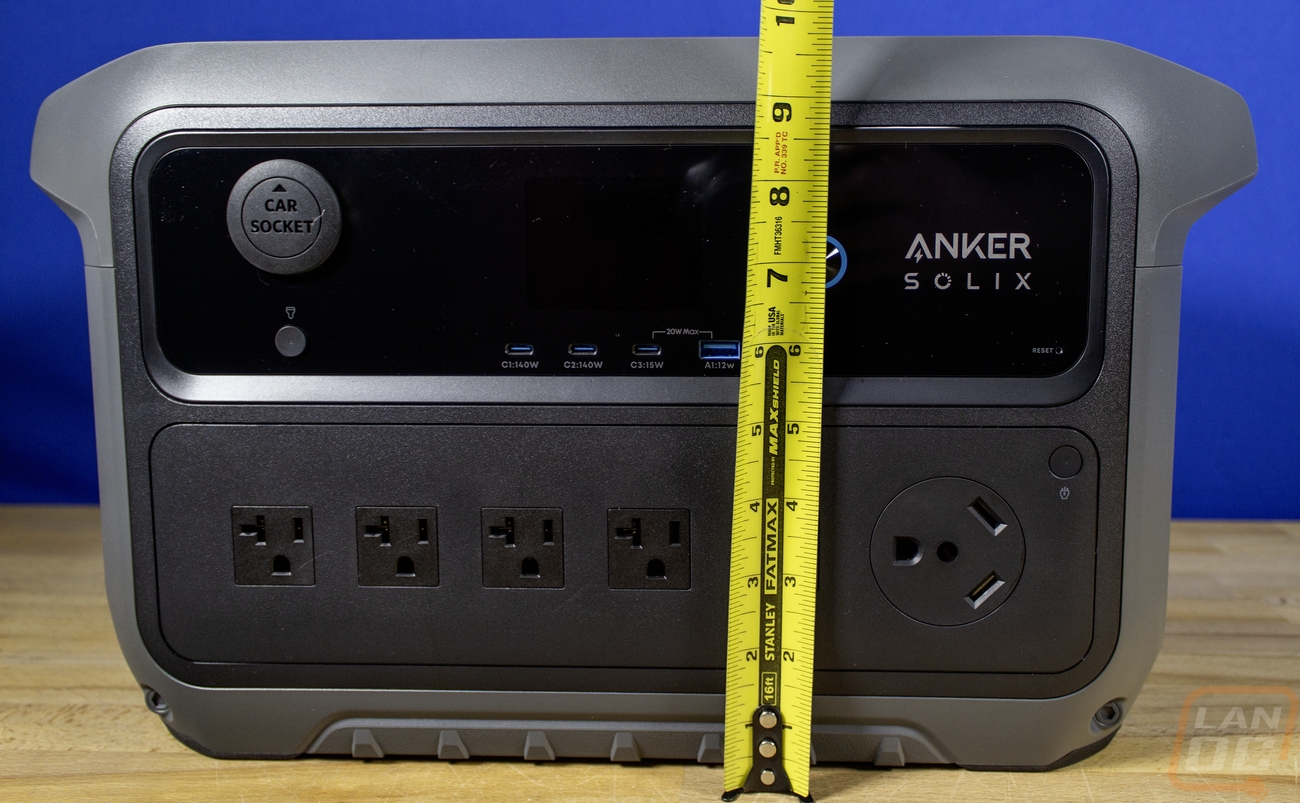
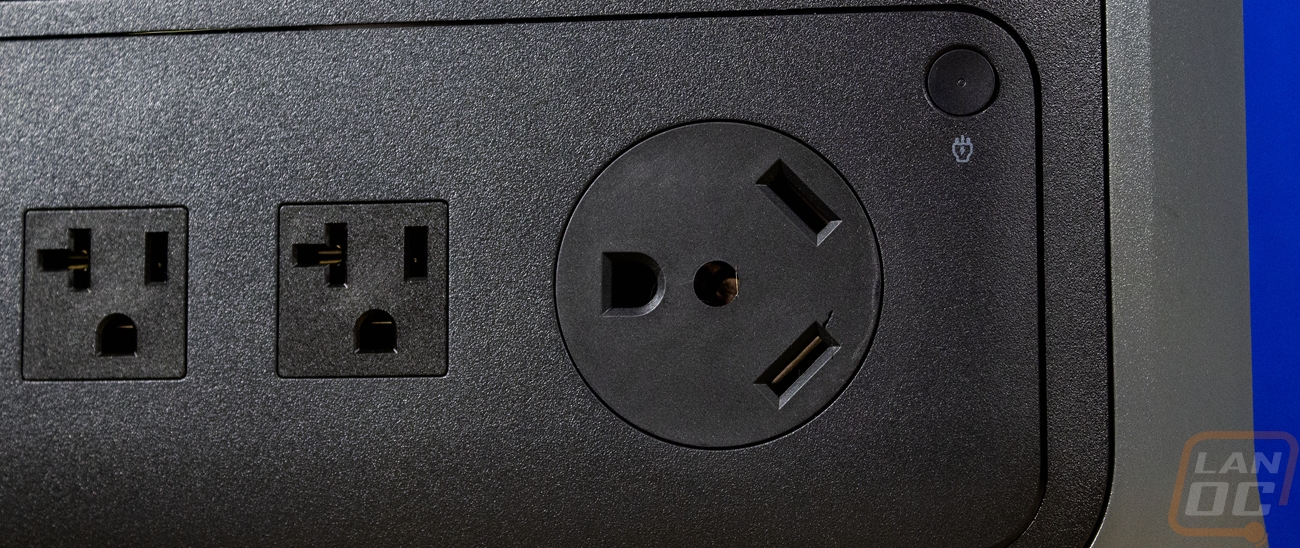
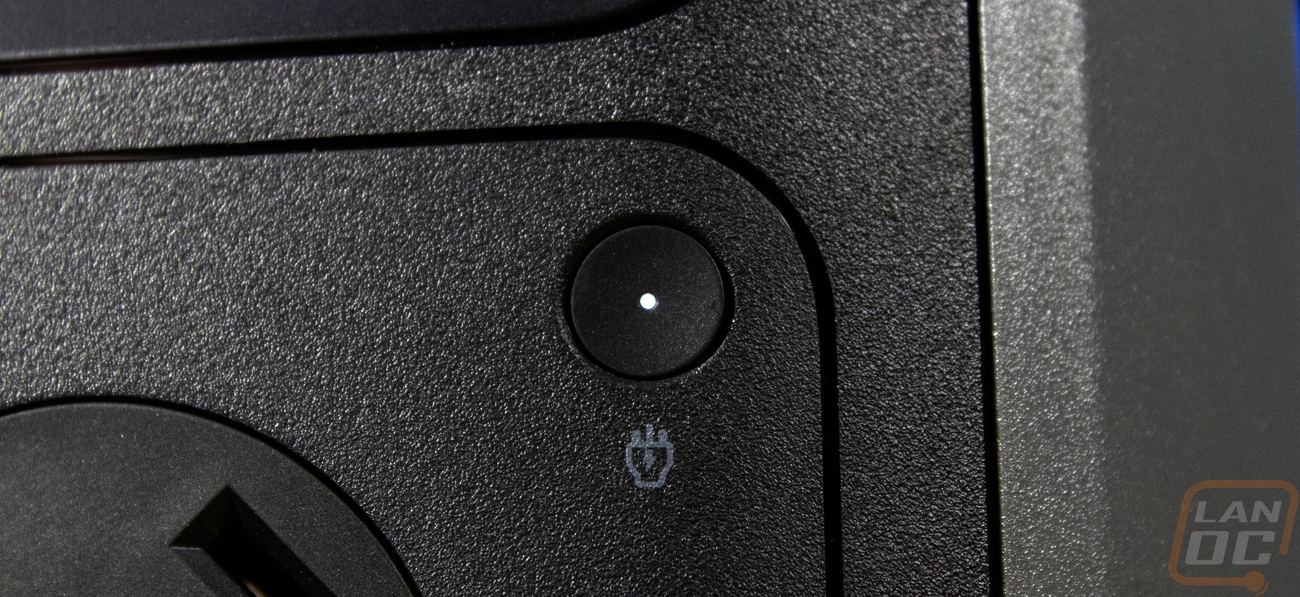
Starting on the front of the C2000 Gen 2, the design is split up into two main areas with the top section having a glossy black finish and the bottom having a textured black plastic. All around that the C2000 Gen 2 has a dark grey finish, also with a slight texture and down at the bottom they have added a few accents including two bolts and nubs that give it a little more rugged look. The bottom half of the C2000 Gen 2 has one button on the top right that has a small pinhole status LED inside to show when the power is turned on. This section has five NEMA 5-20R plugs which are the 20-amp version of a traditional American household plug. The T shape on the left prong lets us know these are the 5-20R not the more standard 5-15R. Next to those the larger plug is a TT-30R 30 amp connection. This is a nice variety of connections and having that 30 amp plug can make for an easy connection to a lot of RVs and with the help of an electrician could make for an easy single cord connection to your house as a backup. With that second comment, keep in mind that this is a 115-125 volt connection, not 240 and also that to do that you will need a proper shutoff so you don’t feed power back into the grid and risk line workers' lives. The C2000 Gen 2 can output up to 2400 watts to all of the 20 amp plugs together and the same to the 30 amp plug with a peak power of 4000 watts. To put that into perspective, my household uses significantly more power than most and as I sit here our whole house is pulling 2304 watts. 450 of that is our server rack and 600 watts of that is my PC and monitors right now. The C2000 Gen 2 could handle providing power to everything running in our house right now, especially if I turned some things off to conserve power. Of course that doesn’t calculate in total battery capacity. The C2000 Gen 2 has a capacity of 40000mAh at the cells 51.2 volts which translates to 2,048Wh. Their power examples have a fridge running for 15 hours with the ice maker turned off, a sump pump running for 5.7 hours, a 10-watt Wi-Fi router running for 105 hours, a 60-watt laptop running for 26.6 hours, and a TV pulling 100 watts running for 16.6 hours, each of those running individually not together.
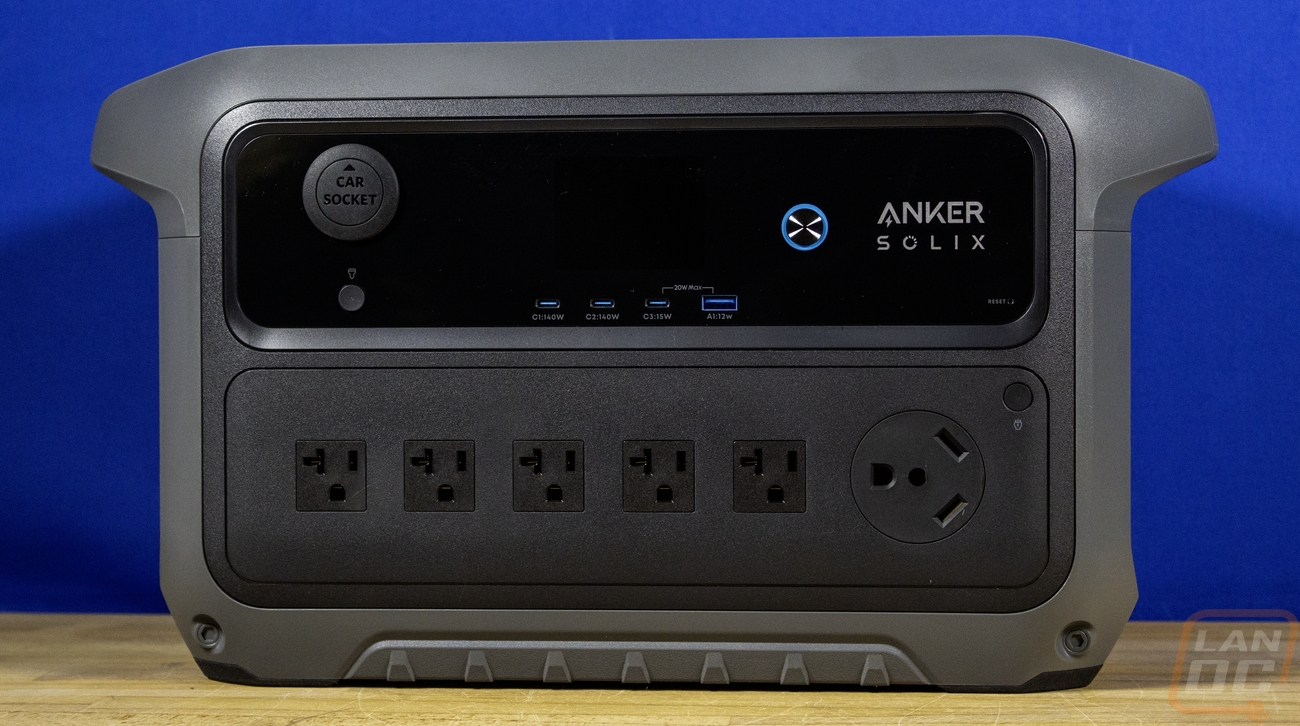
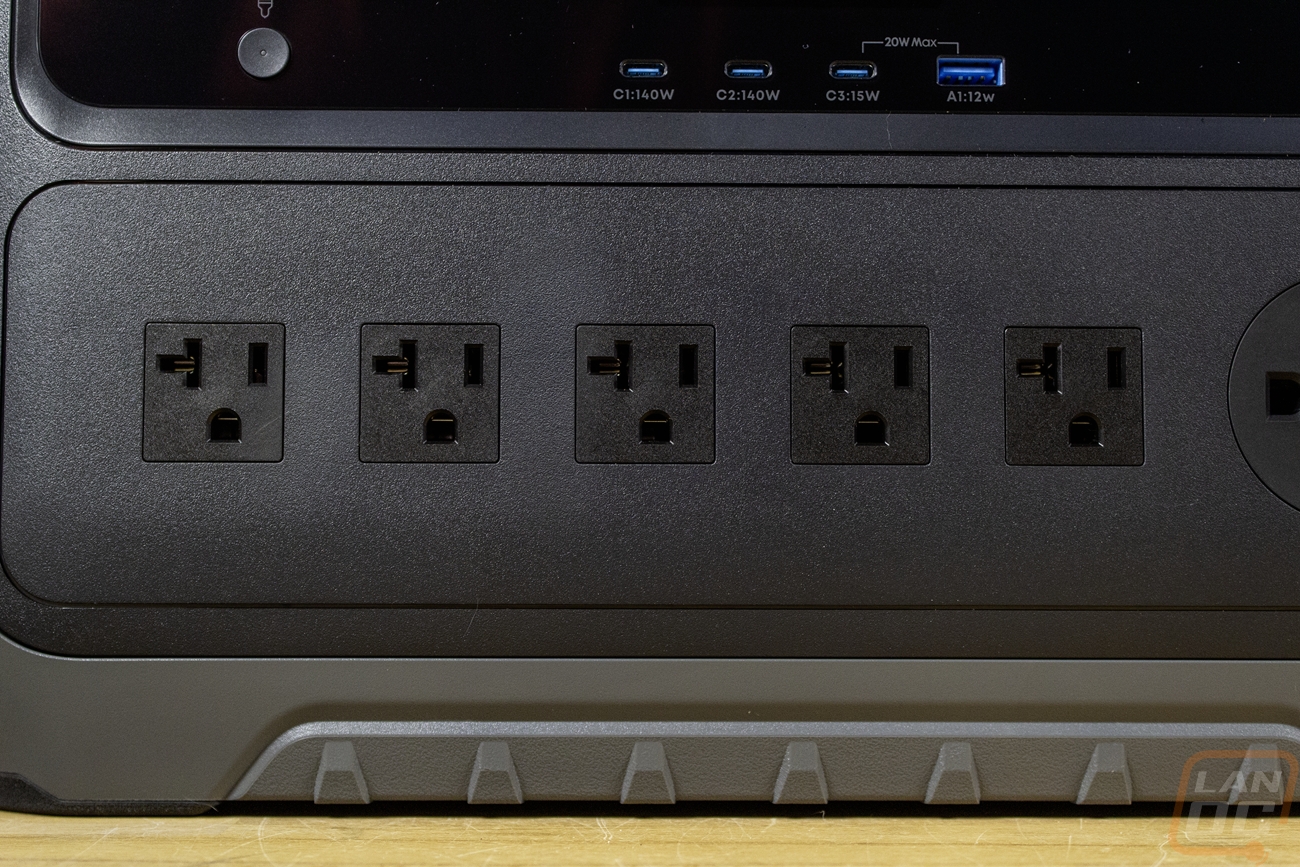
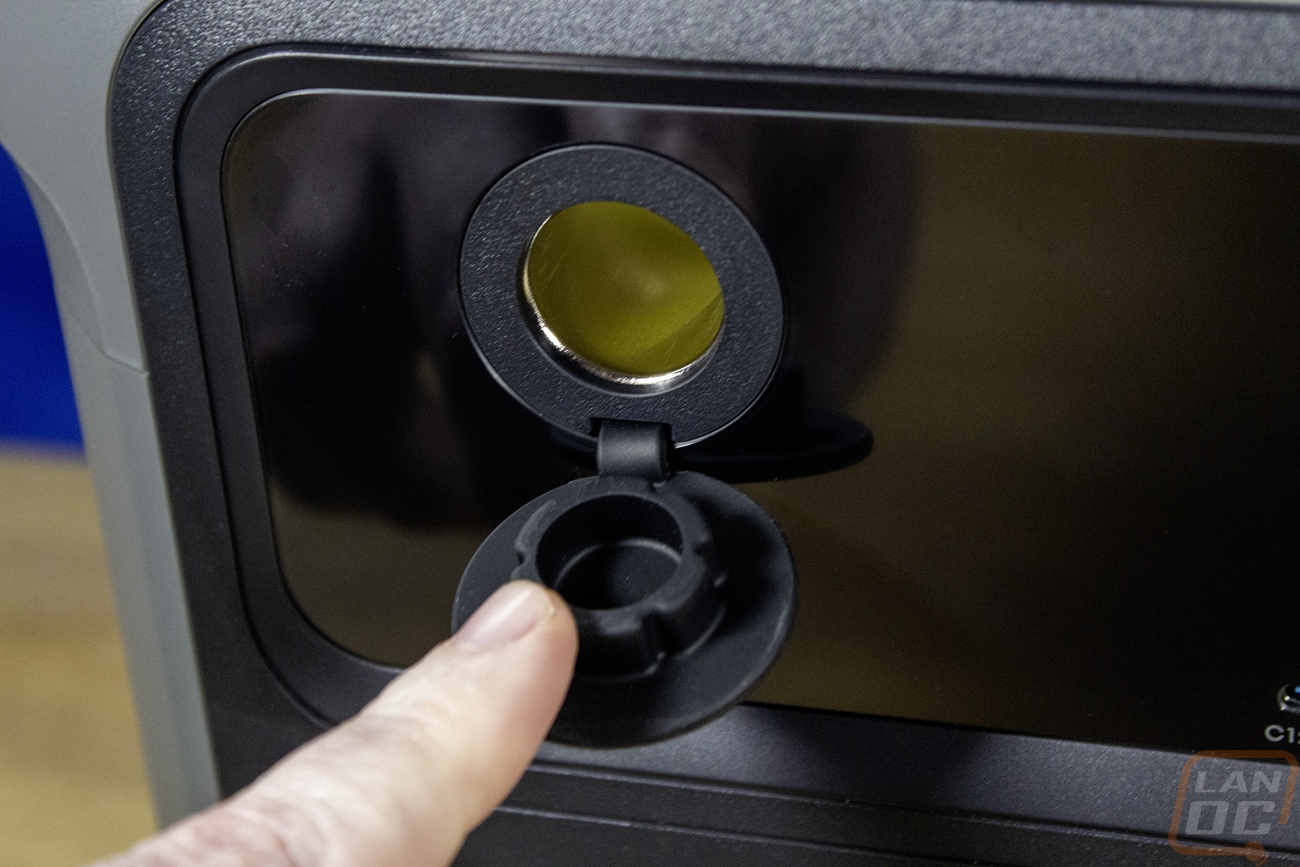
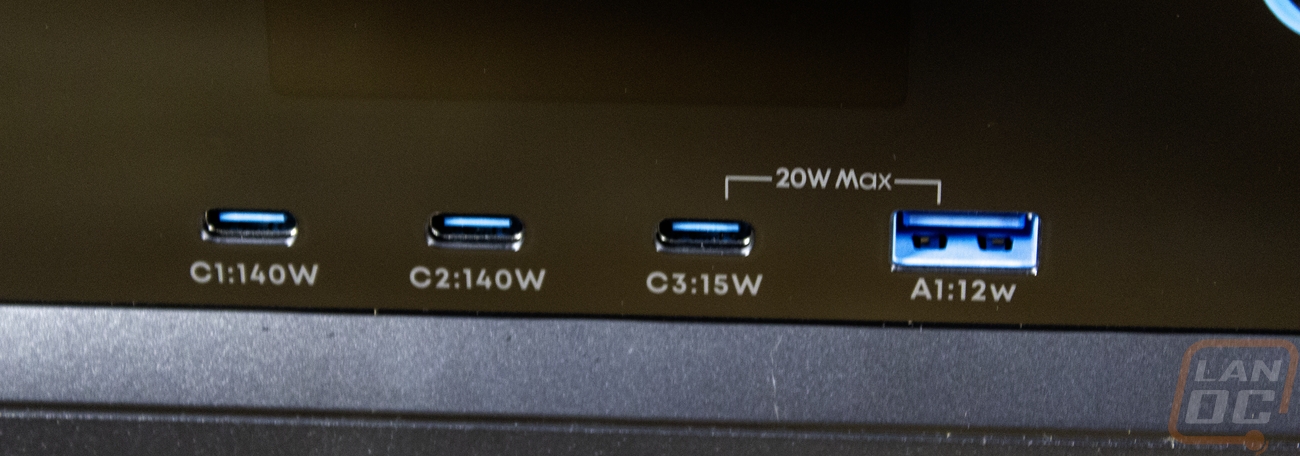
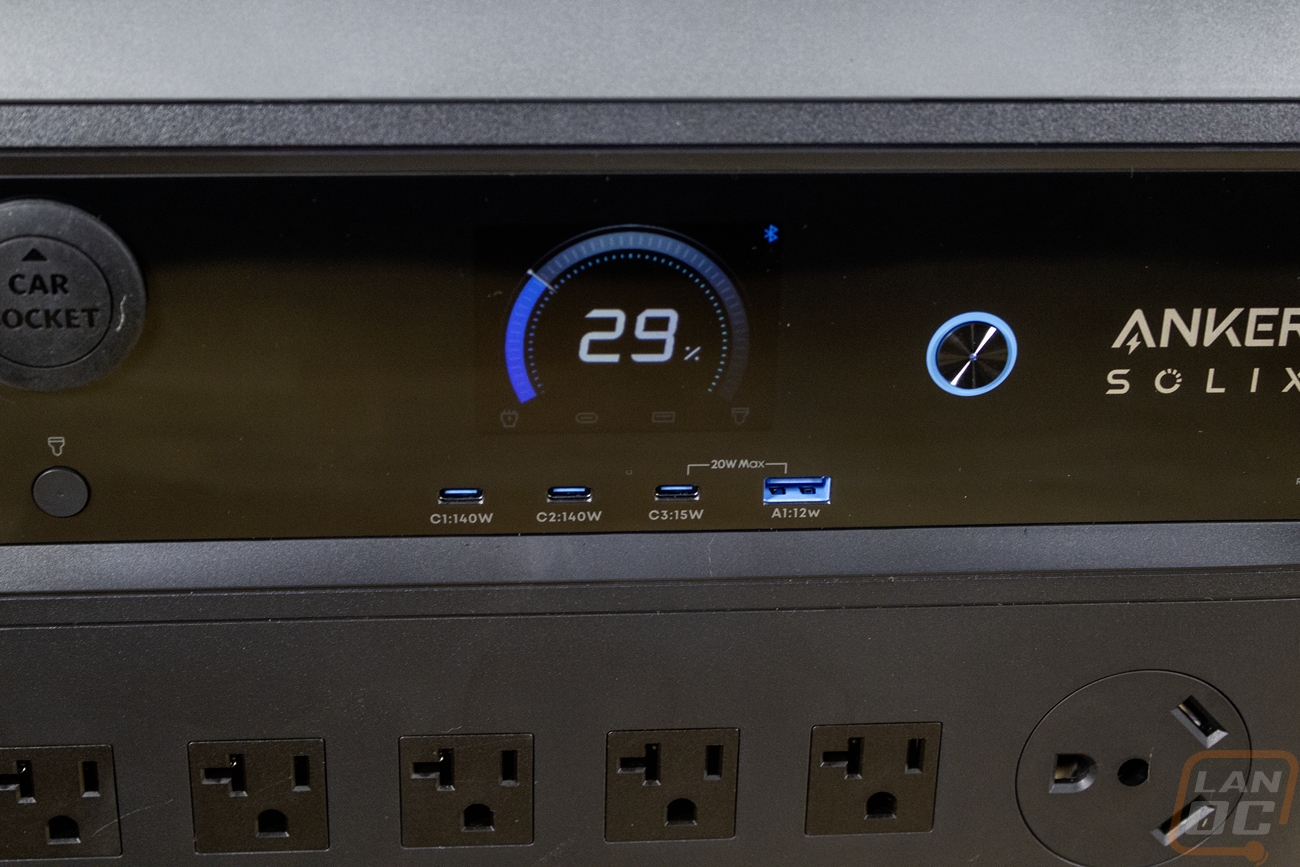
The top section of the front houses a few more of the C2000 Gen 2’s output options including the 10 amp 12 volt car charger output on the left side. It comes with a cover to keep people from sticking their fingers in the hole when it isn’t being used as well. Then in the center along the bottom there are four USB plugs. With how much has moved to USB for power, these can be especially useful. There are three Type-C plugs and one Type-A on the right. The two on the left however are the main high-power Type-C connections with both outputting 140 watts individually. The third Type-C is lower power with just 15 watts. The Type-A can output 12 watts but the Type-A and the 15-watt Type-C can only do 20 watts total when both are plugged in. That is fine for powering small devices or charging things like earbuds or a watch or with a phone you will get a little slower charging but not too bad. My now older Samsung S21 Ultra only charges at 25 watts for example at its fastest speed. The fast Type-C plugs however can handle devices like laptops. The top section on the front of the C2000 Gen 2 has the Anker Solix branding on the right with a main power button next to that. That power button will light up both in the center and with a ring around it to let you know it is turned on. The car power plug on the far left has its own power button as well with a small center status LED. Then in the center above the USB connections is a display hidden behind the translucent plastic cover. The display can show the current battery capacity, charging speed, and how much is being outputted which is all important information.

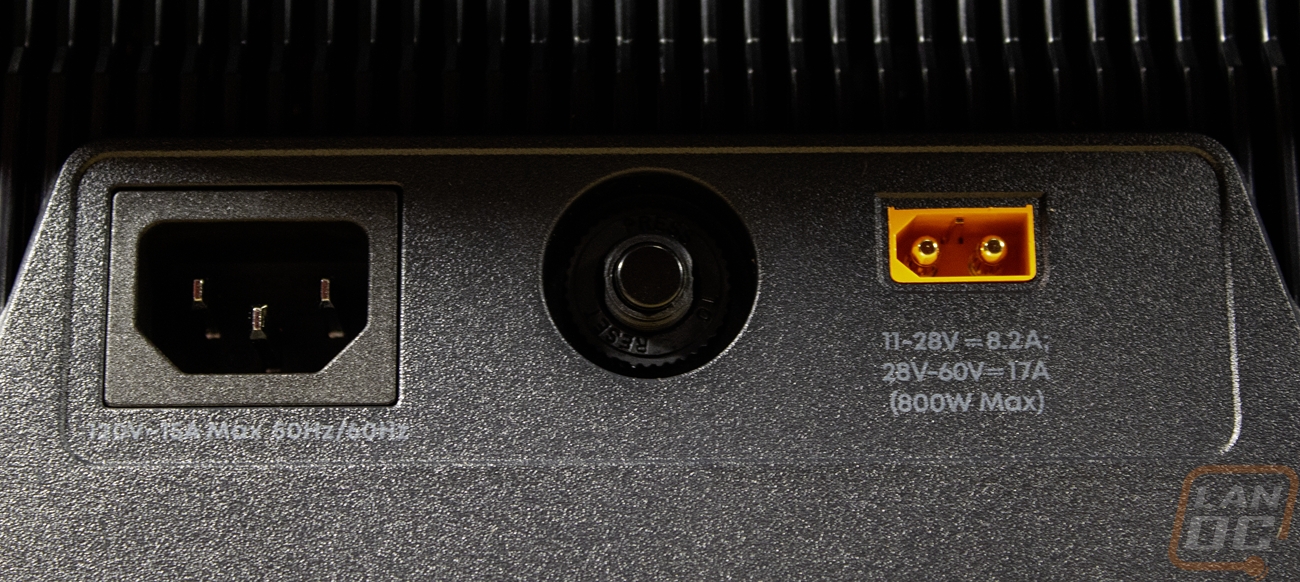
On the right side of the C2000 Gen 2 the black and dark grey finish continues here. The rugged bumps that we saw on the front are along the bottom on the side as well. The side has one cover that sits over the expansion battery port. Up at the top they have a finned design for ventilation up under the carrying handle. The left side has a similar design with the same black and dark grey finish, finned design, and carrying handle. The only thing different on this end is the connections. This end has two different plugs and these are the connections you are more likely to use. You have an AC input with a C13 connection, that is the same connection you would see on a PC. Then on the right there is an XT-60i plug, the orange connection. The AC plug has a max of 15 amps or 1800 watts with it supporting 12 amps if it is continuous power. The XT-60i is the connection for solar panels and it can handle 17 amps at 60 volts for a total of 800 watts of input power. Next to that is a breaker to protect the C2000 Gen 2.
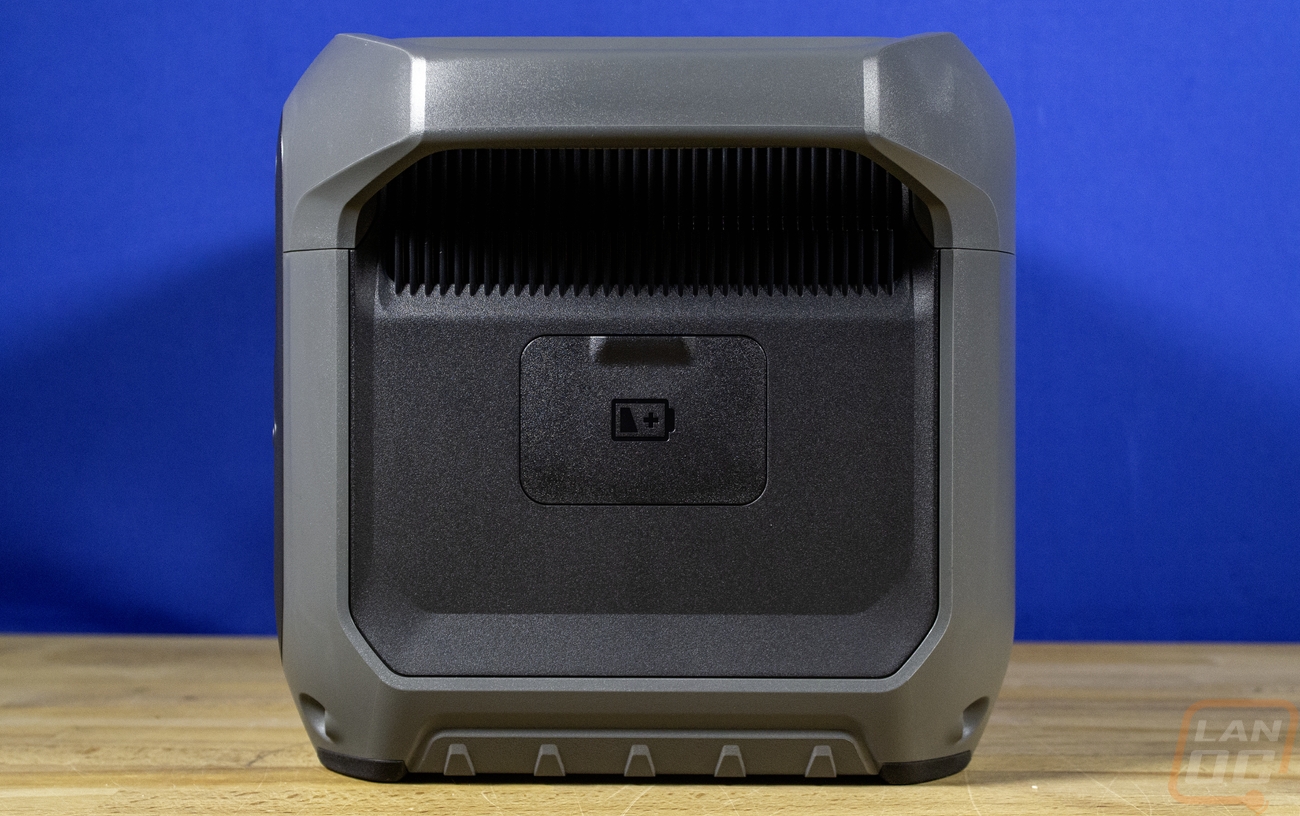
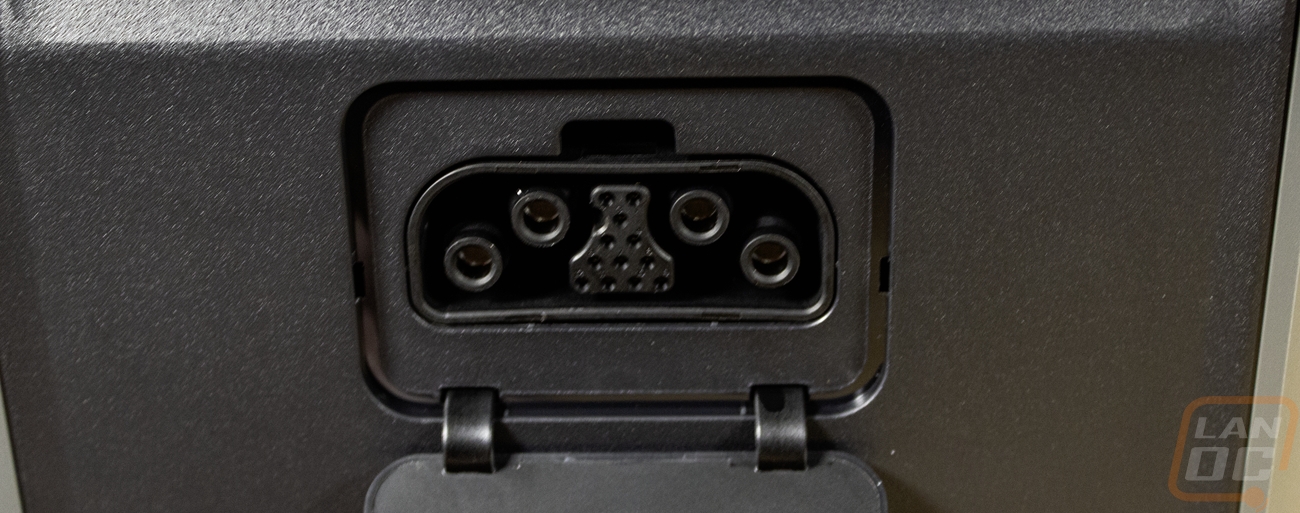
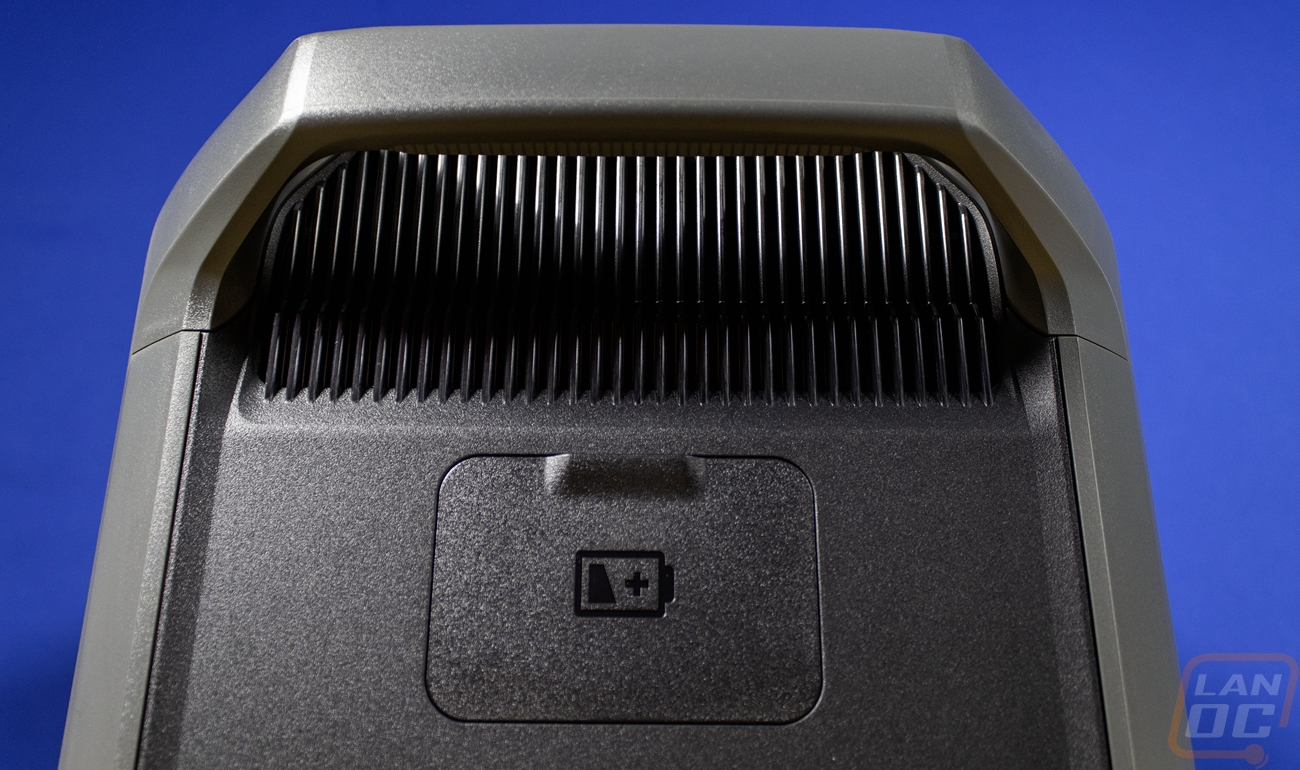
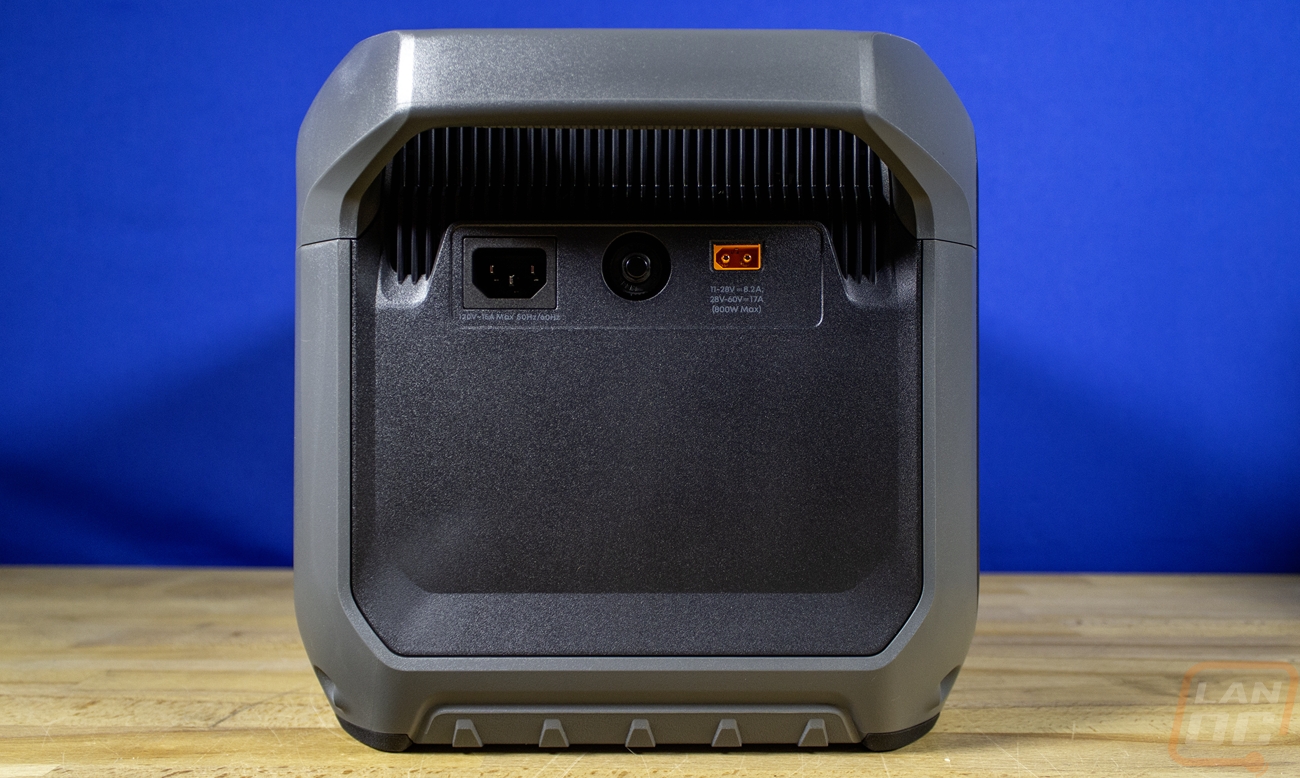

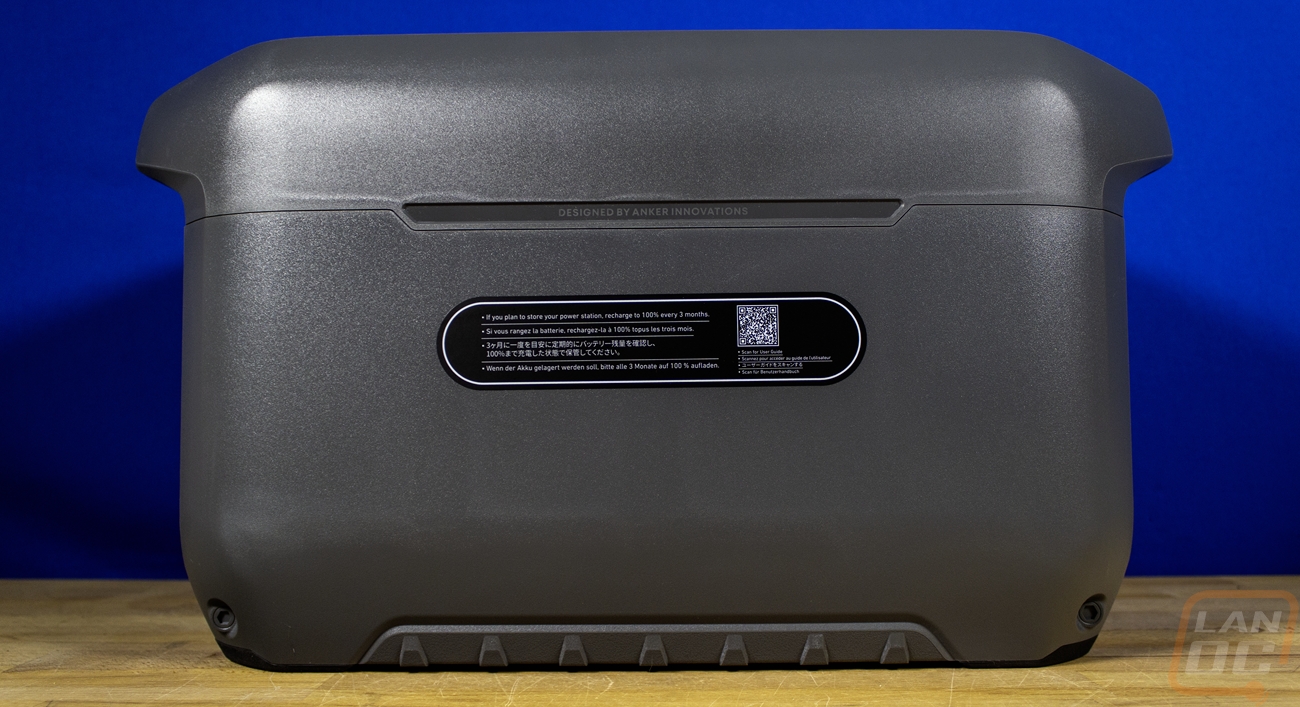
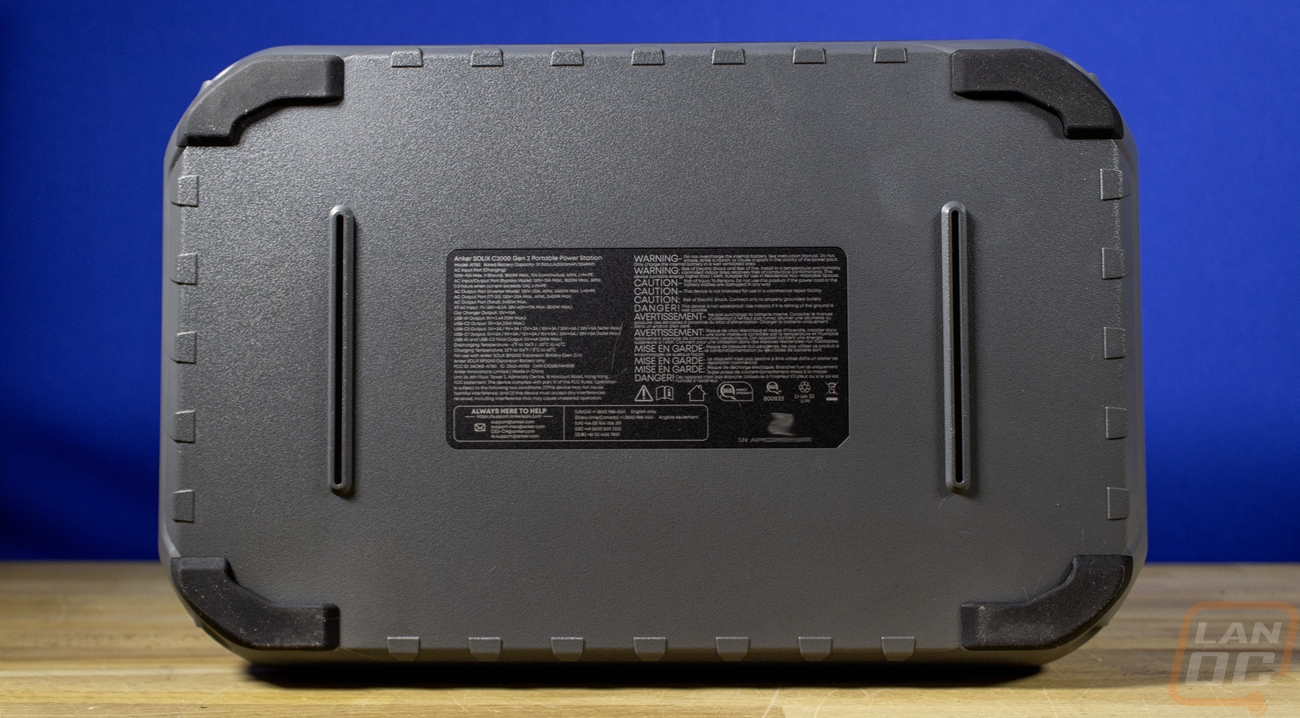
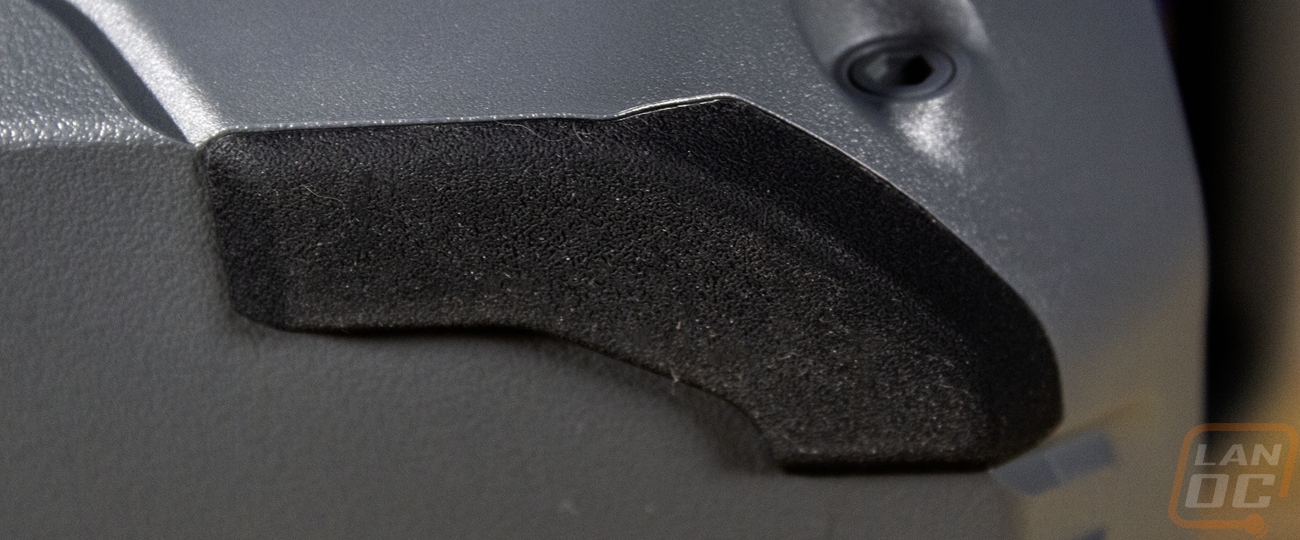
The slightly textured grey finish wraps around and covers the entire back of the C2000 Gen 2, in fact for the most part there isn’t much going on here. They did slip in a small Designed by Anker Innovations text and there is a sticker on the back. The sticker has a QR code for the user guide and it does warn that you should recharge it every 3 months if you aren’t using it. Flipping the C2000 Gen 2 so we can see the bottom the bottom has large rubber feet on each of the four corners and there are two strips of plastic on the center to give the batteries inside more support. In the center there is a large information sticker. This has the QR code for scanning it into the Anker app. There is a long list of warnings repeated in different languages and then the sticker has the certification logos and other needed information.
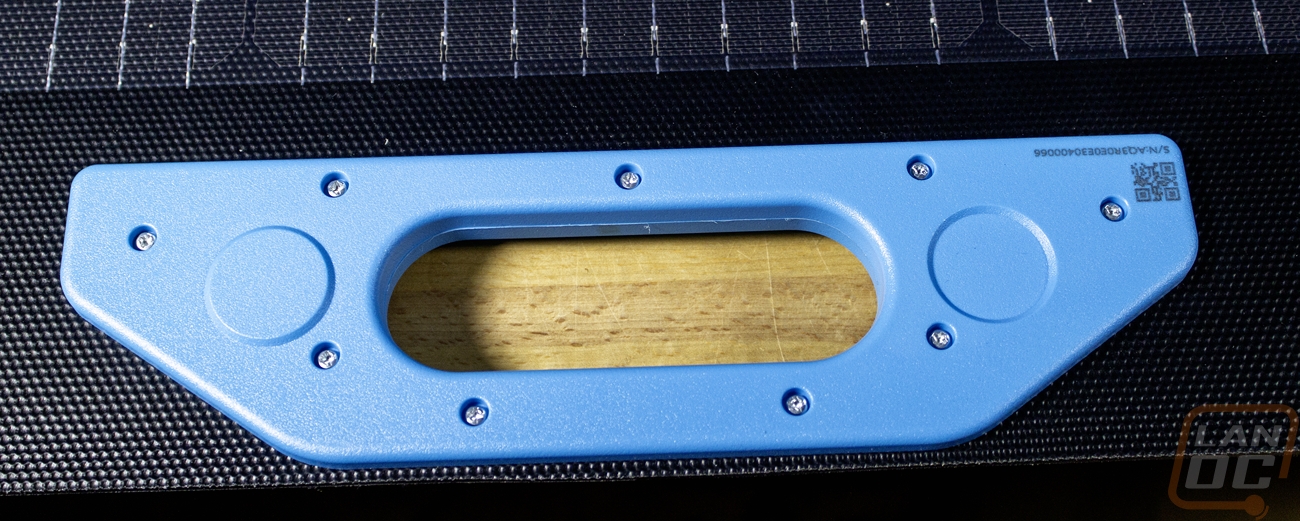
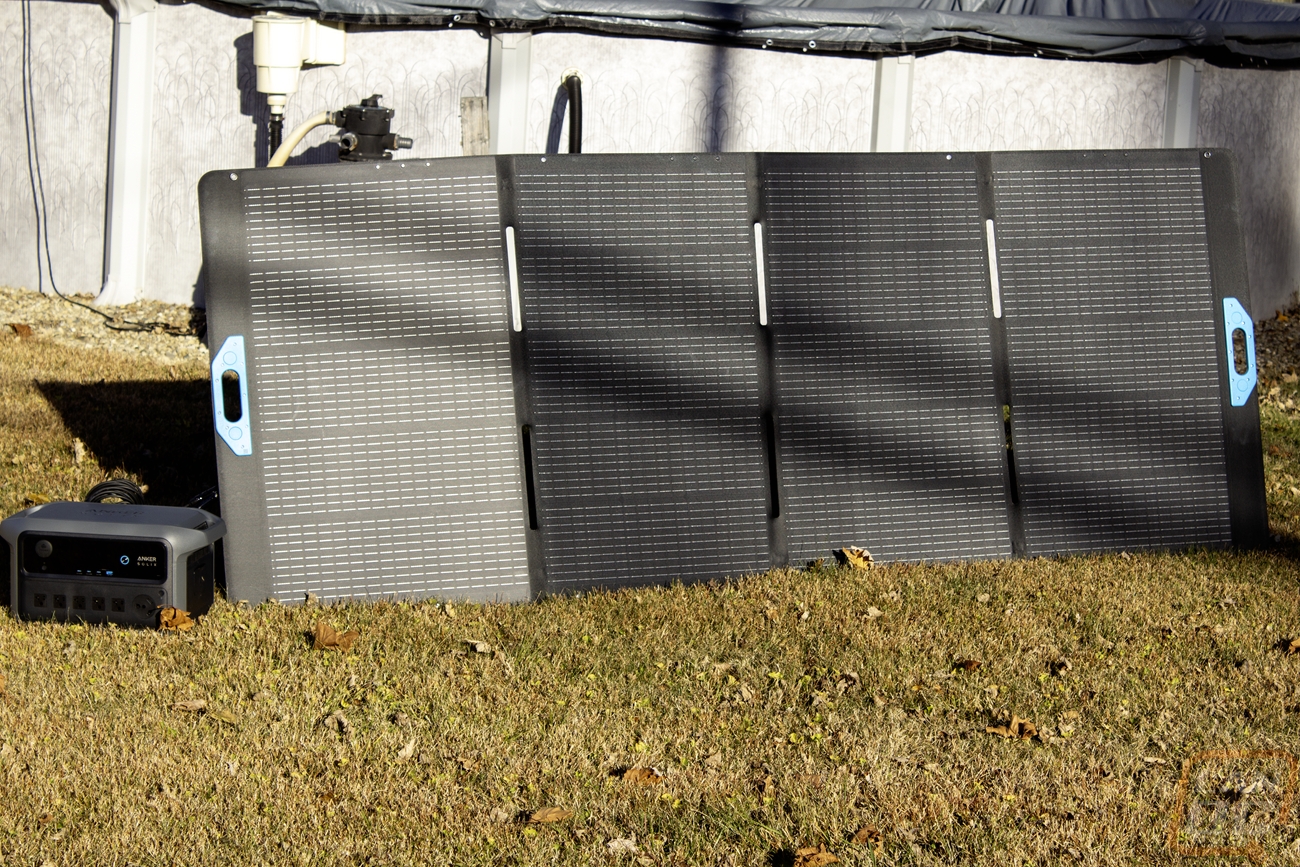
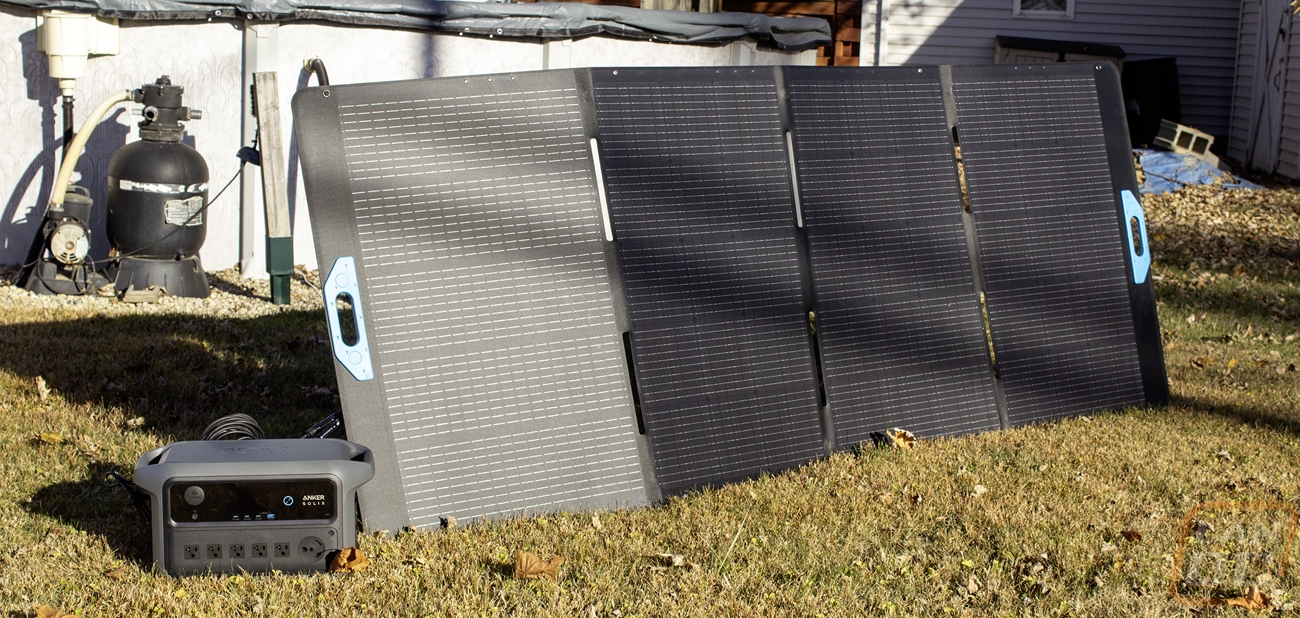
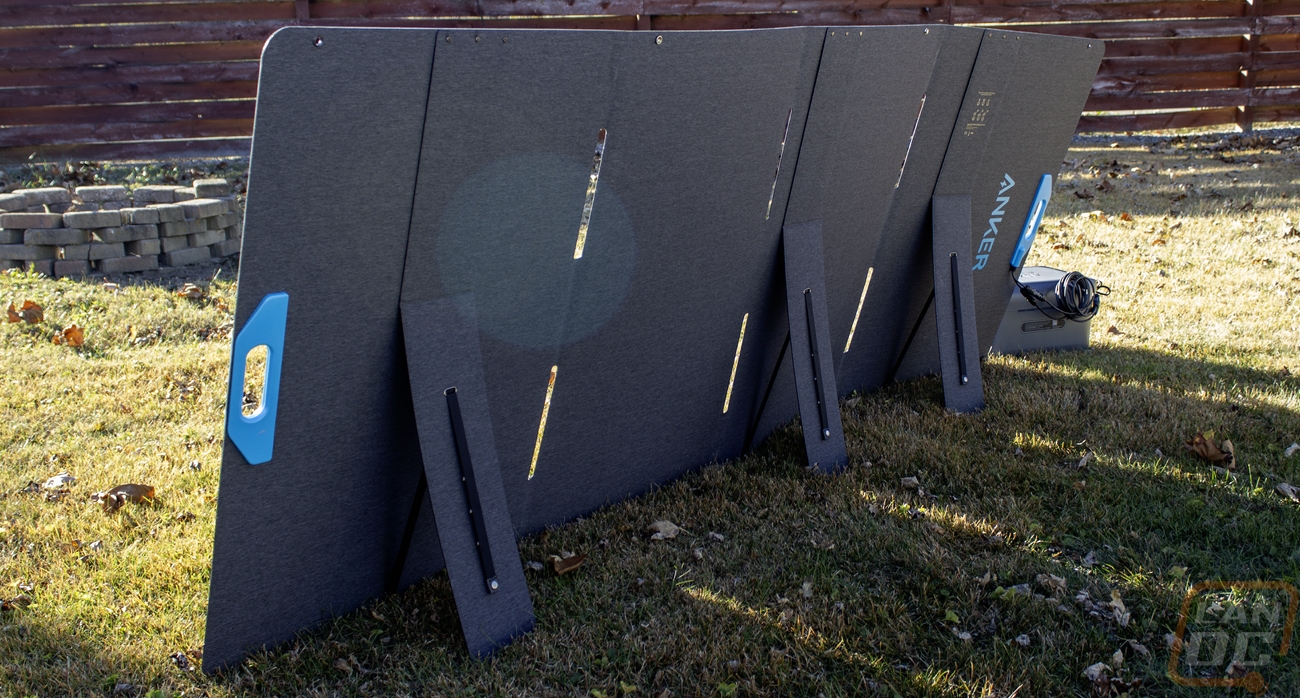
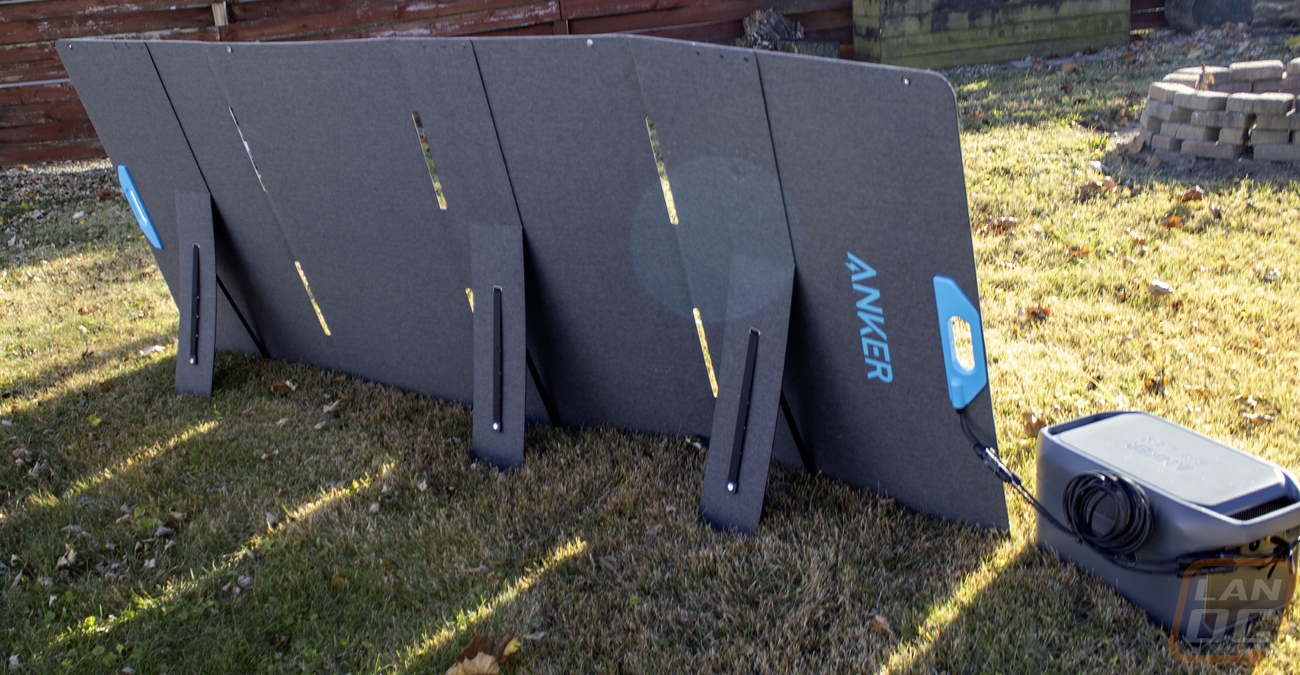
In addition to the C2000 Gen 2 Anker also sent over a solar panel to run with it. They sent over their 400-watt Solar Panel (SOLI PS400) which folds up and is portable. One big downside however was that it is a lot larger than our photo area could fit. Folded up it was 39 inches wide, 26.6 inches tall and 2 inches thick. Unfolded it is 100 inches wide, 39 inches tall, and 1.2 inches thick. The panel has a maximum output of 400 watts as I already mentioned. It outputs 48 volts or with an open circuit 57.6 volts at 8.33 amps. It has a nice fabric finish on the back with the Anker branding on it and a plastic hang-up top. Inside all of the solar panels are protected when it is folded up. The handle has magnets in it to snap and hold together and on the back there are two flip-out legs to hold it at an angle. Those are held in place with a snap. The handle also has the two output cables sticking out of it. What surprised me the most was its weight, it comes in at 35.6 pounds. You can move it around but because of its size and weight it isn’t easy.
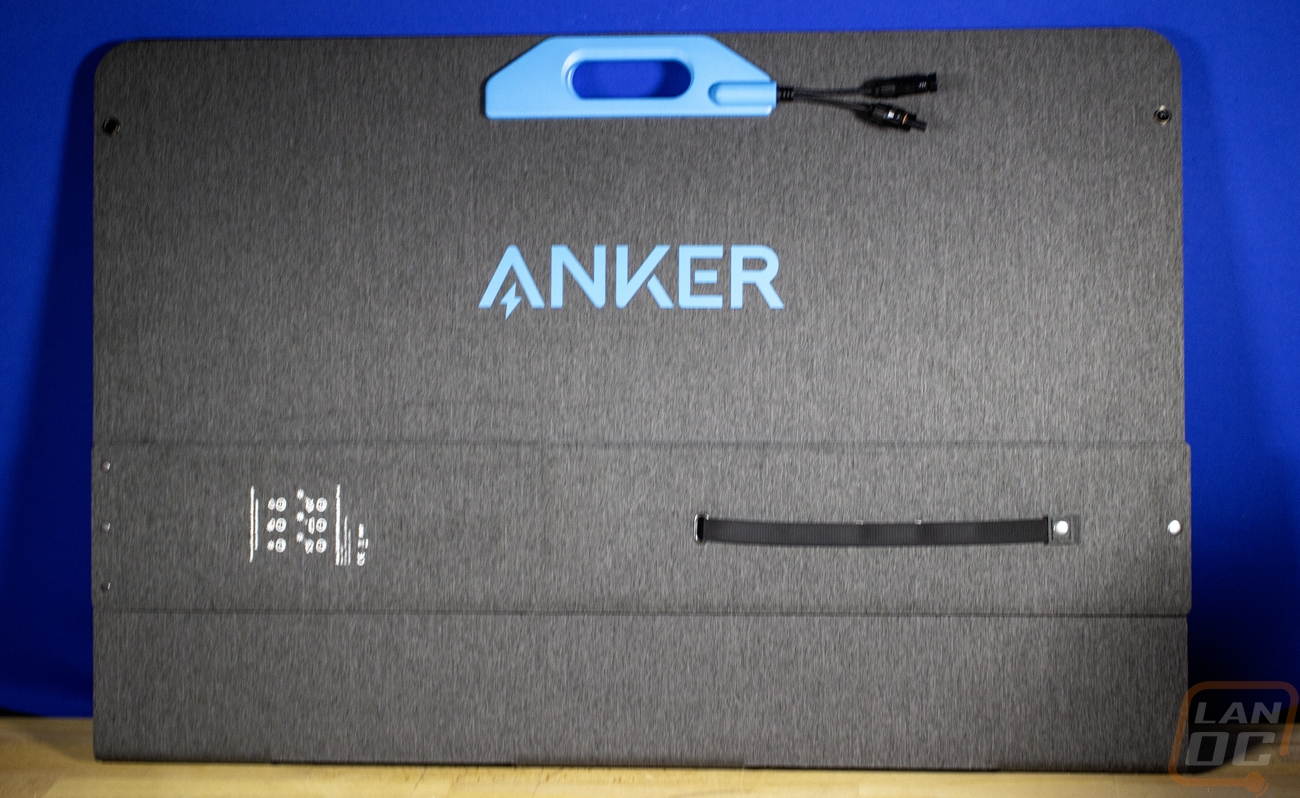
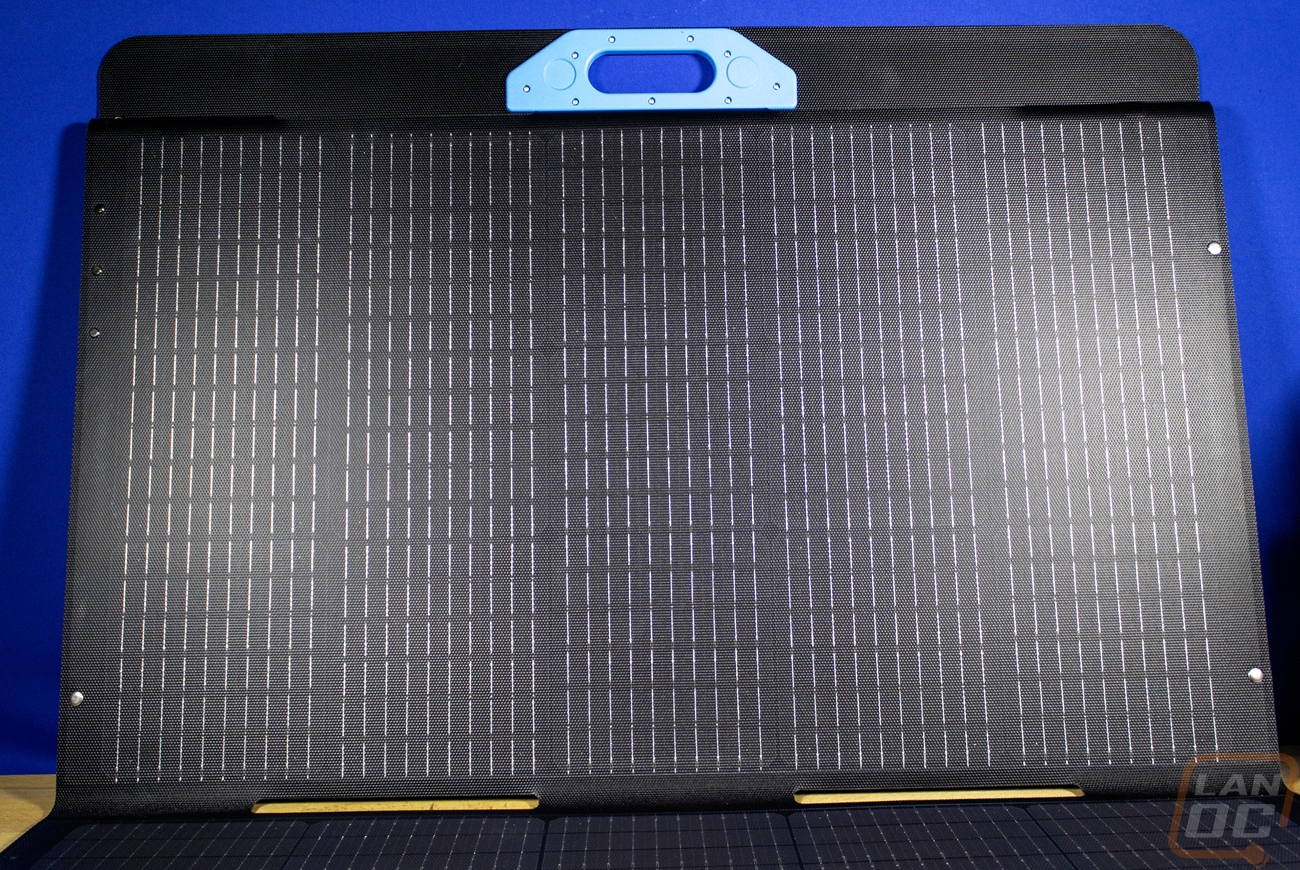
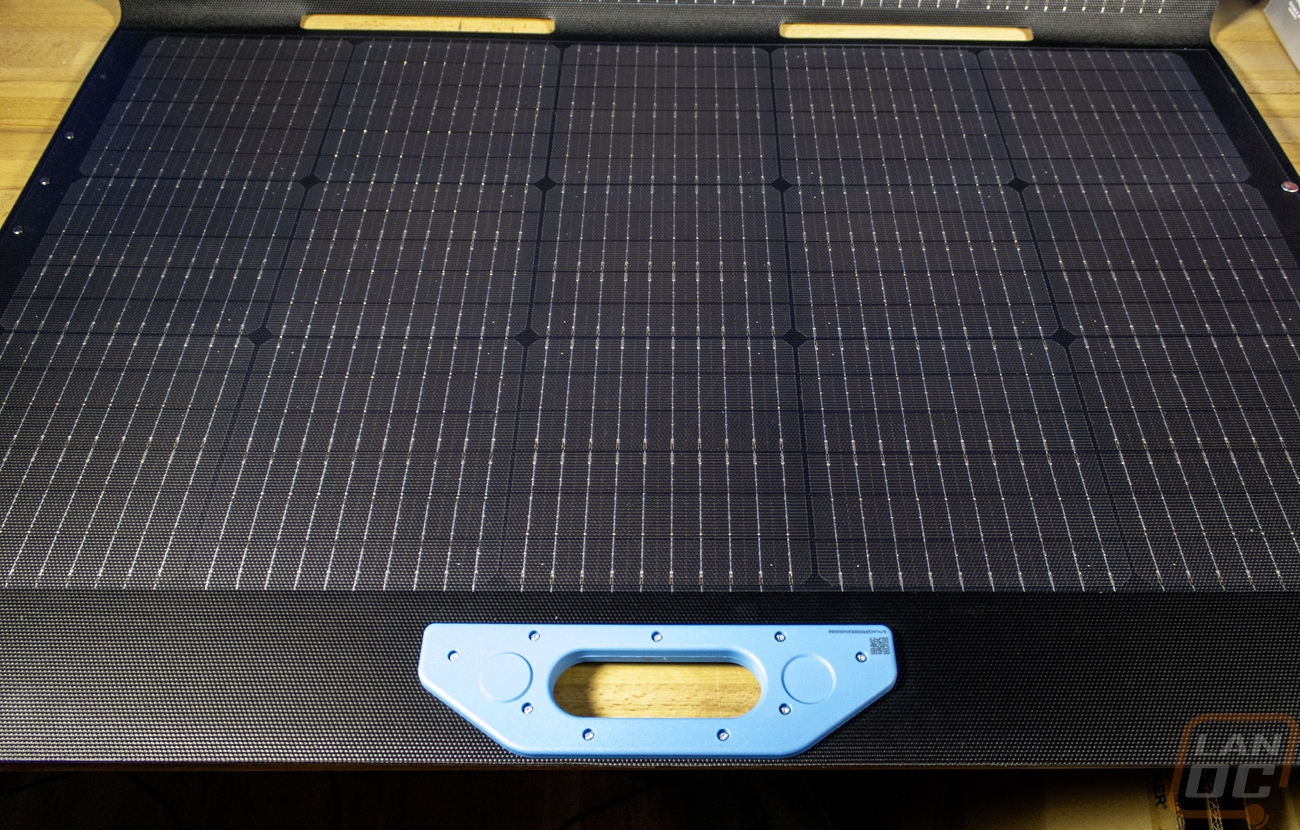
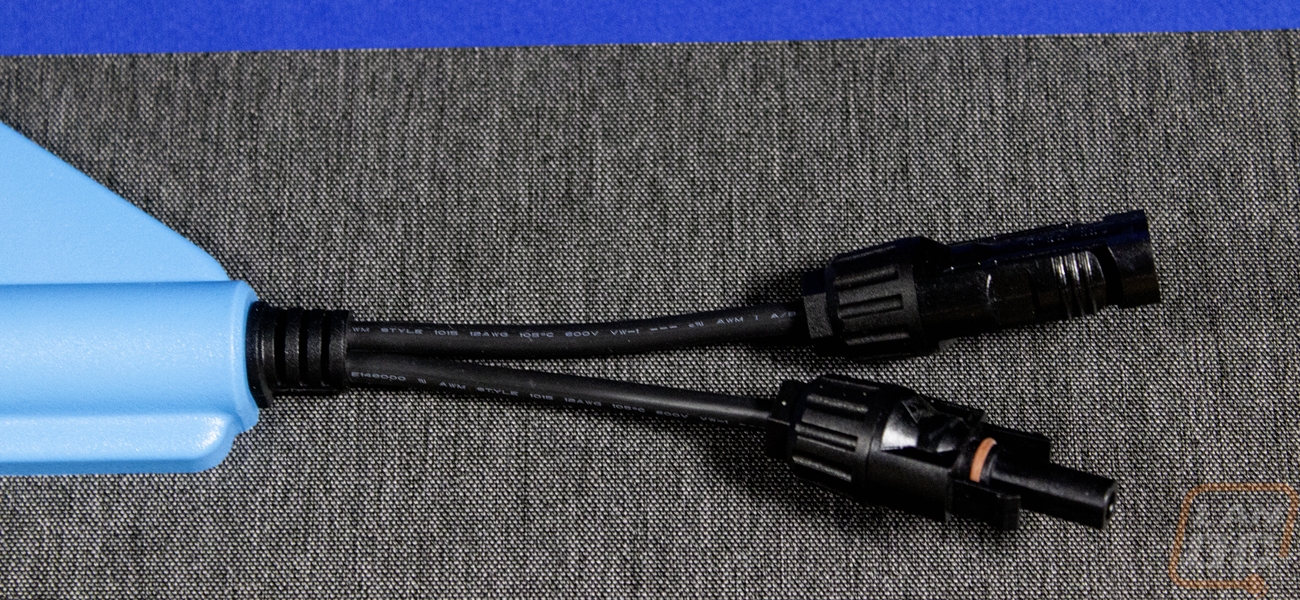
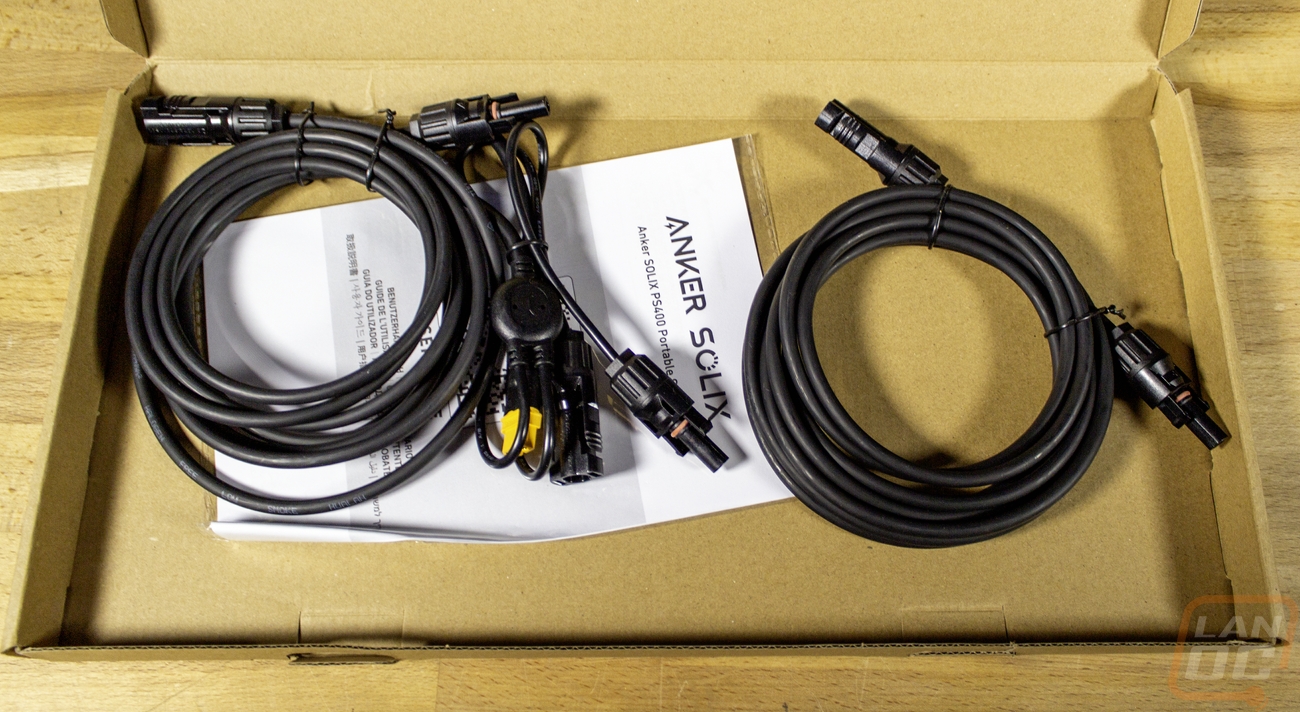
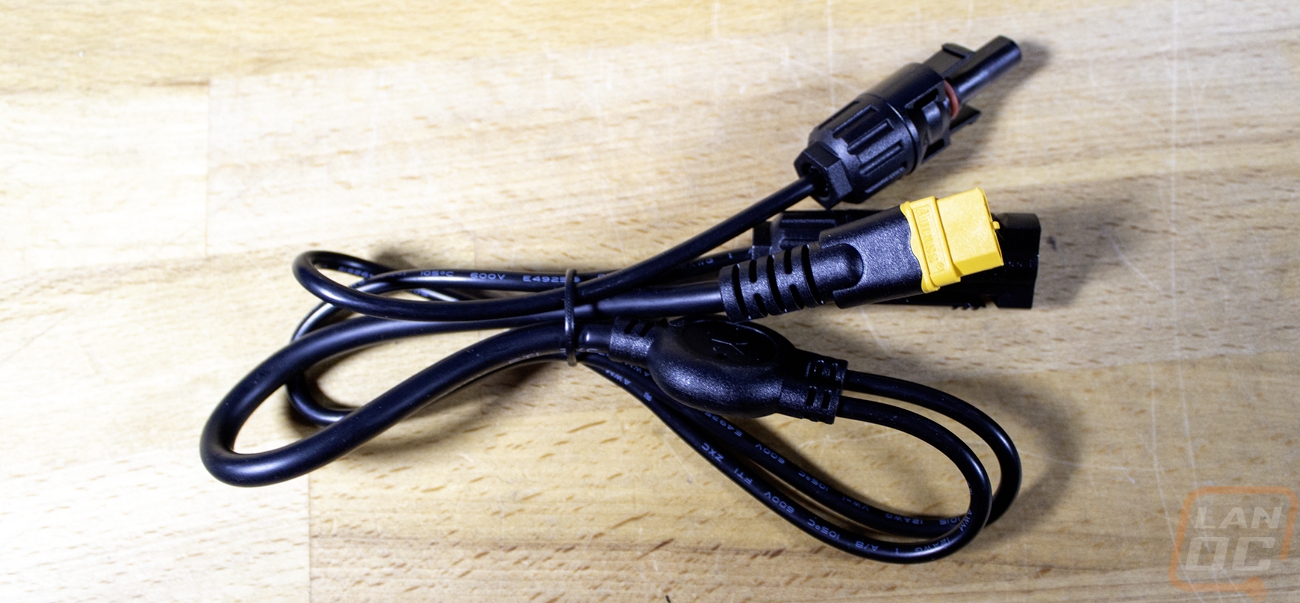
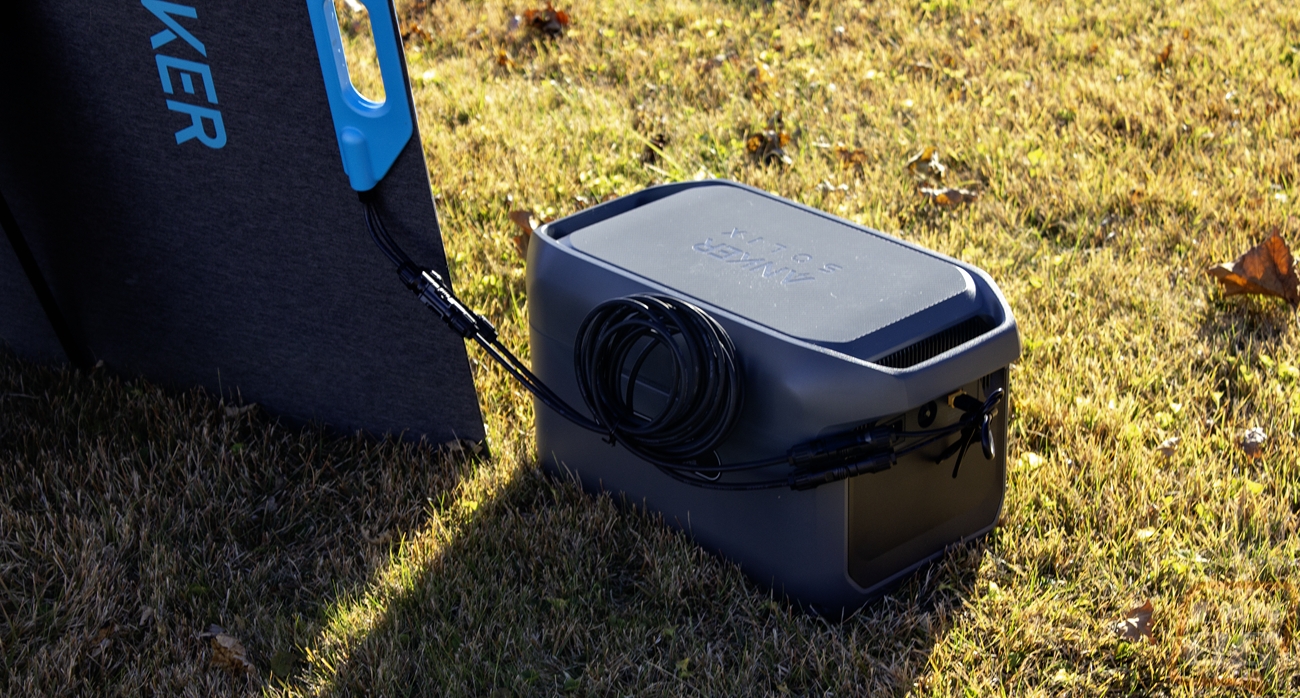
In the included accessory box we did get a user guide along with a few cables. The panel uses MC4 connections for both cables. Anything that supports those, the solar panel will work with but we are going to try it with the C2000 Gen 2. For that they include an adapter cable which turns the MC4 connections into an XT60i.
Performance
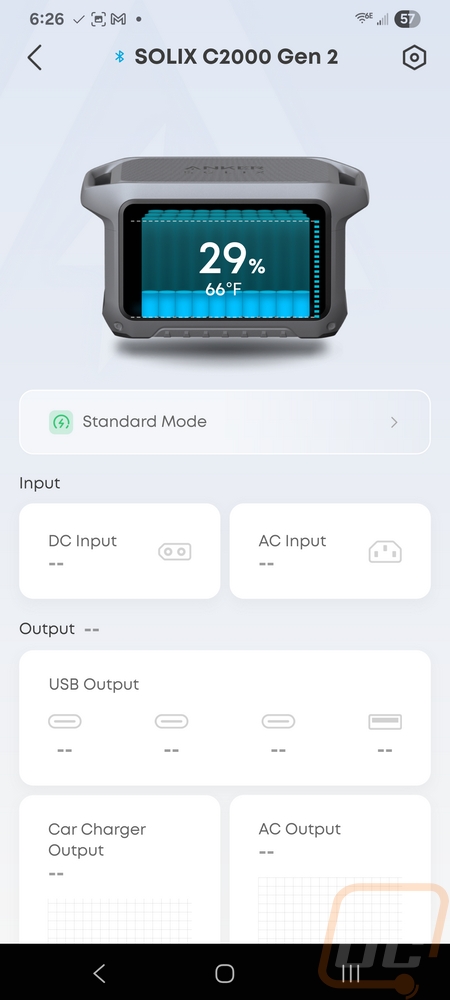
Like with most of their products, the SOLIX C2000 Gen 2 does work with Anker’s software and if for no other reason than checking for firmware updates you should connect it to the app. Getting it connected wasn’t hard. In the app you click add a device and select the C2000 Gen 2 once it pops up. That is assuming you have it powered up. From there you can give it a name and pick from Wifi or Bluetooth control. I only do Bluetooth anymore, having even more devices on my wireless for no reason doesn’t help and I have had a few devices (including from Anker) that have bugged out and given my wifi issues in the past. Of course if you are going to be using the C2000 Gen 2 in a permanent installation in your house or in a camper being on WiFi might be better for you because you can check in on it remotely.
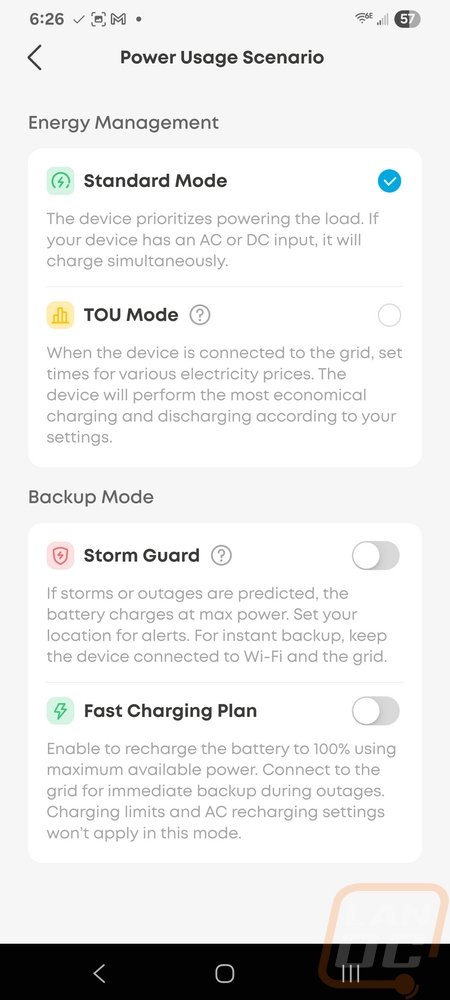
Once set up, the main landing page shows a picture of the C2000 Gen 2 up at the top and inside it shows both the battery capacity and temperatures. The first and most important setting is right there at the top. This is where you set up your power usage scenario. You can pick from four. Standard will prioritize the output power first. An example of this is if you have something plugged in that uses a lot of power, it will recharge the battery when it can but makes sure that device gets its power first. Then TOU Mode will recharge the battery when you have lower power rates for areas that have off-peak rates. Storm Guard will make sure the battery is charged completely when storms or outages are predicted, it will need to be connected to WiFi for this. Then you have the fast charging plan which charges the battery up to 100% using the maximum available power. That is ideal if you are trying to get the C2000 Gen 2 charged up before taking it out camping or on a trip. That main landing page as you scroll down shows all of the input and output connections. Each will show the charge or output rate when they are in use and for the car charger and the AC plugs there are power buttons that you can turn those ports on or off with. Those also graph out the usage over time, so you can check in and see if there was a lot of power being used previously as well. Down at the bottom you can turn the display on and off as well.

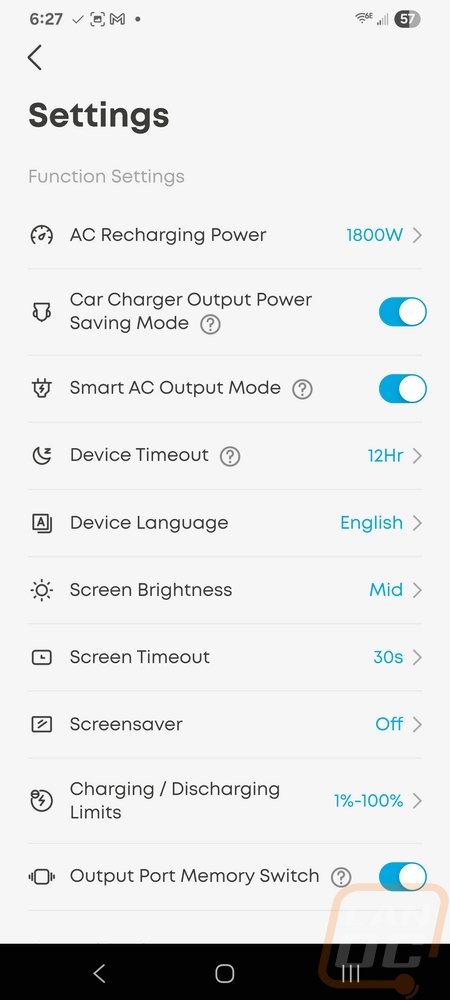
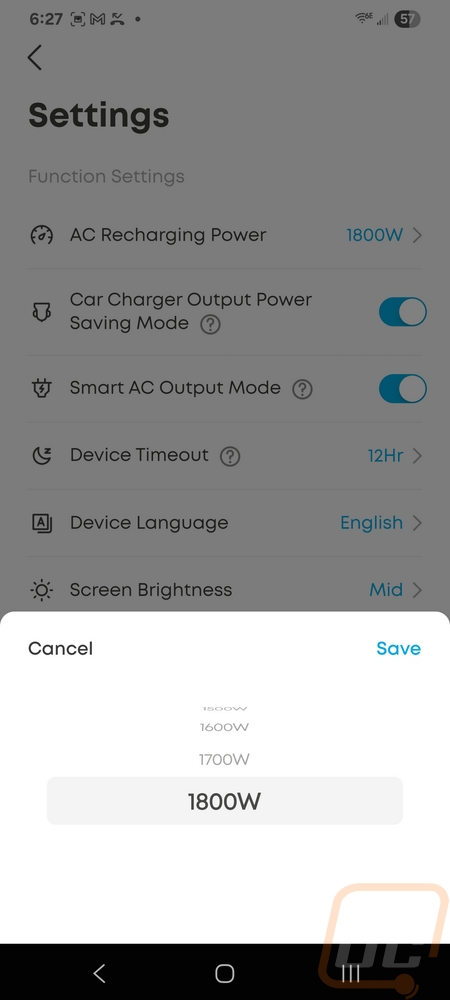
Up in the top right corner the hexagon shape is the settings button. I don’t know why they don’t use a gear which is the universal symbol for settings these days. Once open this is where you can dive into all of the other settings details. The first option is setting the recharging wattage limit for AC power which maxes out at 1800 watts. The car charger and AC outlets that can be turned on and off have their smart mode switches here. They will turn the outlets off after not having any power output for a specific time. The C2000 Gen 2 itself also has a device timeout that will turn the whole thing off if it isn’t being used or powered to keep from using up the battery. Then from there you have things like the language, screen brightness, and screen timeout. Down at the bottom, the charging and discharging limits are another important one. This is where you can set up some battery-saving functions. You can set the max that the battery will be charged to and then set limits on both the charging and discharging. There is also the output port memory option, which just makes sure that ports are turned back on if you had them on previously if the battery is depleted. That is an important setting if you are using the C2000 Gen 2 as a UPS. Without that setting once the power comes back on you will have to manually turn the ports back on.


Testing the SOLIX C2000 Gen 2 consisted of two aspects for me. I was really curious about how the combination of the 4000-watt solar panel and the battery backup could work. The Solar Panel is portable and for more temporary use when the power is out longer term, so I hope that I rarely have to use it. Before our full winter set in, I snuck out with both the C2000 Gen 2 and the solar panel to set it up in the yard. Even at this time of year, when we aren’t getting the best sun and setting up with big shadows across the panels as you can see below. The panels did still start charging the C2000 Gen 2. Of the 400 watts that the panels can put out I saw 183 in our less than ideal conditions. 183 watts however is just under the 190 watts that Anker advertised as the power used for their fridge testing. Even without getting the panels into better light it would mean the battery would hardly be discharging during daylight hours. In a more ideal sunlight environment you would be able to keep the C2000 Gen 2 recharged with a constant load like that even through the night. I mentioned earlier that the solar panels have some weight to them and that was very true when dragging them and the C2000 Gen 2 out into the yard, but not any different than messing around with a generator and that doesn’t count having to get and maintain the gas in the generator. With the C2000 Gen 2, at least for my setup I’m most likely to set the battery up in our basement and run the wire out to hook up the solar panels out on our deck in the future.


The other half of my testing was using the C2000 Gen 2 without the solar panels taking advantage of its battery capacity and its capability as a UPS to quickly change to battery power when the power goes out. Having it set up more in the middle of our house like this made it easier to take advantage of the built-in USB ports while also powering our fridge. The C2000 Gen 2 took over power immediately as power went out and kept our fridge running through the one power outage that happened during my testing and again when I “manually” had a power outage. Our fridge is larger than Anker's most likely used and I didn’t turn off our ice maker but it ran for 16 hours which is at the bottom of their advertised 15 to 32 hours. I could tweak our temperatures, turn off the ice maker, and not open it (we opened it like normal during testing) and get a lot longer range. But I was happy with the result, not including adding in the solar panel power if we were in a real emergency.
Overall and Final Verdict
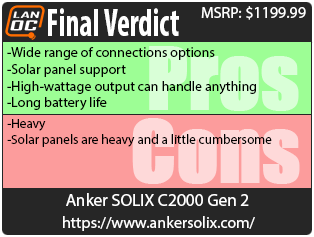
The C2000 Gen 2 from Anker Solix sits in between having your own silent generator and being a huge capacity UPS, especially when paired up with the portable solar panels. Anker promotes it as a fridge backup and in our testing it was very capable when doing that. But with the wide selection of connection options on the front, it is a lot more than that. You can plug in a 30 amp connection for a camper or a tiny home, you have Type-C connections to power and charge your electronic devices, a 12 volt plug, and of course the normal household plugs as well. It can even just be a basic UPS for your PC or for your home network. Anker advertises up to 105 hours just running your router, it’s a little extreme but if you have extended power outages it could keep you online assuming your ISP also stays online. The best feature though is that you won’t have a noisy generator running to handle everything. With the solar panels, you won’t have full capacity for use past the base capacity, but I did see 183 watts of charging in sub-optimum conditions. Getting them into better light could easily double that.
For downsides, the C2000 Gen 2 is heavy and not exactly compact even with it being more compact than the original C2000. The solar panels are also heavy and a little cumbersome, but even then both are still portable. This is as big as you can get without getting into actually whole house backup solutions and after putting it to use for the entire winter it really makes me want to get a proper whole house backup solution and start adding in some solar to cut down on our power bills which continue to get even more expensive.
Speaking of expensive, this isn’t a cheap purchase. None of them is. The C2000 Gen 2 has an MSRP of $1499 and is $2398 with the 400-watt solar panels paired with it. But Anker is known to be generous with their deals and as I write this even the C2000 Gen 2 is selling for $799 or $1199 with the solar panels. That still isn’t cheap but it is getting down into generator pricing, but still a little above them.
Overall though, if you don’t want to deal with the noise and smell of a generator or you need a high-capacity battery but aren’t looking to go with a full whole-house solution the C2000 Gen 2 does fit the bill. Your wallet will hurt a little when you buy it, but being able to keep your fridge or freezer running through a power outage may just pay for itself if you have a lot of food inside. Or maybe you just want to keep the creature comforts like your internet, a TV, and your mobile devices up. I wouldn’t blame you there! It’s just good to know that I am a little more prepared for the next power outage.
Live Pricing: HERE