PSU
None of the components for our build will work without a way to power them. For power, I knew I would need a lot of power to push the Threadripper 9980X as well as the Nvidia RTX 5090, not to mention leaving room for even more wattage-hungry video cards that may come out in the future. So I was already looking for something in the 1200-watt range. A high efficiency was important to keep power bills down as much as you can with such a demanding PC at least. Good ranking in the various PSU Tier Lists was important as well, because power supply quality varies significantly even across the same brands. Last up, something that would be able to run quietly was needed as well. Well, one of our long-time partners fit the bill perfectly in this case, and it just so happened that it is the same model that we run on our test bench. I went with the Be Quiet Dark Power Pro, which was available in 1300 and 1600 watt models. Be Quiet sent over the big boy 1600-watt model.

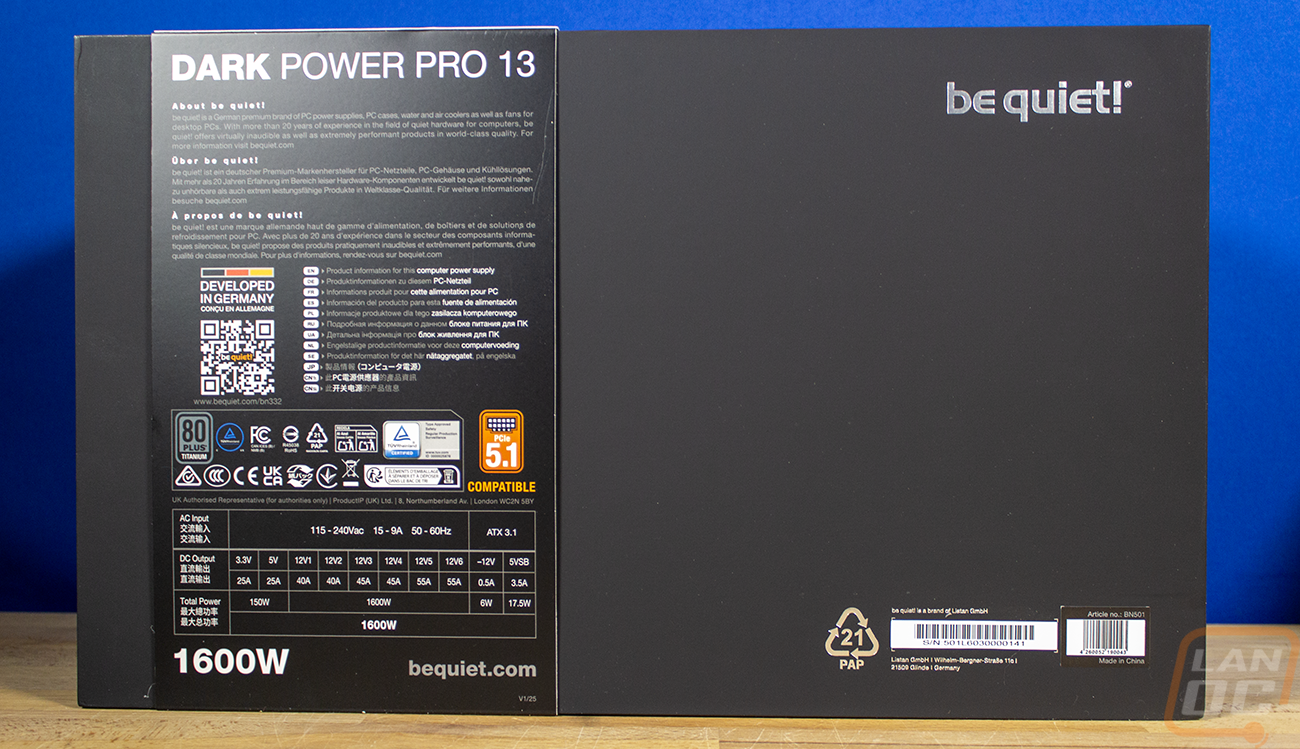
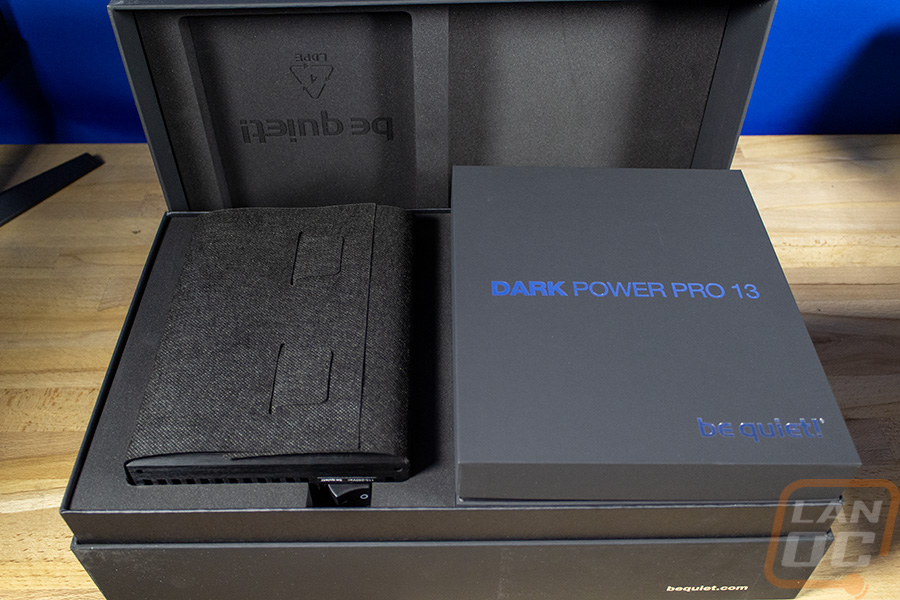
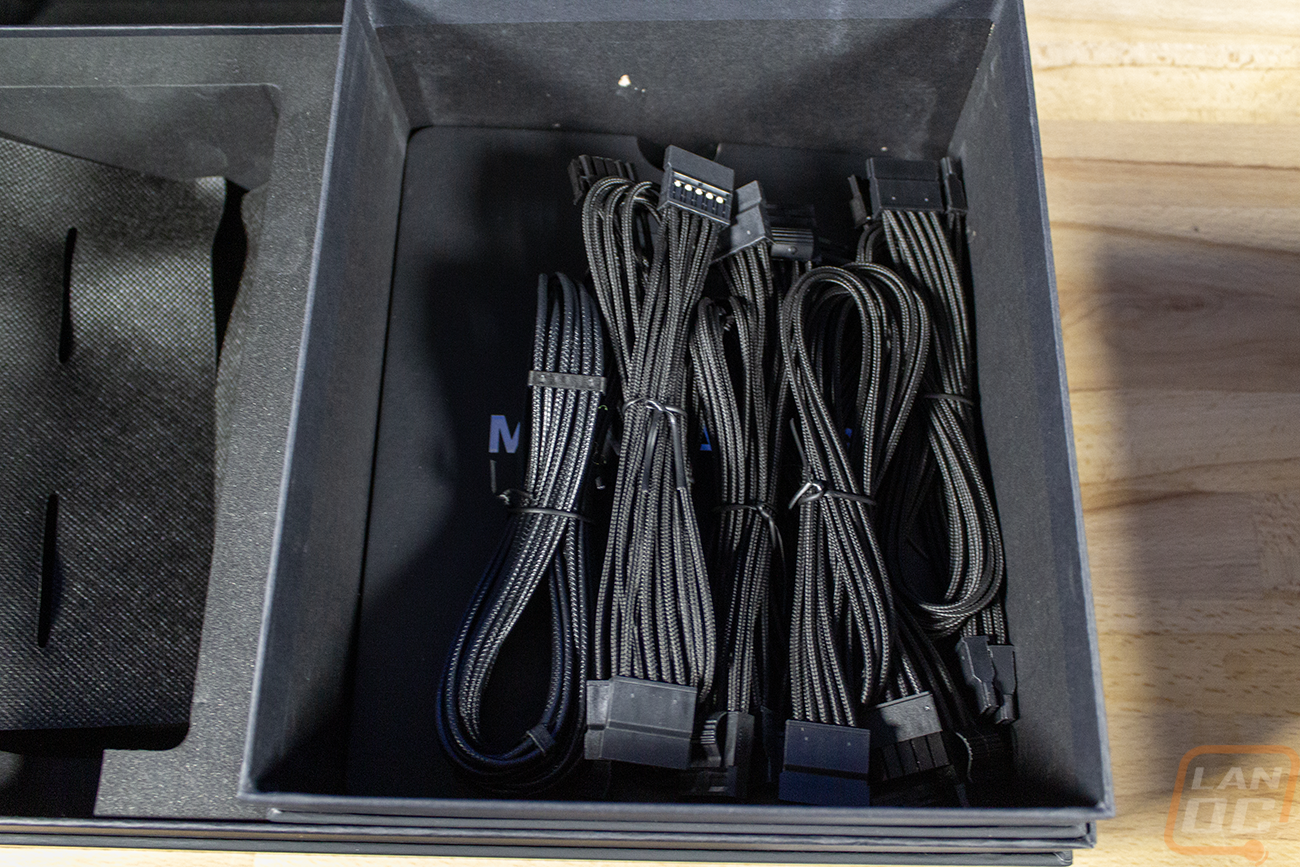
The Dark Power Pro 13 gets the full treatment from top to bottom, and that includes the box. Most power supplies have a basic brown box and a thin outside box with everything printed on it. The Dark Power Pro 13 has a thick box made out of a denser cardboard than normal that is all black with the Dark Power Pro 13 model name across the top. They have a strap that slips over it with a picture of the power supply itself and the wattage, as well as more information, including a wattage breakdown on the back. Then, when you open everything up, you will find the power supply itself wrapped in a soft fabric and sitting in a thick foam tray all around it. Next to that is a second hard cardboard blacked-out box with the Dark Power Pro 13 branding on it. That box has the documentation, all of the cables, and a bag full of other accessories.
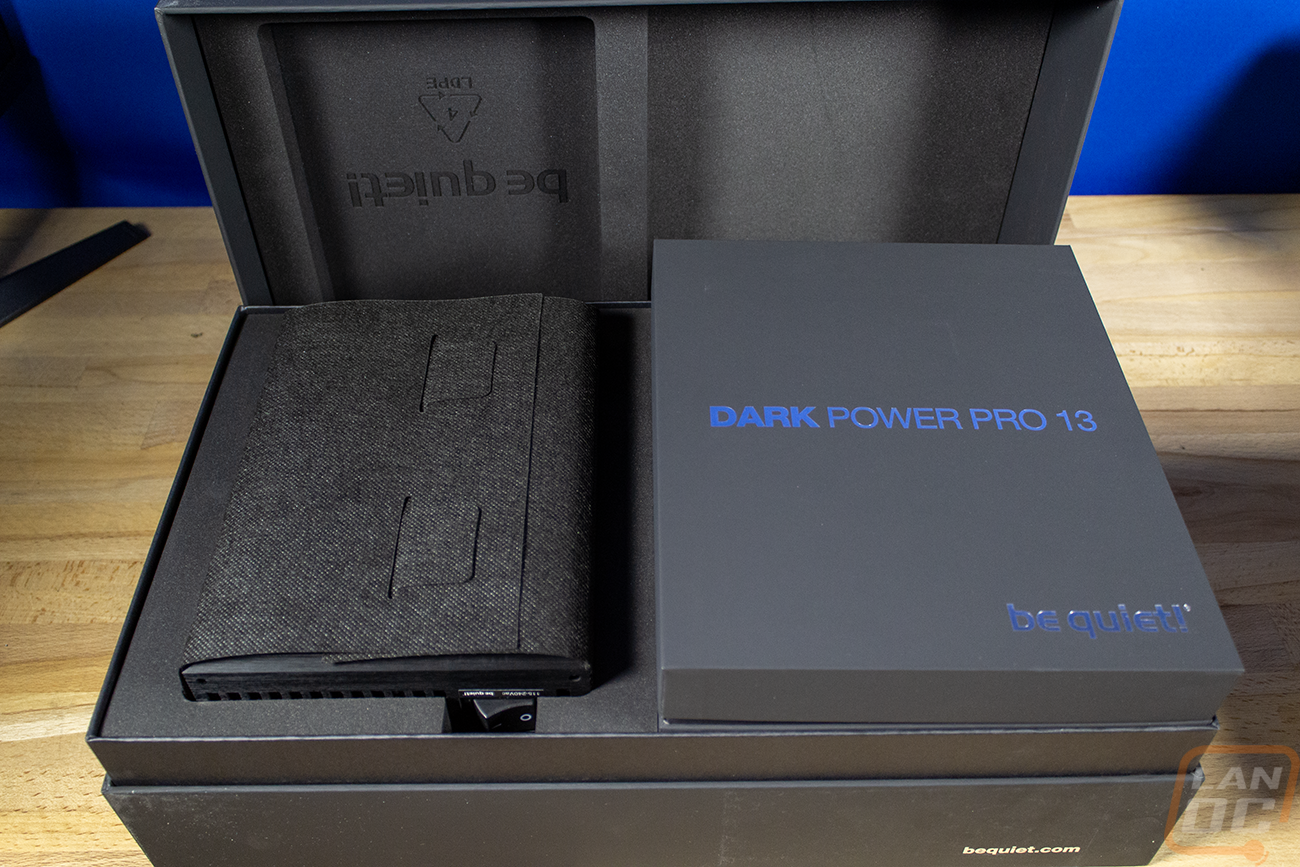
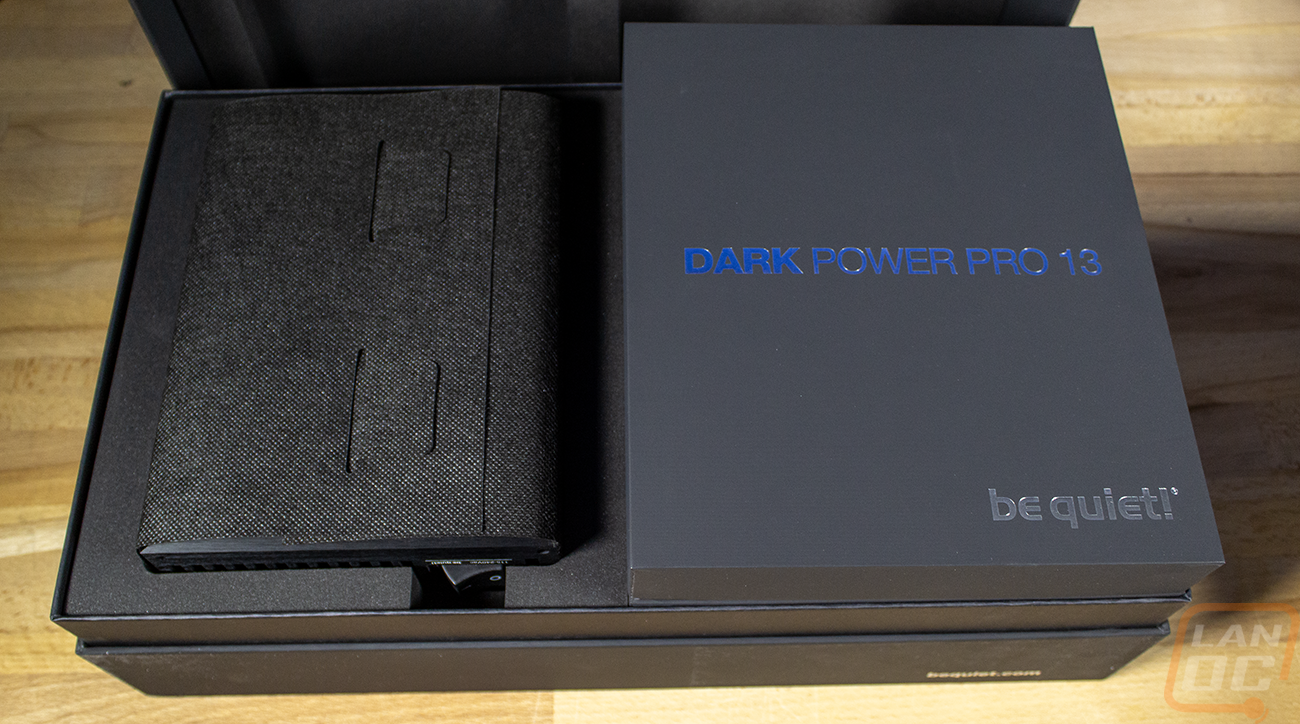
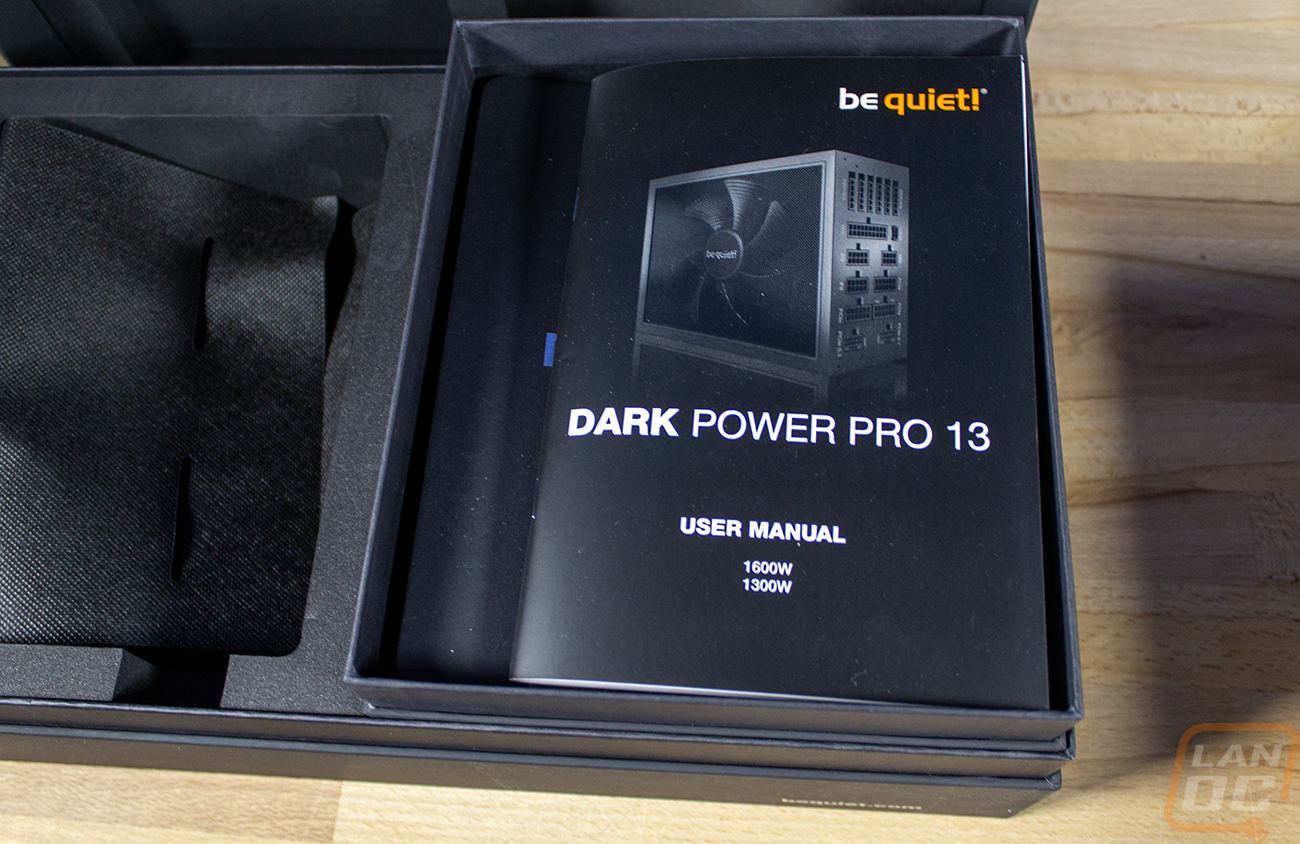
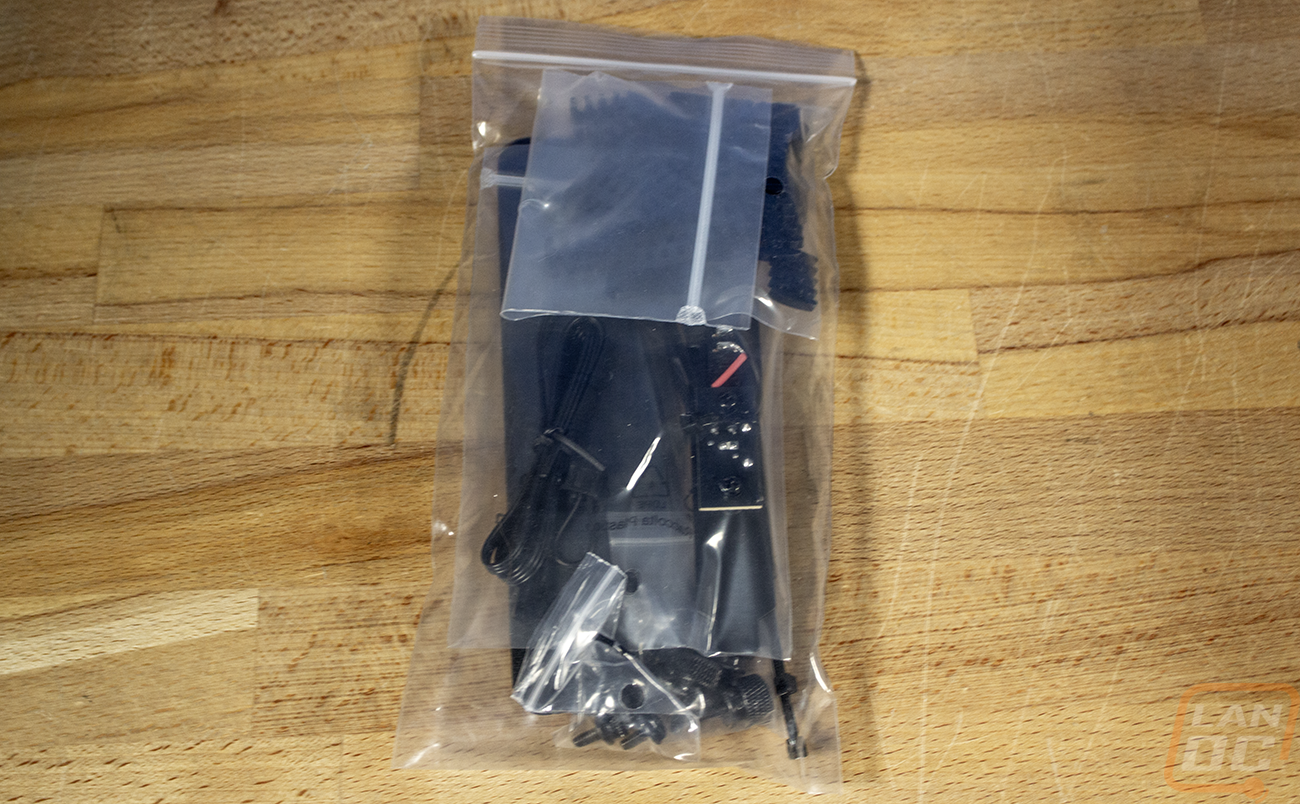
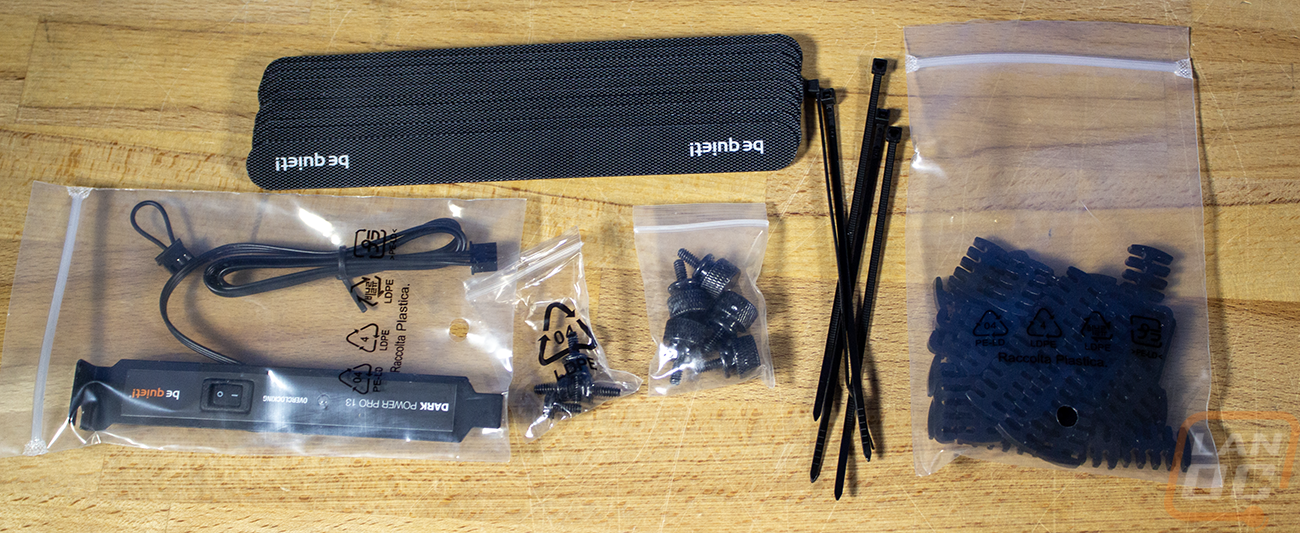
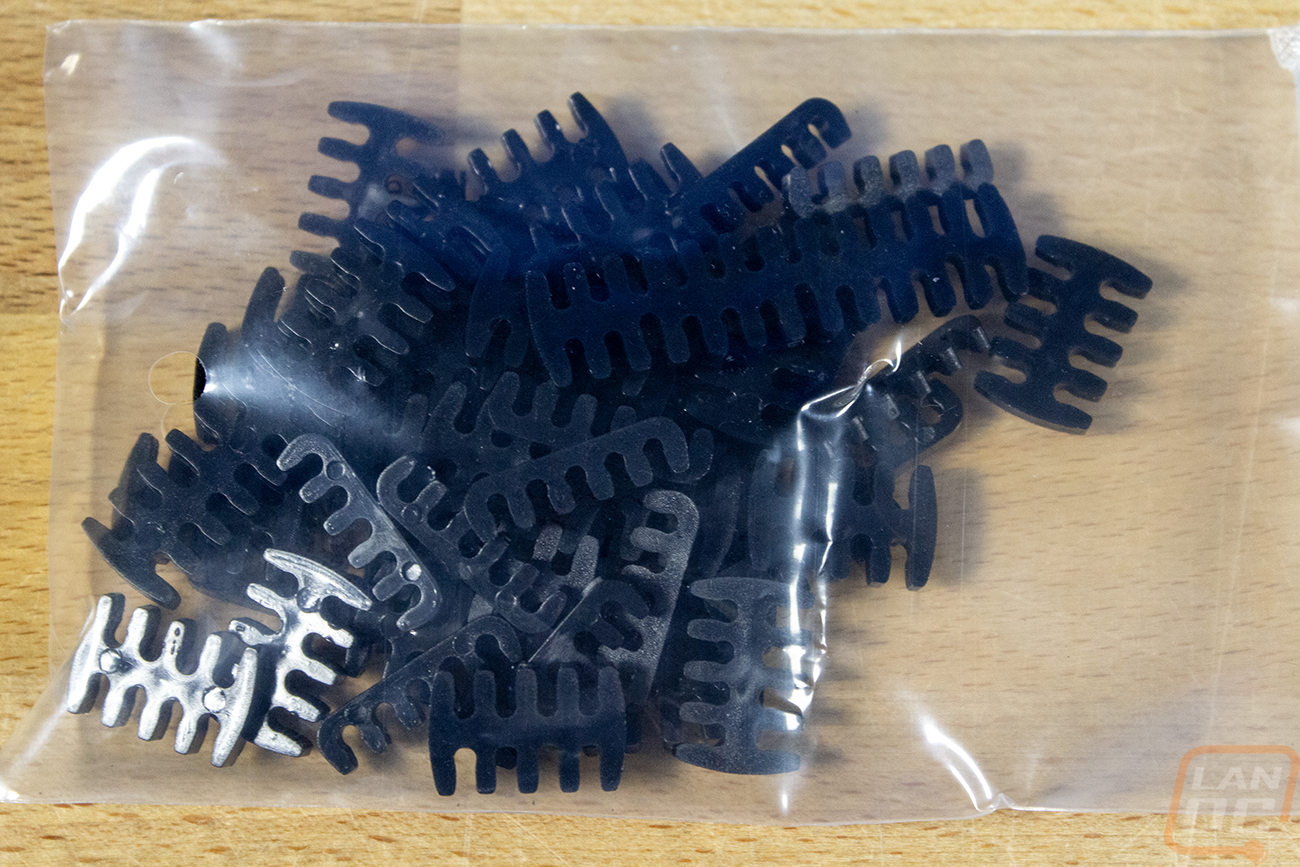
The accessories include a thick power cable with a larger C19 connection, not the standard plug. This is because a lot of people are loosey-goosey with their power cables, and with the wattage this can pull, swapping to a thinner cable during a move or if you lost this one could cause a fire. In the accessory bad you get a set of Be Quiet branded Velcro straps and wire ties as well for cable management. There are thumbscrews and regular screws for installation, with both of those being blacked out. There is also a PCI bracket with a switch and a jumper these are for overclocking the PSU, switching it from six rails to one massive 12V rail. Also with the accessories is a large bag of cable combs for the individually wired cables, if you prefer the all straight clean look.

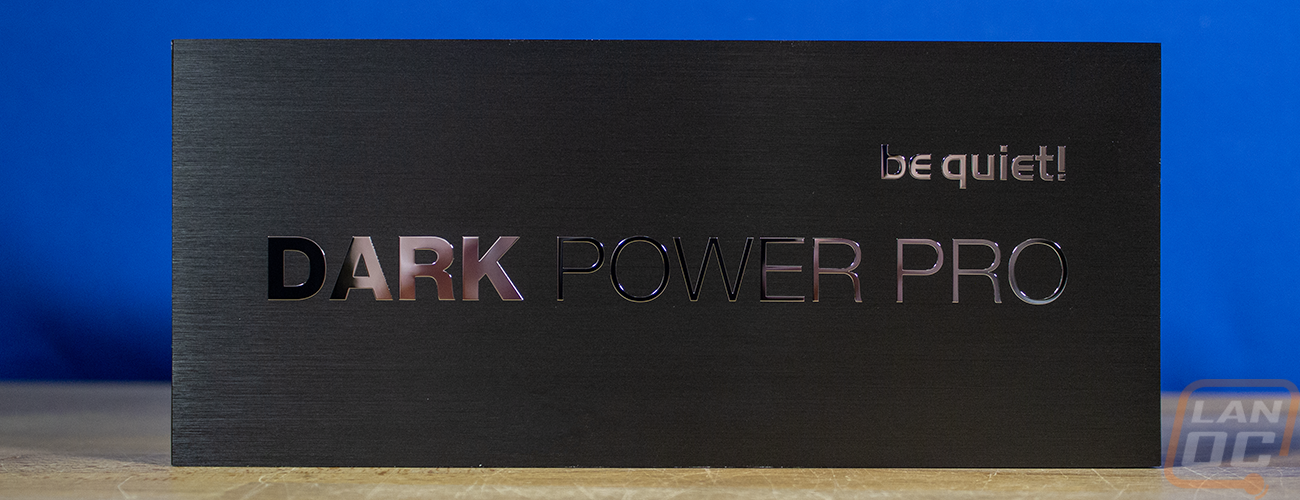
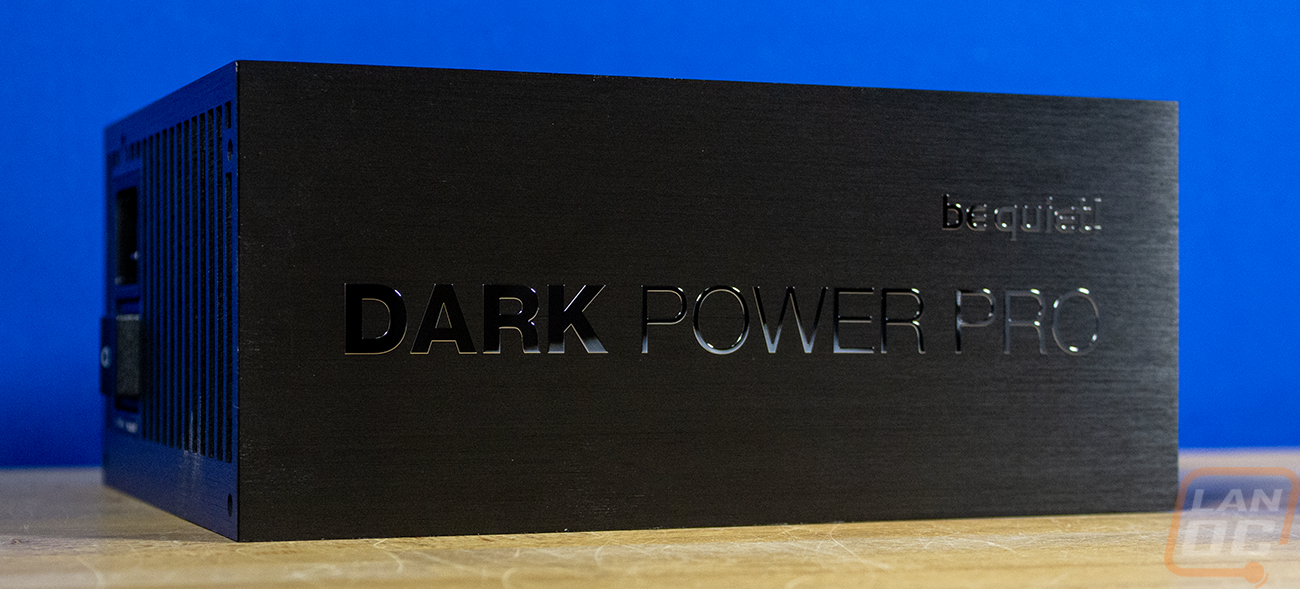
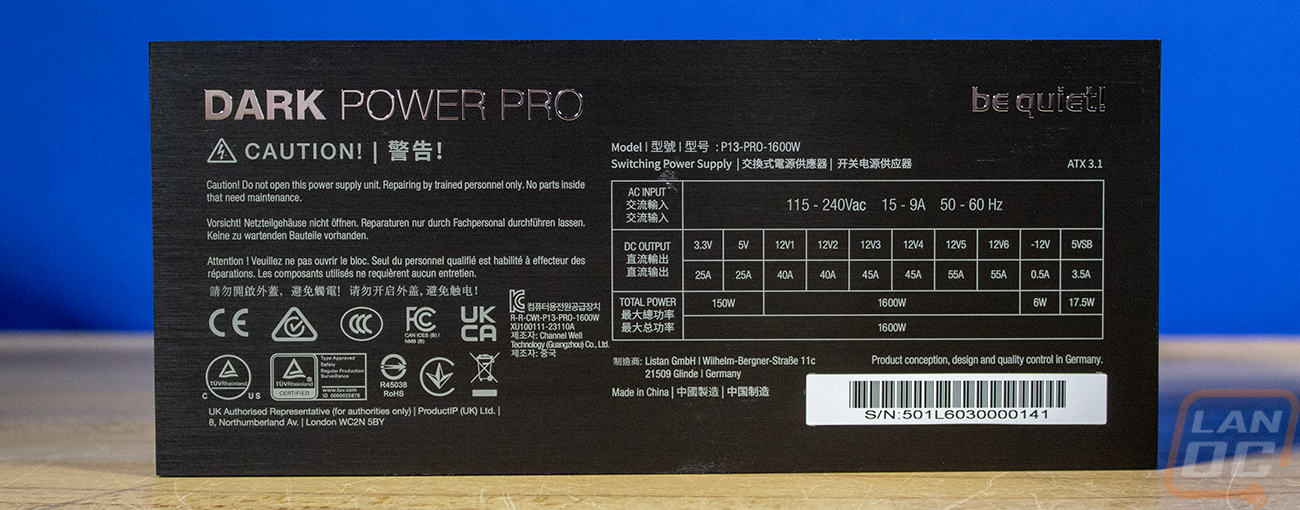
The Dark Power Pro 13 itself is a unit. Where most power supplies have a basic stamped steel housing, Be Quiet uses a thick black anodized brushed aluminum, which gives the power supply a unique look. Then, for the branding on both sides, the model name is applied with a mirrored finish, which really pops against the aluminum. One side has just the branding on it in a large font, and the other side has the branding there as well, but much smaller to make room for all of the certification information and a breakdown of the wattage. The serial number is on that side as well.
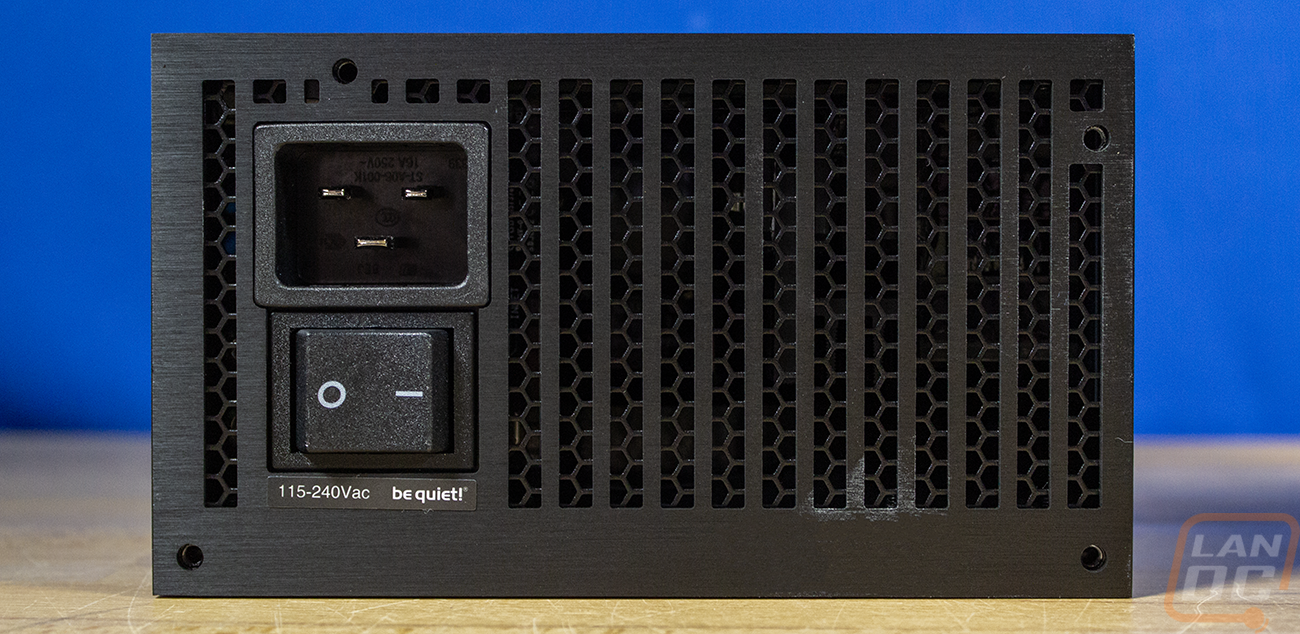
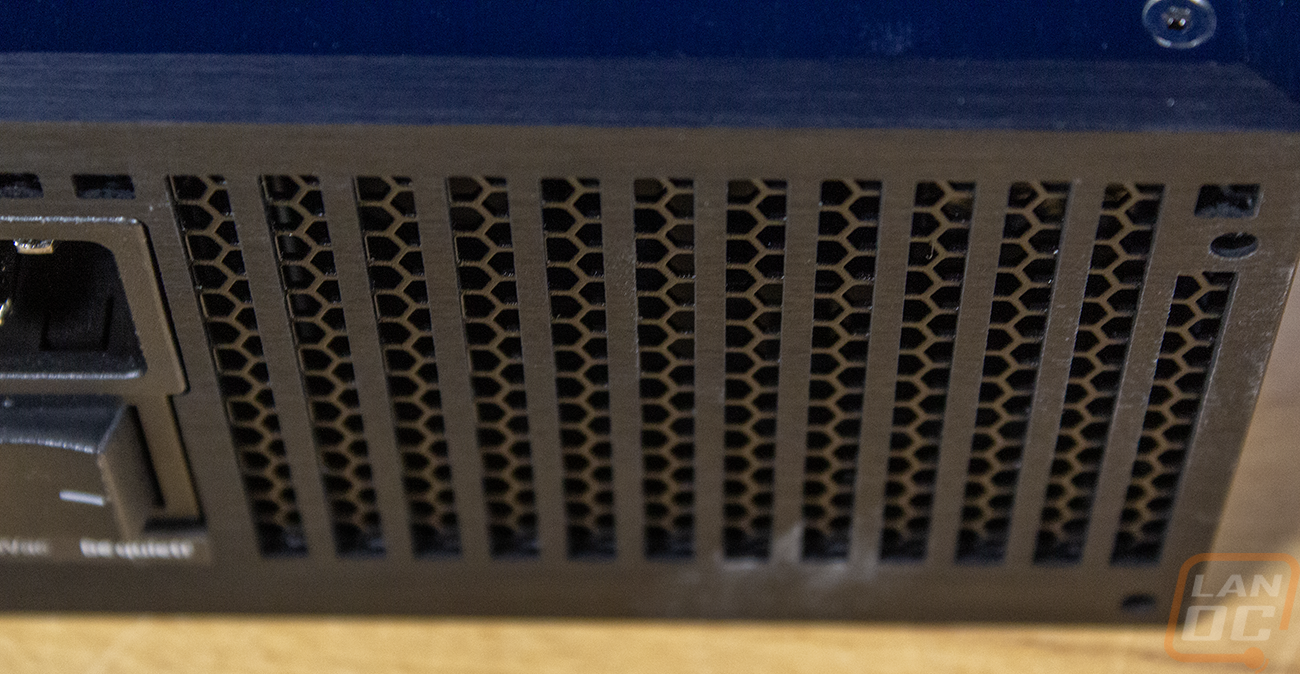
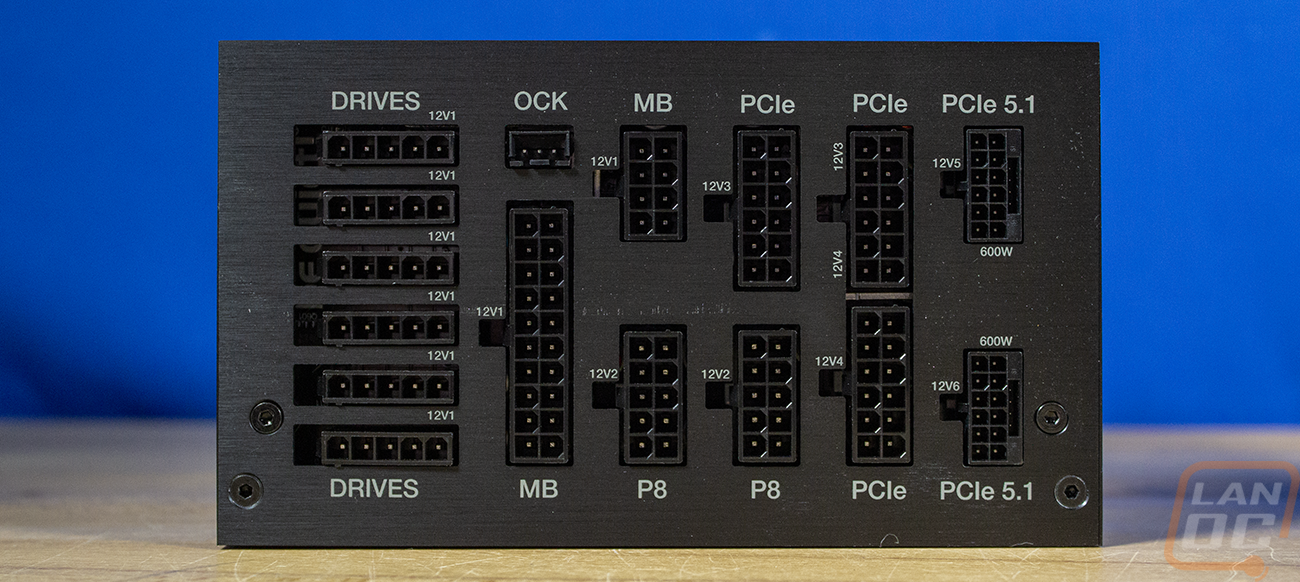
The back of the housing has vertical cuts in the aluminum housing, and you can see a more normal honeycomb layout in steel behind that. The back has a large power switch and above that, a large AC power connection as well. This is a C20 plug which pairs up with the C19 cable included with the Dark Power Pro 13. These have a higher amperage rating of 15 amps, whereas a normal PC power cable, which is a C13, supports 10 amps. This is needed to safely handle 1600 watts, 1600 watts at 120v is 13.3 amps, for example. The other end of the Dark Power Pro 13 has all of the connections for the cables. Each is laser-etched with a label above or below it. There are 6 of the 5-pin connections for SATA or Molex connections. There are two connections for the motherboard power cable. There are two P8 cables for the CPU power. Then there are three PCIe connections for the 6- and 8-pin PCIe power cables and two more connections for the newer PCIe 5.1 cables, aka the 12VHPWR cables. These use the standard 12VHPWR connections, not a proprietary connection. There are a few pros and cons to this setup. Those cables, and specifically the connections, have been known to melt, which is a major concern. On the other hand, because it isn’t proprietary, you can use any cable, including cables and other solutions that are aimed at helping regulate power across the cable to help prevent damage.
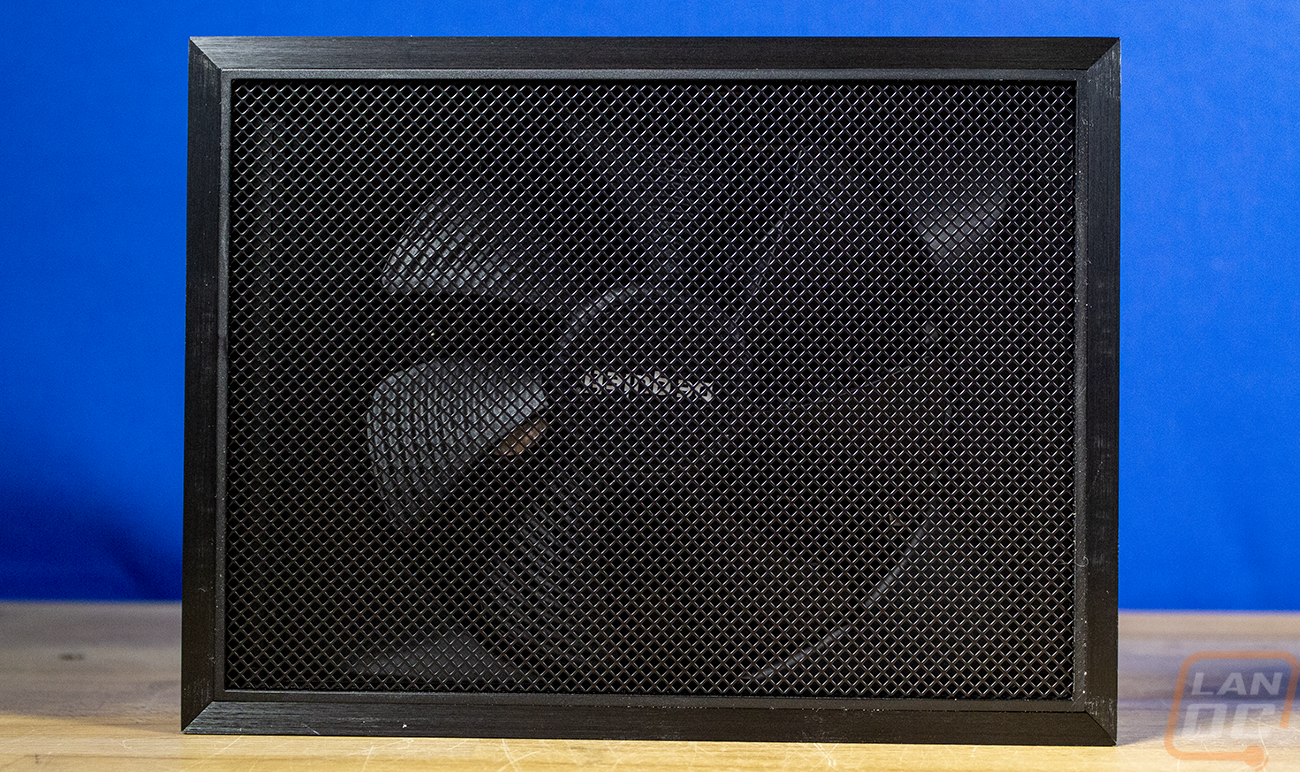
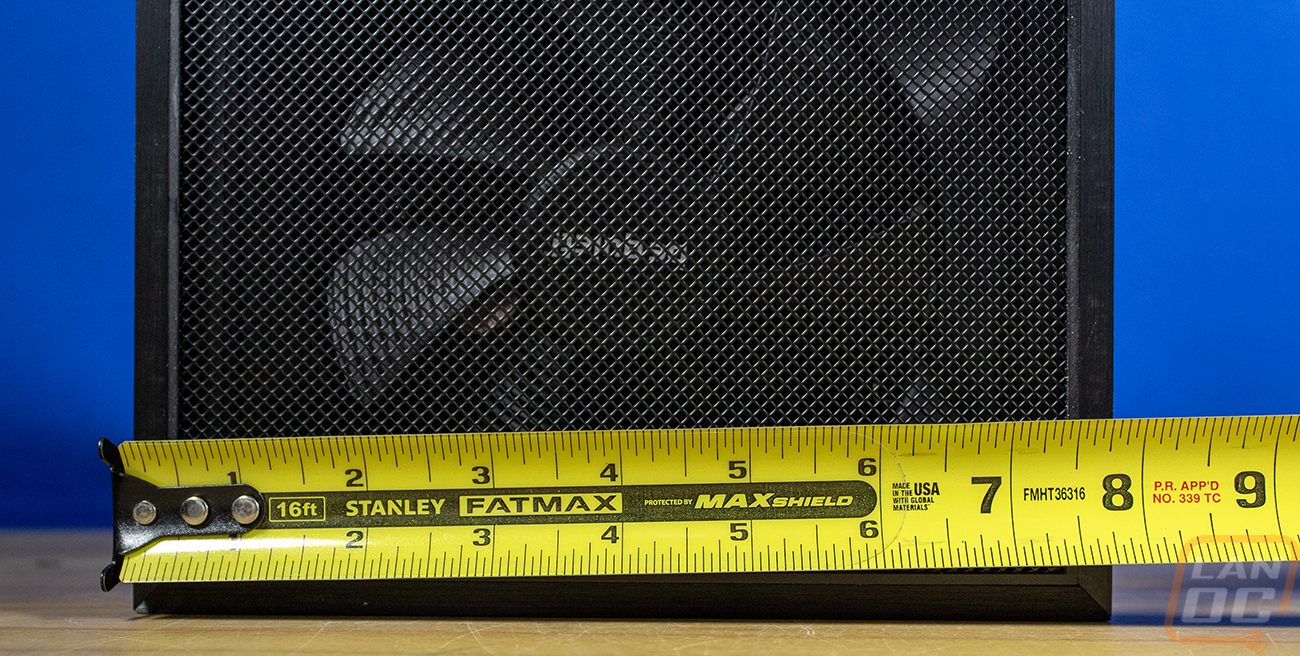
The top (or bottom, depending on how you are installing it) of the Dark Power Pro 13 has the aluminum around the outside edge with nice mitered cuts on each corner. All of that frames a solid wire mesh grill that covers the rest. This is unique compared to any other PSU I’ve seen. In the center, behind all of that, you can see a large 135 mm fan. The fan is frameless and is a Be Quiet Silent Wings fan with a Fluid Dynamic Bearing.
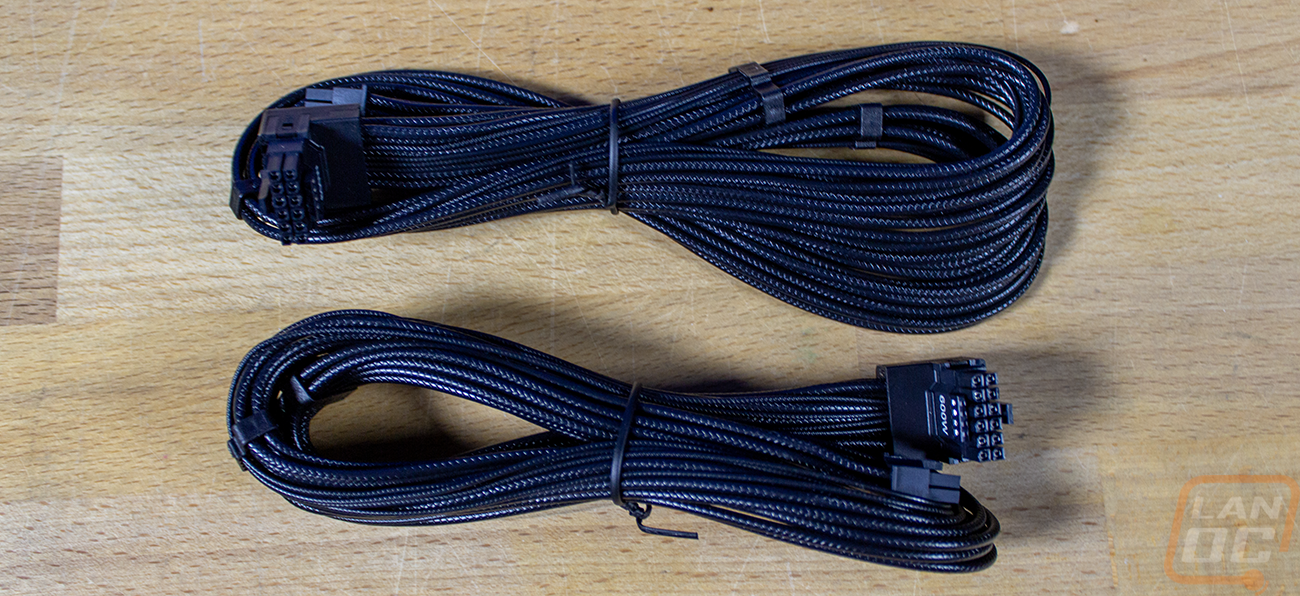
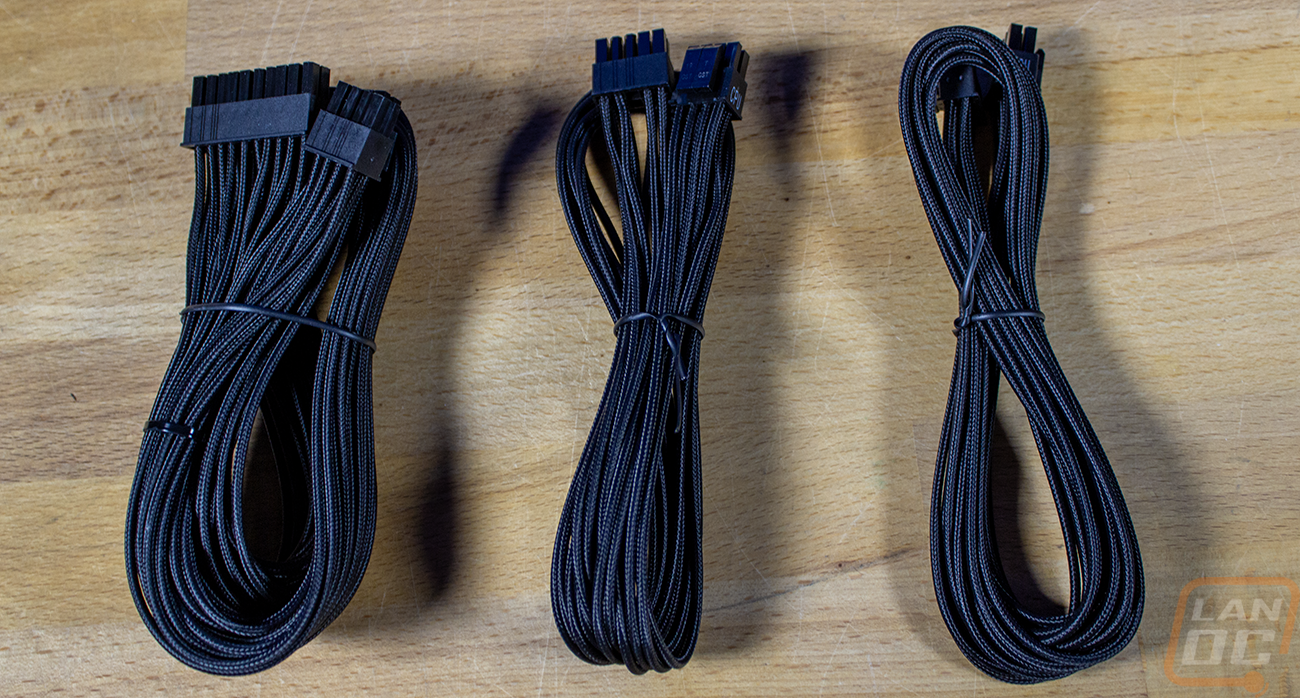
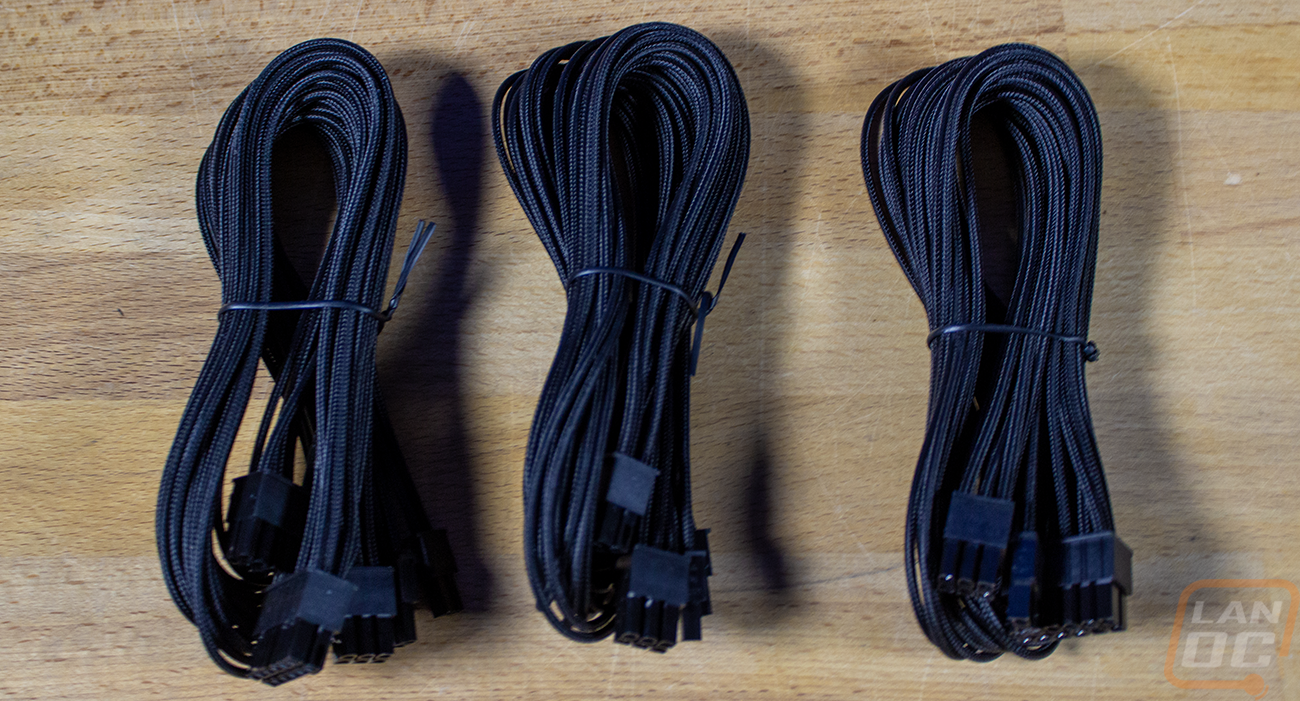
Last up, the Dark Power Pro 13, of course comes with a whole box full of modular wires. You can pick and choose what you need. In our case, we will need one 12VHPWR cable, both CPUs, a few of the PCIe cables for additional power for the ASUS Pro WS TRX50-SAGE WIFI, and that should be it. We shouldn’t need any or very few of the peripheral cables, with most of the power being fed into the motherboard itself. All of the cables, including the motherboard 24-pin, are individually sleeved with a nice black sleeving that matches the entire build. The only cable that is different from that is the 12VHPWR, which is still individually sleeved but has a rubber sheathing that has a texture added to it to look like a sleeving, and honestly, I might like the look of those even more simply because it is something a little different while still having a clean look.