Following up on our previous coverage, we have picked out the case for our new project build, which is also part of its namesake. The Fractal North XL Momentum Edition houses the ASUS Pro WS TRX50-SAGE WIFI motherboard. That is loaded up with a monster of a CPU from AMD, the Threadripper 9980X, and is paired up with 128 GB of 6400 MHz DDR5 from G.Skill to top things off. That’s a really good start, but that isn’t enough to finish up our build. So today we are going to dive into what GPU will be paired up with it all, what we are doing for storage, and also a look at a needed network change to hopefully help protect the network card on the TRX50-SAGE WIFI as well. So let’s dive in and continue with our Project Momentum build.
Project Name: Project Momentum - Part 2
Written by: Wes Compton
Build Sponsors/Supporters: Fractal Design, AMD, Asus, G Skill, Be Quiet, Silverstone, Nvidia, TRENDnet, and Patriot
Amazon Affiliate Links:
Links to the rest of the project: Part 1 – Part 2 – Part 3
Network Upgrades!
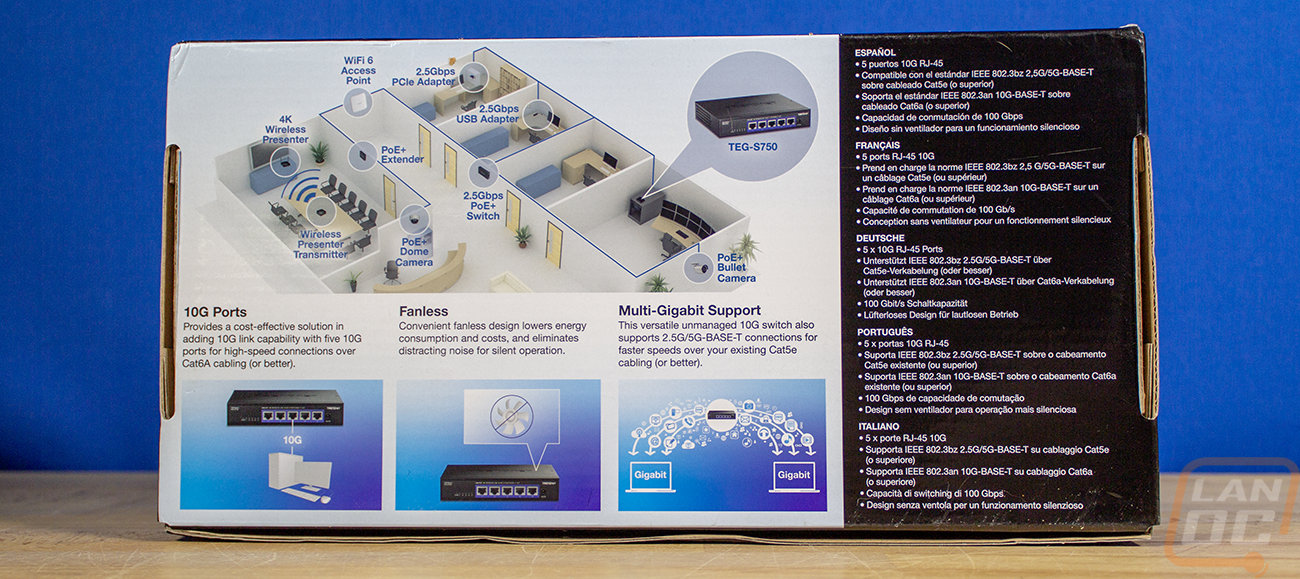
One of the issues that I have had with the last 3 or 4 PCs has been the wired NICs eventually dying. I even switched up to a USB NIC and have had the same issues. I’ve swapped out cables and even the switches in our network rack, but the issue has continued. I’ve not been able to pinpoint the issue, but this time around to try to help protect things I am switching my network up and adding in a switch at my desk. I’ve wanted to do this for a while to gain a few more high-speed connections at my work area, but I didn’t want to add noise, and most options I had come across for a small 10g switch would have a fan built in. In planning for this build, I did come across an option from Trendnet that would work perfectly. The Trendnet TEG-S750 is a compact 5-port 10G switch with no fans.
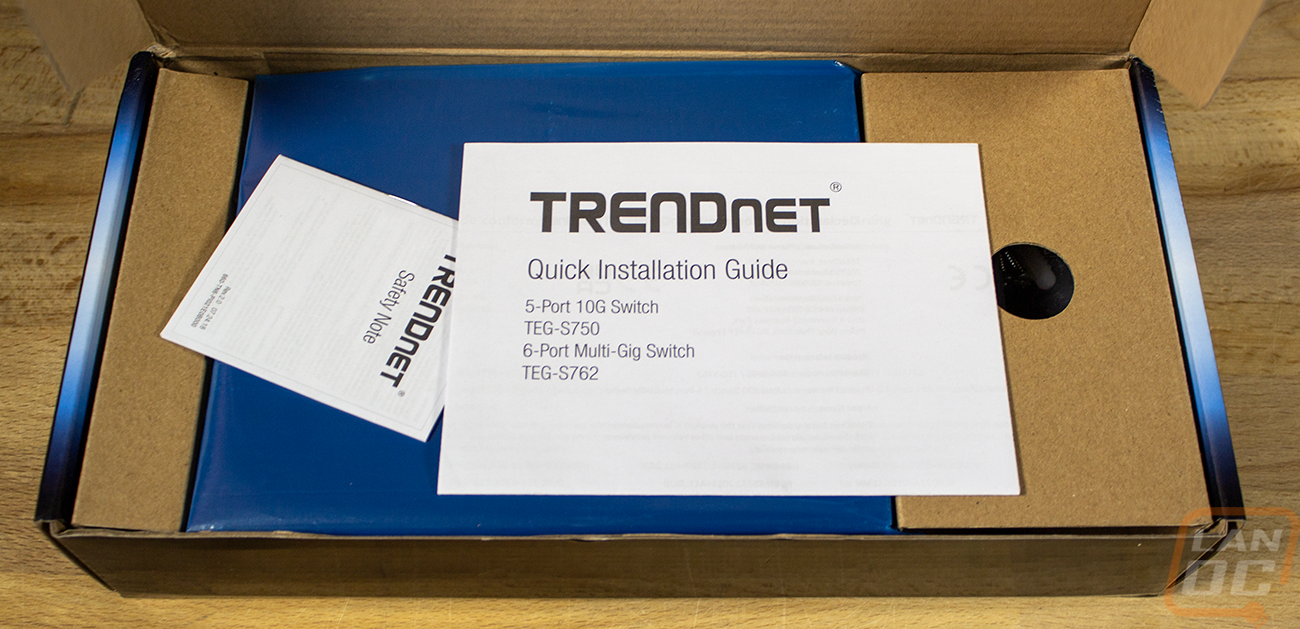

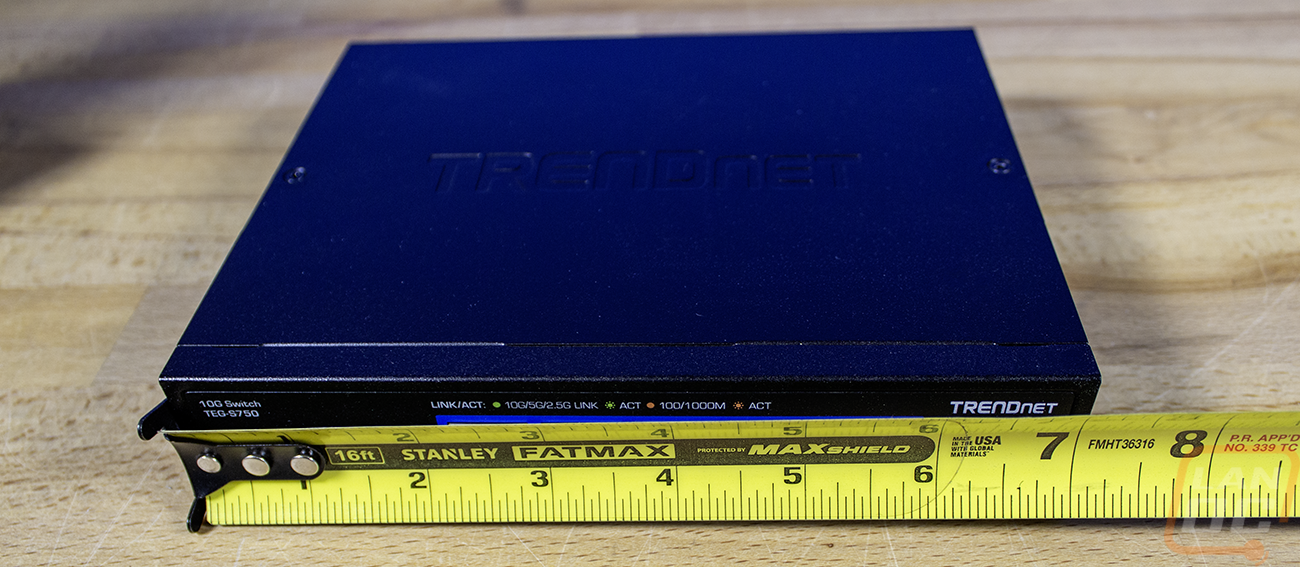
The TEG-S750 is compact at 7 inches wide and 5.7 inches deep and is 1.3 inches thick as well.


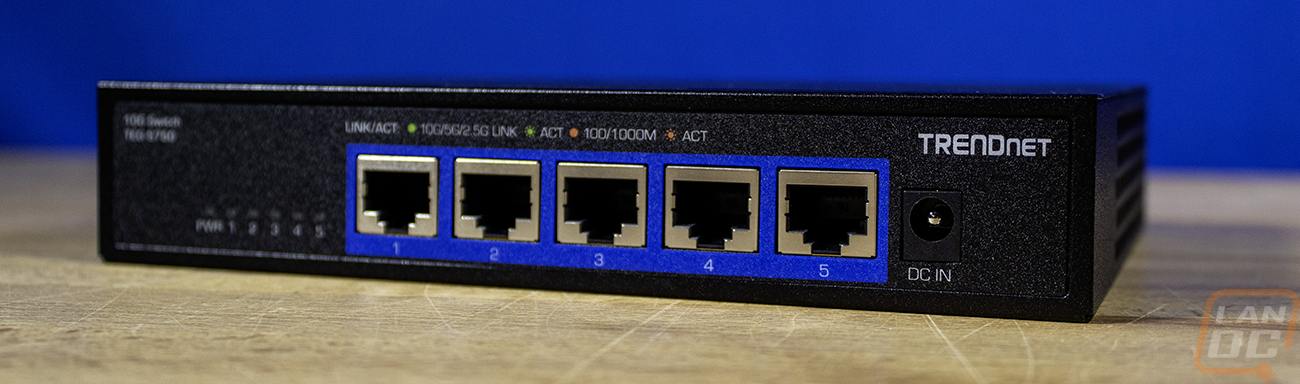
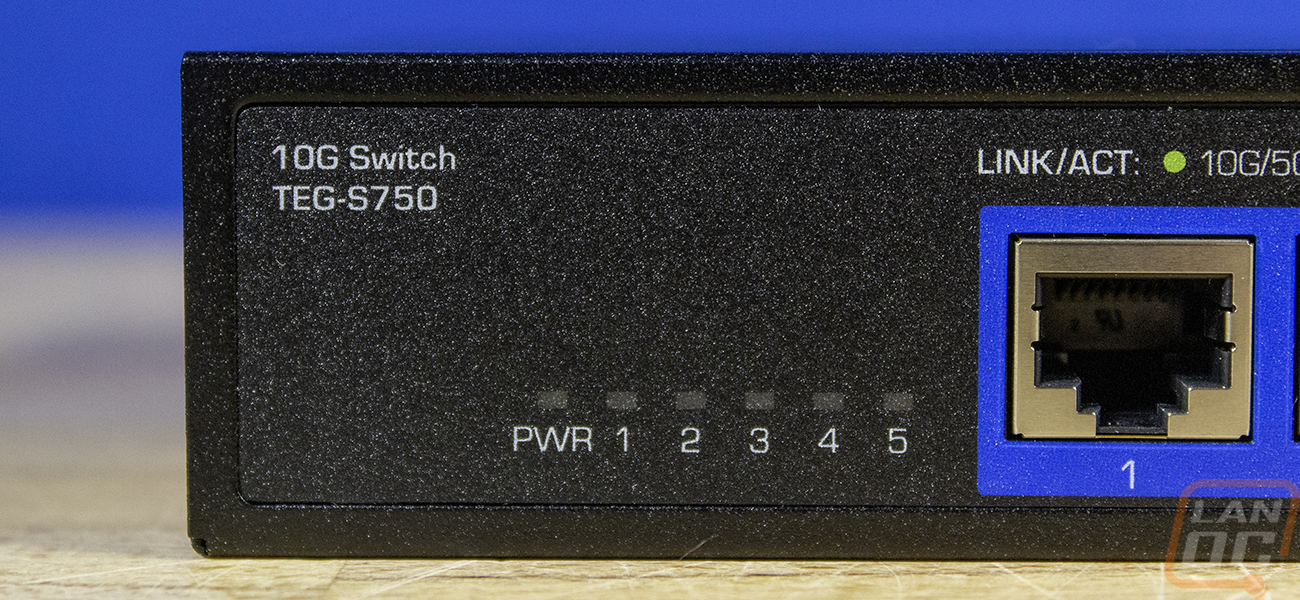
All of the ports, including the power connection, are all on the front. With five ports, that gives me one as an input from our network rack, then potentially four connections at my desk. With my main PC and the test bench always being hooked up, that leaves me with two more when needed. Of course, I still have all of the hard-wired connections as well, so things like my printers that don’t need a 10G network connection won’t take up the extra spots. But for a lot of people, 5 ports might be all that is needed for the main high-speed connections in your house. Over on the left, the TEG-S750 has four status LEDs that are labeled with each corresponding port then on the far right is a DC in for the power.

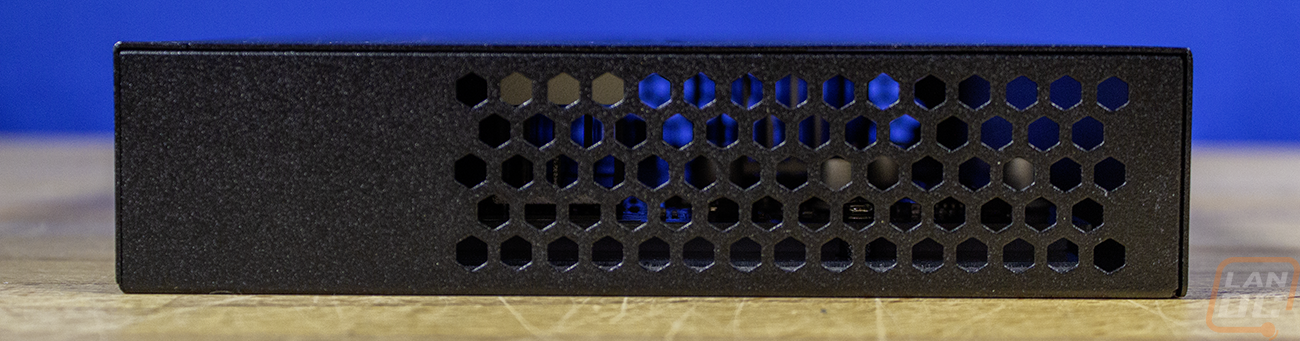
Both sides of the TEG-S750 have an array of honeycomb cutouts for ventilation, which when we look down inside, we can see a few heatsinks as well as all the way through the switch, so even without the fans, it has decent ventilation. With everything on the front, there is nothing on the back other than three screws that are holding the cover on the case.


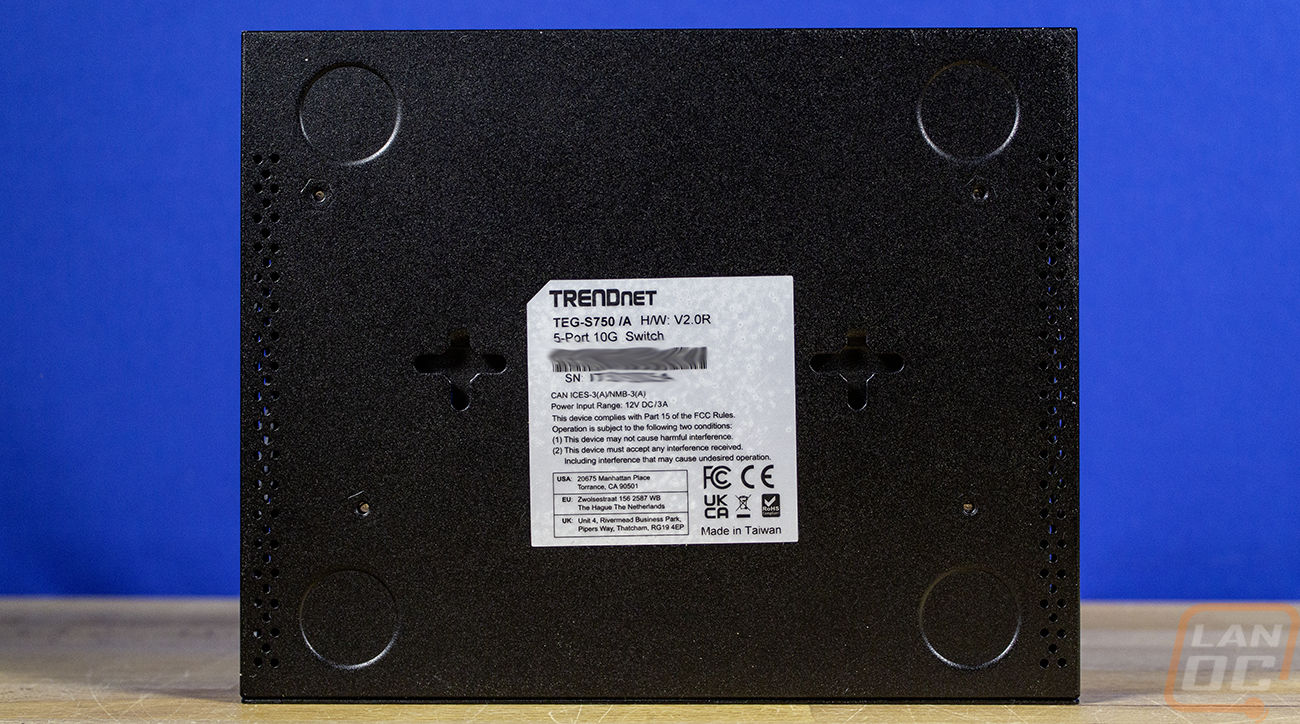
The case has a textured black finish, like most other networking gear, and on the top it does have the Trendnet logo stamped into it. The bottom has a sticker with the certifications all on it as well as the model number and serial number. The bottom also has four round indents to show you where to stick the rubber feet if you plan on sitting it on something. I on the other hand, plan on mounting it on the wall and taking advantage of the two plus sign shaped cutouts on both sides of the sticker in the middle. With those, you can mount the TEG-S750 on the wall with two screws. The bottom does have very small openings along both sides for a little more ventilation, its not much, but it is interesting that they are there at all.

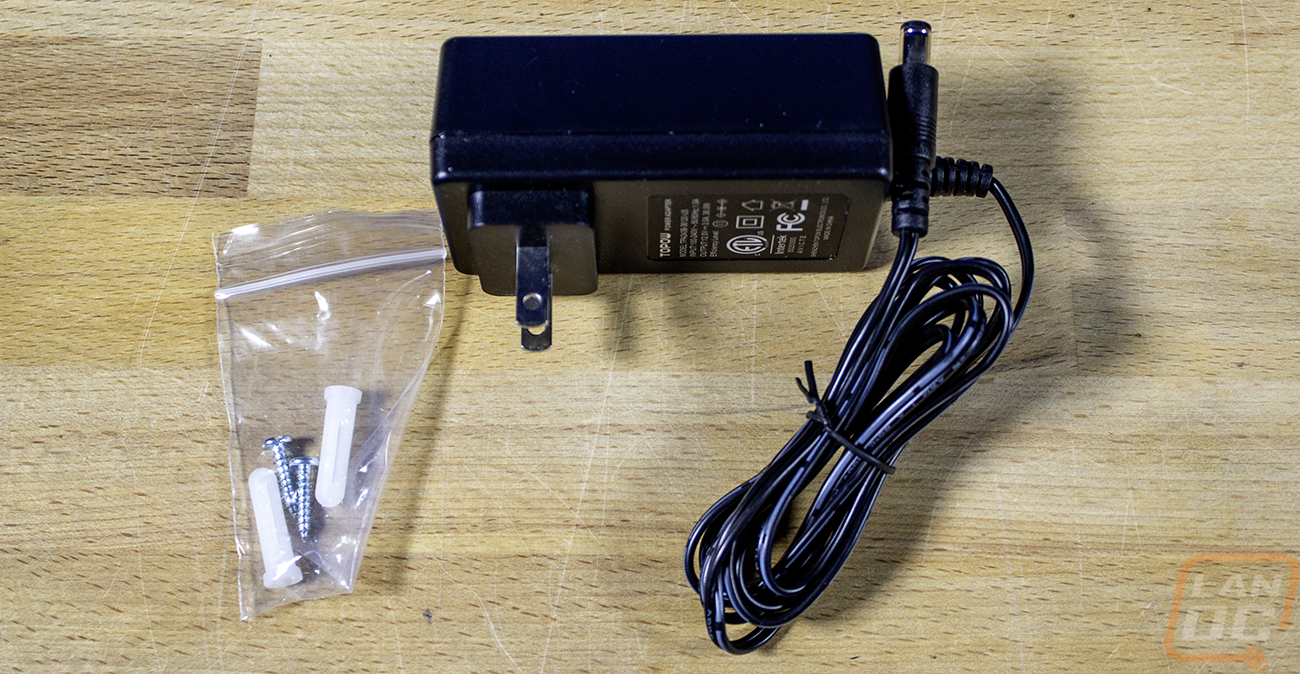
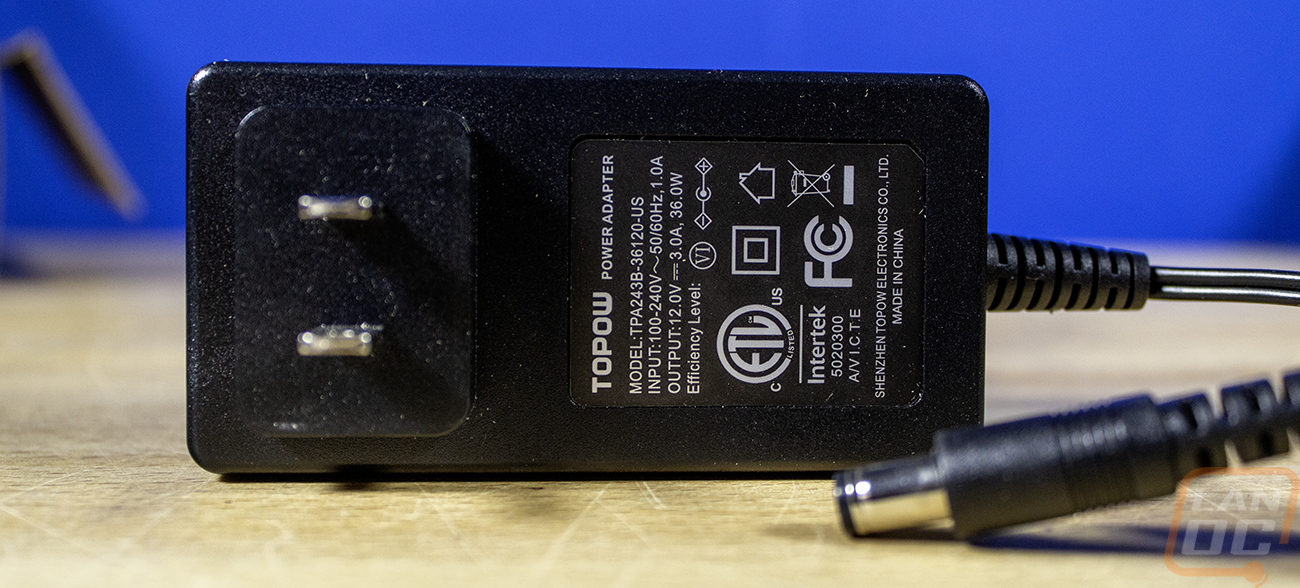
For power, the TEG-S750 comes with a small power brick that outputs 12 volts at 3 amps or 36 watts. I’m never a big fan of the power wart style power supplies, but this one isn’t too large at least. The 36-watt capacity also tells us that the TEG-S750 isn’t put to be very demanding, in fact for its specifications, it is listed as using a max power consumption of 22.75 watts, which would be if all of the ports are being used, which won’t be the case in my situation. It has a 100 Gbps switching fabric and a RAM buffer of 2MB, which will cover the five 10 Gigabit full-duplex (20Gbps) connections. The TEG-S750 also comes with a small bag with two mounting screws and the anchors to go with them.

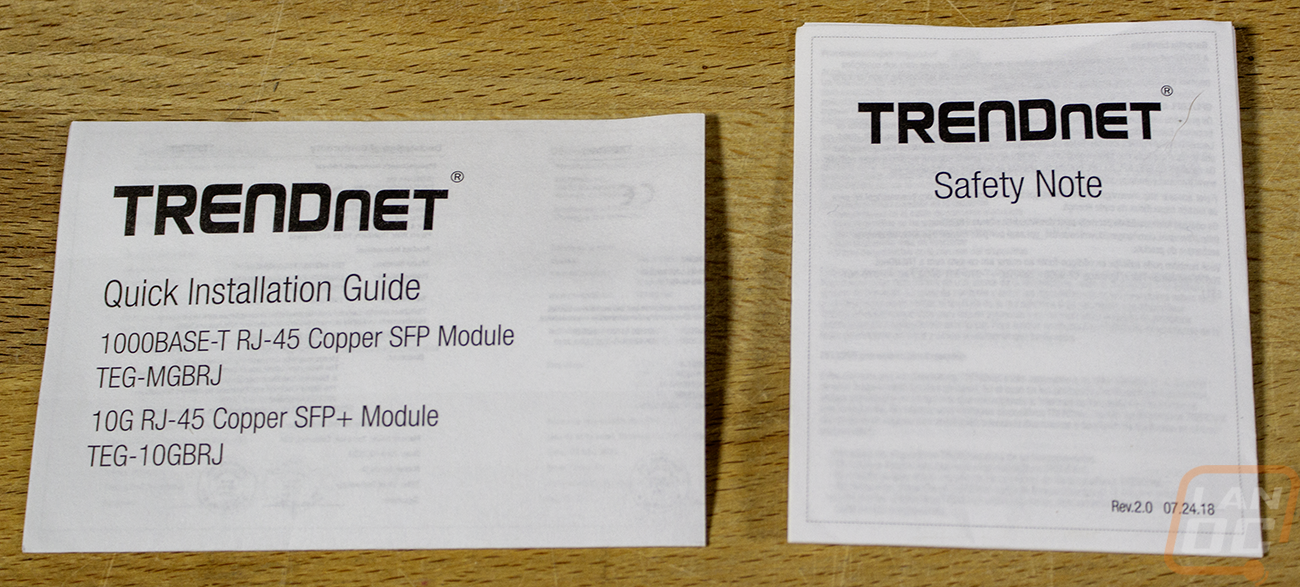
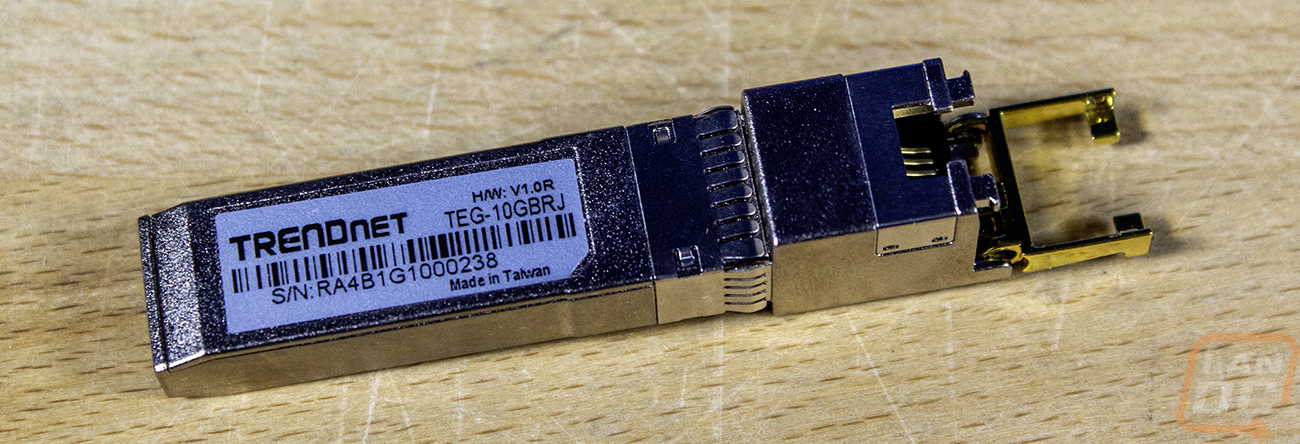
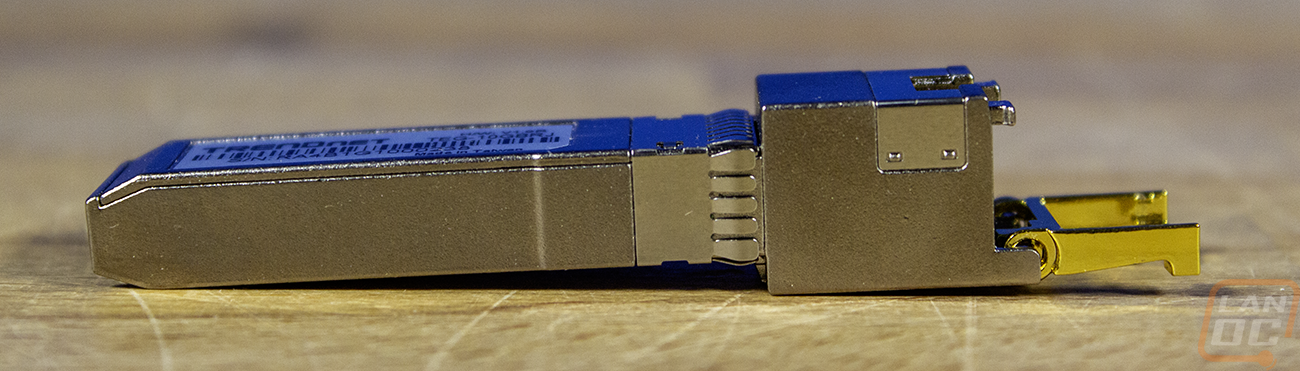
So my 10G network connections going from our rack up to my desk are wired into our switches using SFP+ modules to convert to a copper connection. This is the only thing I haven’t changed out as I have been trying to find what has been causing me issues. Trendnet was nice enough to include a new SFP+ to 10G Copper adapter, model number TEG-10GBRJ, to eliminate that as a possibility and to also get a good connection between our rack in the basement up into my office. You may have seen SFP plugs on the far right side of some switches. These are perfect for high-speed connections as a backbone between switches and if you use the correct adapter for fiber connections as well. This just adapts that connection to a normal RJ-45 connection.