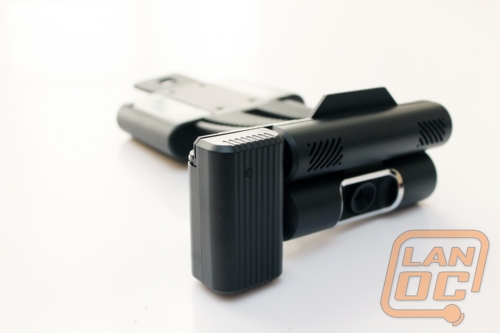
 I often talk to people who are looking to add an HDMI cable to their laptop or desktop computer so that they can display their computer's screen on their television. That is not so difficult on a laptop, but making the change with the desktop is often a room-changing ordeal, and can just be a complete pain. Today, we look at the ConnectHD from Warpia. It also has an added benefit of turning your living room into the bridge of the Enterprise (by enabling video conferencing on your television). But the real question is; does it work? Read on to find out!
Product Name: Warpia ConnectHD
Review Sample Provided By: Warpia
Words By: Chad
Packaging
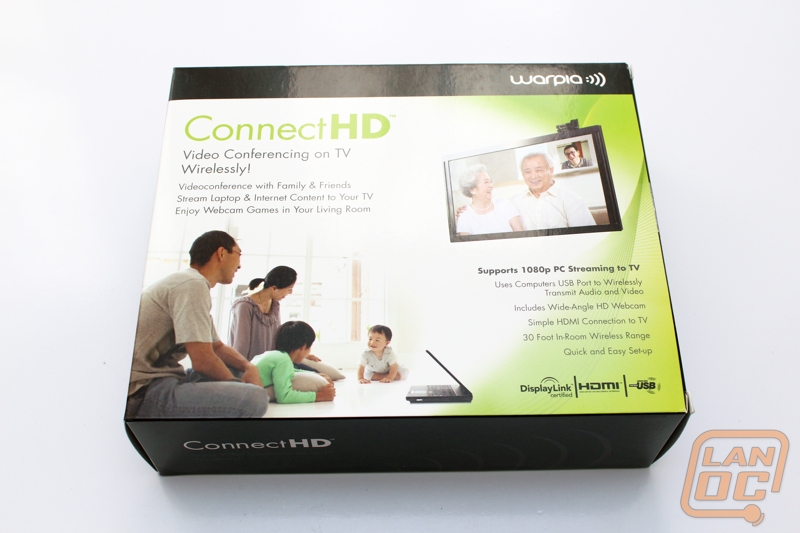
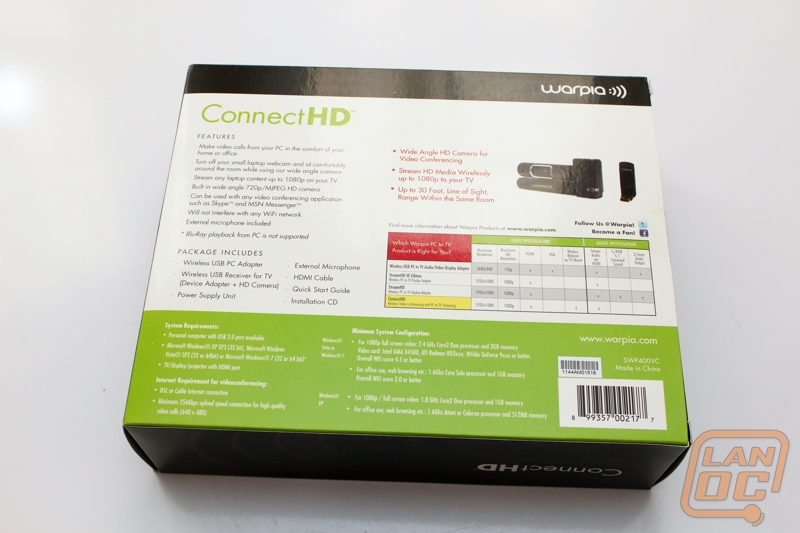
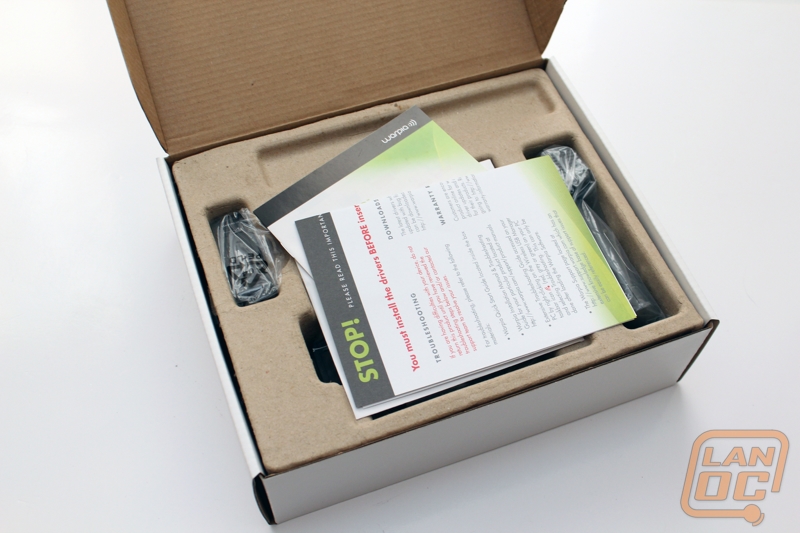
The ConnectHD comes in a shiny box with a happy older couple conferencing with their younger family. How sweet. Inside is a non-descript white box and just some cardboard holding everything inside. We do spend a lot of time talking about presentation, and to be honest when we are used to the "Apple Style" and other manufacturers, it is a little primitive. However, everything is in the box that is needed to set this device up.

It claims to not interfere with your Wi-Fi signal in your home. Why? Doesn't this device use Wi-Fi to work? NO! In an interesting turn of events, you are required to use a dongle attached to your PC in order to use the device.
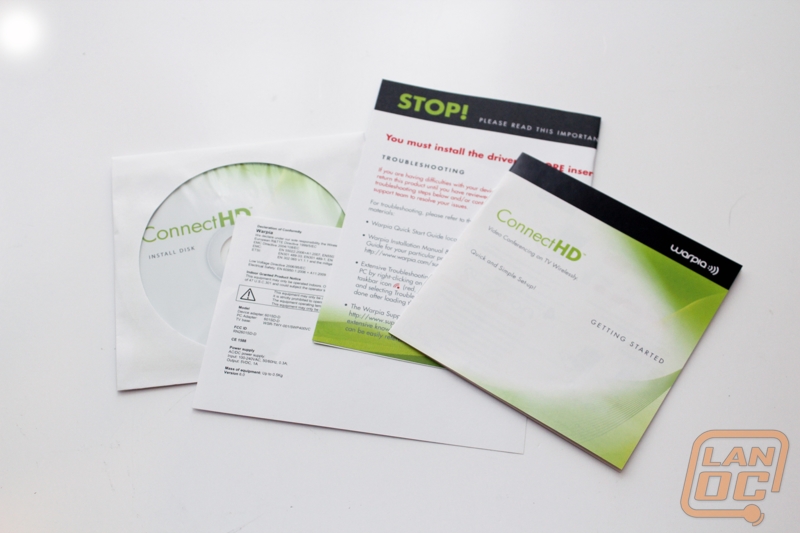
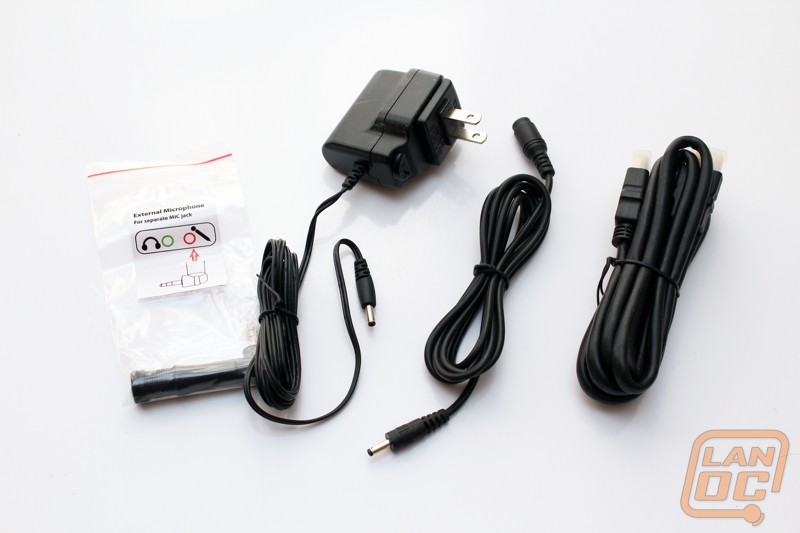
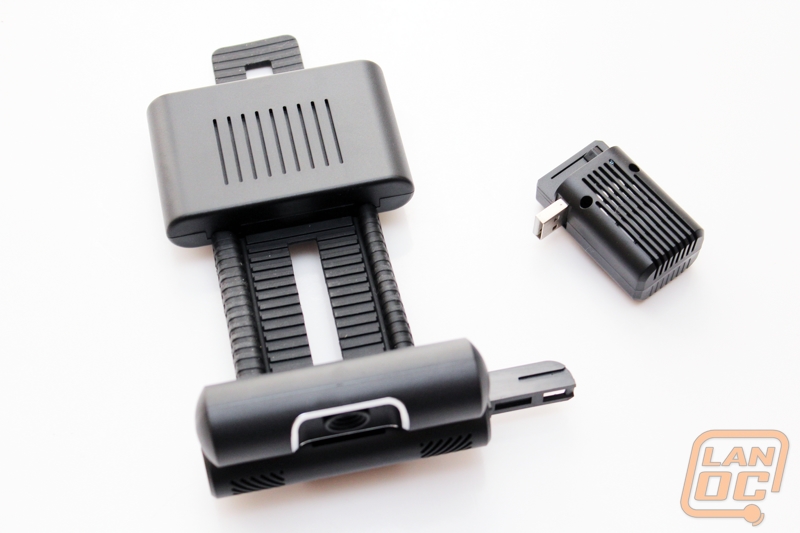
On the positive side though, there is a HDMI cable included in the box (just do not expect to be able to watch Blu-Ray movies on this device; it is not supported and clearly shows this device is not HDCP compliant).
Connecting and Setup


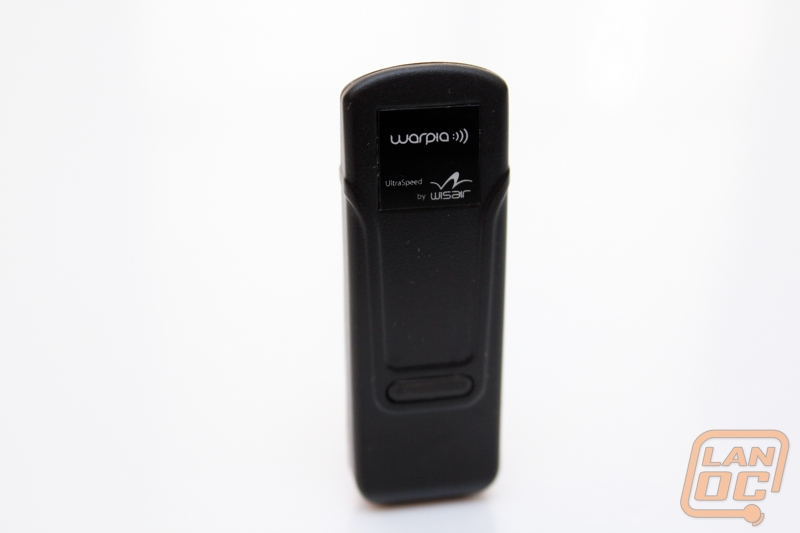
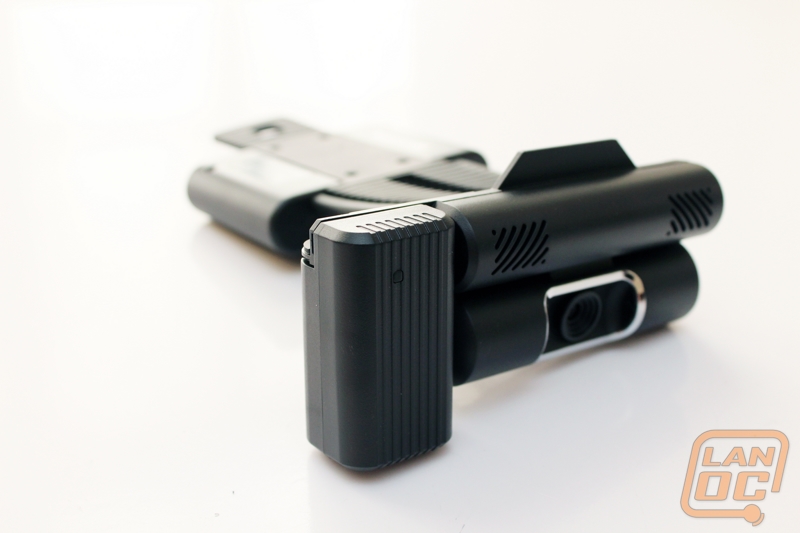
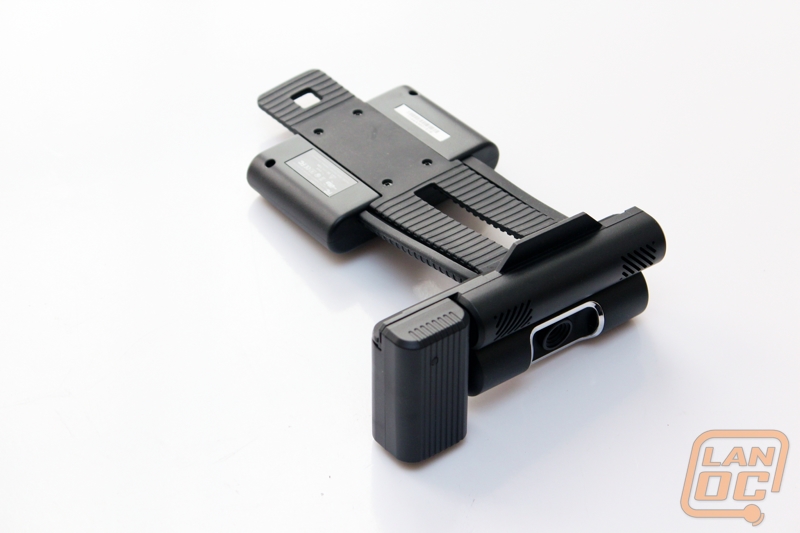
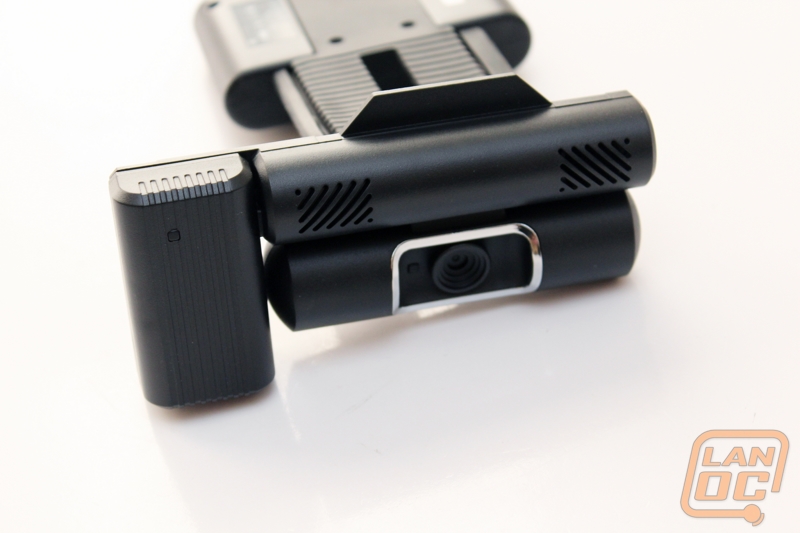
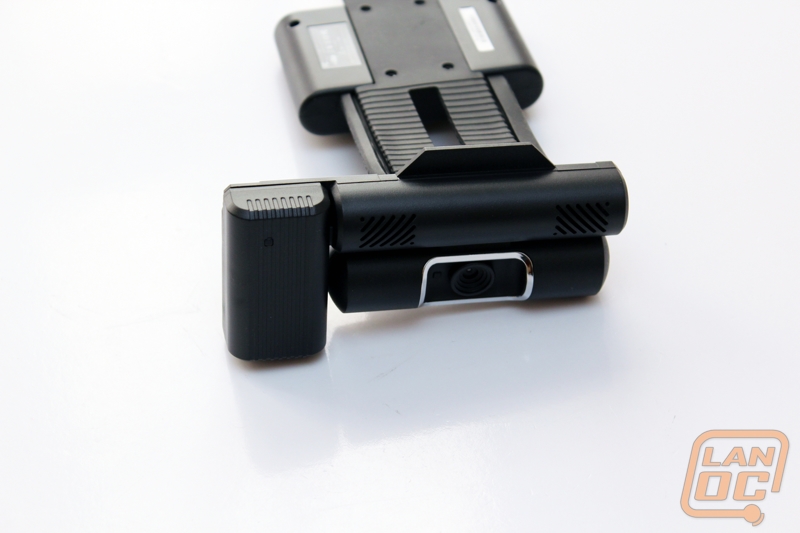
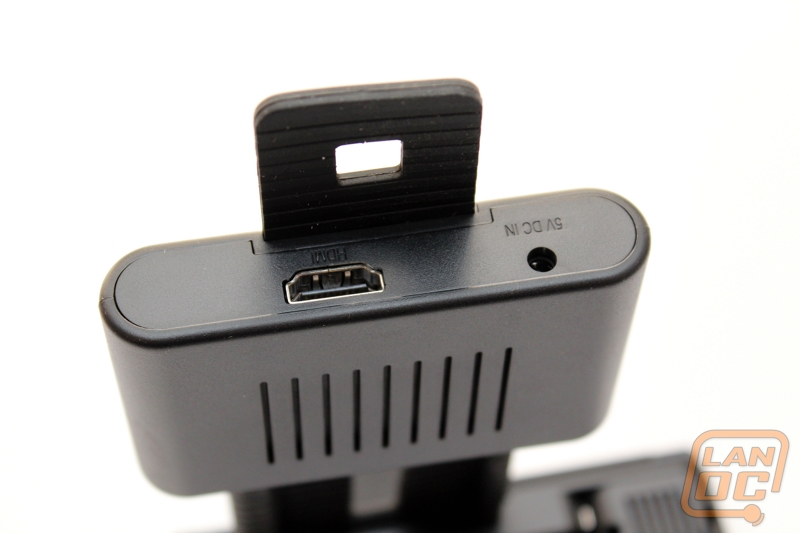
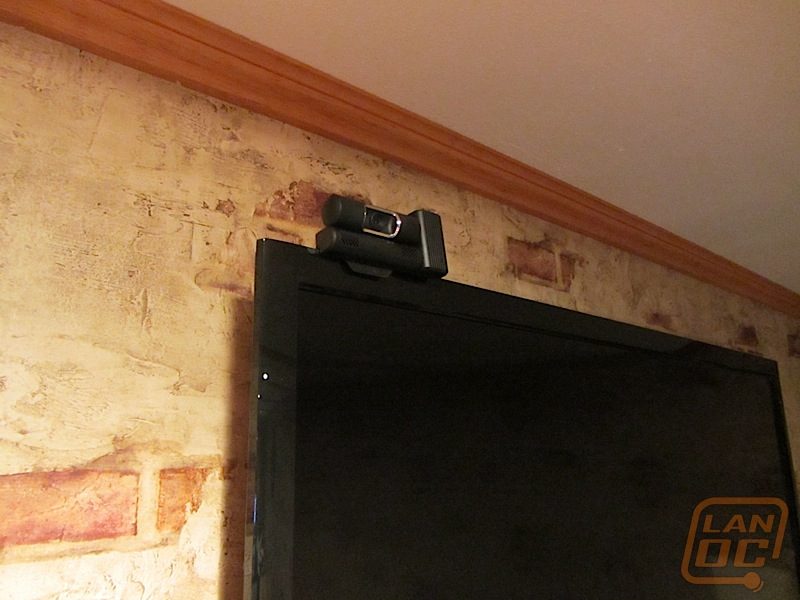
Setting up the ConnectHD requires a few steps to get up and running. Aside from running the setup on your computer, you also need to attach the ConnectHD to your HDTV. It clamps to the display similar to the way that a webcam does, but requires a separate power connection to a power strip or wall outlet.


Airplay Without The Arrogance
Apple users often carry a stigma with them that they are superior to the average computer user because they were smart enough to spend more money on a Mac. While I have no intentions of getting into that philosophical debate, AirPlay is now the gold standard for taking a display from a computer screen or mobile device and duplicating it on a projector or HDTV.
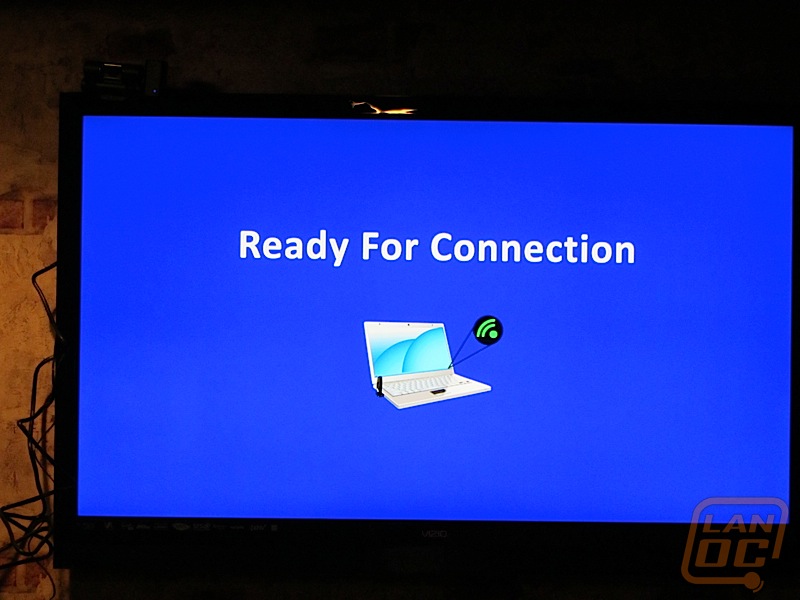
But what if you do not have a Mac? That is where the ConnectHD really becomes a shining star. Yes, you have to have a separate dongle and cannot use WiFi like AirPlay. Also, you cannot use the Warpia device to stream your Android tablet or iPad to your display, but being able to dump what you see on your computer screen onto the big screen is a nice feature that has applications beyond the typical "I want to play my computer games on my television" application.
Is it 100% perfect? No, for PowerPoint and business applications, the delay in the video is negligible and something you truly will not notice. If you start to play games with the device, you may notice some slowdown between what is on the computer display and what is on the television, which would be annoying in a fast-paced game that needs a lot of user interaction.
Make It So
The ConnectHD is apparently (based on the design of the marketing material) to be a webcam first and foremost, and a screen duplication device second. This is where I get a little confused on purpose. Aside from massive conference rooms using the Cisco corporate conferencing bridge, I cannot imagine that people would want to use their television like a view screen from the starship Enterprise. The Warpia ConnectHD features a 720p webcam. Based on the stock cameras that come with many computers, including my coveted Apples, the ConnectHD's camera is an improvement. If you have a Captain Kirk complex, the ConnectHD system definitely puts you in command when speaking with the Klingons. When actually making a video call, the ConnectHD's camera shows up as a camera for Skype or Windows Live Messenger (which both are coincidentally owned by Microsoft these days), or whatever program you want to use, and just use the program in full screen mode to take up the entire screen on your HDTV.
Conclusions and Final Verdict
So I love it and I hate it. If I were designing a product today, I am not sure if I would use a separate wireless receiver, since everyone seemingly has wireless Internet at home. I would actually like to see the addition of a hard-wired Ethernet on the device, to be honest, because then I could justify the purchase of the product in the enterprise environment (not the USS Enterprise, but business). For home, if you frequently hook your computer up to your television to watch Netflix or downloaded video content, this is a great device for that. If you hook up your computer to your television to play games beyond Words With Friends or Farmville, then you may want to look for a different solution. It is worse if you have a desktop, because you only have a maximum of 30ft of range between the wireless transmitter and the ConnectHD attached to the television.
It's difficult when reviewing a device that I do not really understand. Does it do everything as advertised? Yes. Does it work on everything except a Macintosh? Yes. Do I see people purchasing it in large droves because it is the next best thing? No.
Right now in this segment there is no silver bullet, no magic device that does everything. AirPlay works exceptionally well; however, it is only working on iOS and Mac OS X "Mountain Lion" devices, and only certain devices that run "Mountain Lion". While that is great for an all-Apple infrastructure, lets face it, if you are reading this you probably are not an avid Mac fan, because you are a gamer.
So it is a device that I cannot figure out why people would purchase, combined with the fact that it does what it says it does pretty well, I now have to actually give you a final verdict. Could I see integrating a device like this in the lab; yes, I definitely could. Would I use this device? No. My main drawback is not the slightly lagged interface, which does not actually bother me for what I would use it for. Also, I cannot deny the simple Star Trek appeal of being able to videoconference from a large display. However, my main drawback is that I need yet another dongle hanging out of a USB port on my computer. In a world where ultra portable laptops are becoming the norm, there just is not room for a device hanging out. With a desktop computer that is not a big deal, but you still have to be within 30ft of the HDTV, which means it'll be in the same room as the television. If you have a desktop you already have a big screen, and since you are not using this in a conference room there is less of a reason to have this in your home, because it will not go through walls.
So would you like a final verdict now? Based on what is advertised, it is an easy 8 out of 10. Based on how practical and useful in the real world it is, a 6.5 out of 10. I definitely want to see more of their products in the future, because they do see the market that is developing, and AirPlay needs competiton.
For Wes...
MSRP: $186.99
Pros: PC alternative to AirPlay, Turns any television into a conference screen.
Cons: Dongle (should be Wifi)
Sluggishness
Limited print documentation