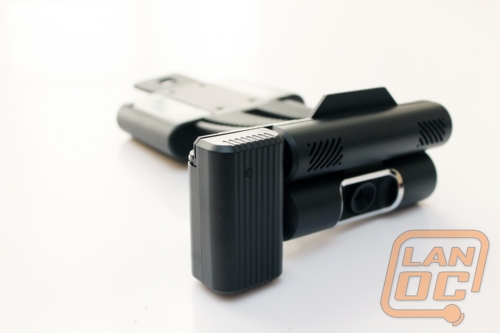
 I often talk to people who are looking to add an HDMI cable to their laptop or desktop computer so that they can display their computer's screen on their television. That is not so difficult on a laptop, but making the change with the desktop is often a room-changing ordeal, and can just be a complete pain. Today, we look at the ConnectHD from Warpia. It also has an added benefit of turning your living room into the bridge of the Enterprise (by enabling video conferencing on your television). But the real question is; does it work? Read on to find out!
Product Name: Warpia ConnectHD
Review Sample Provided By: Warpia
Words By: Chad
Packaging
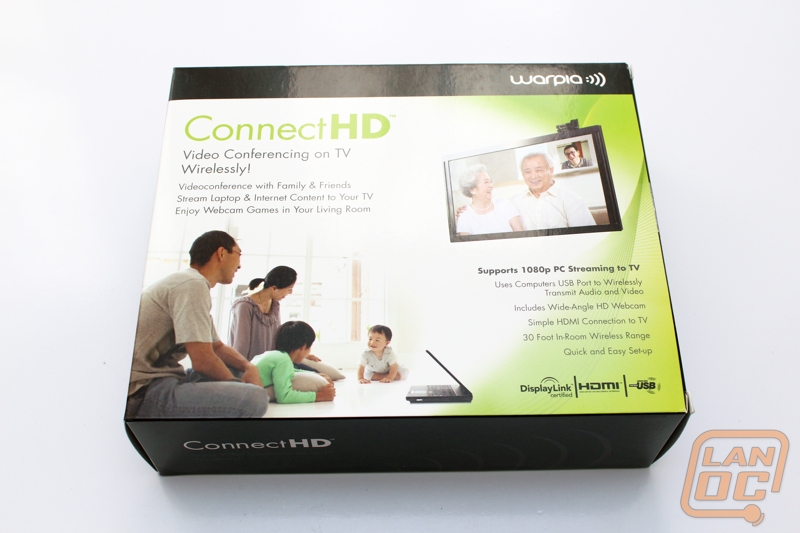
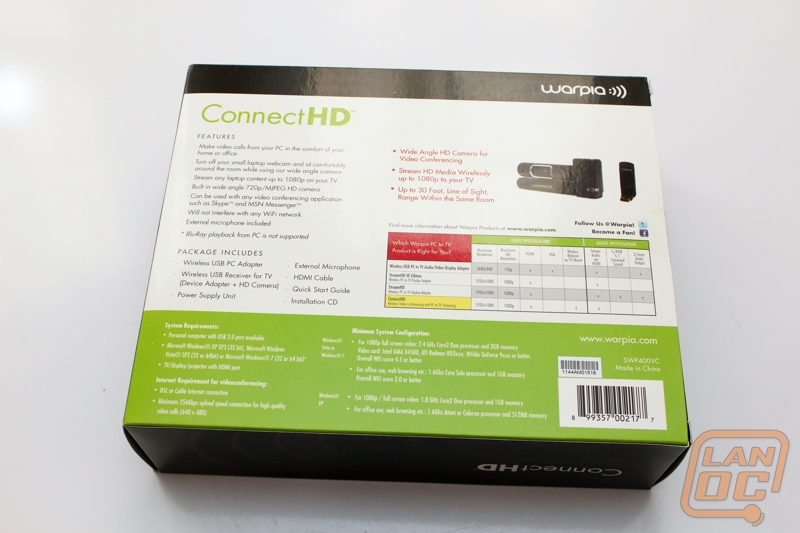
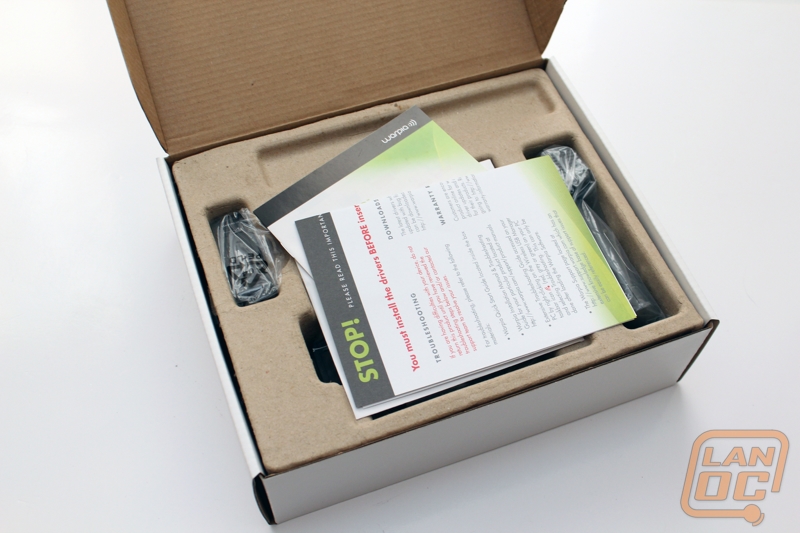
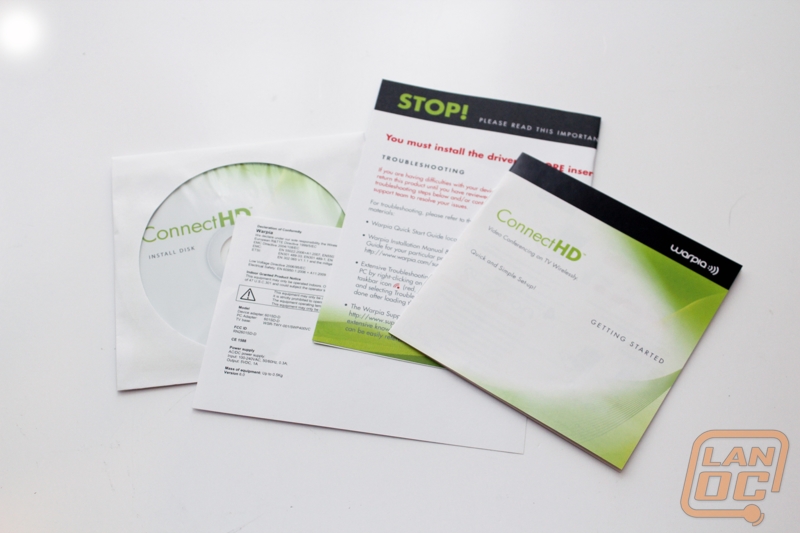
The ConnectHD comes in a shiny box with a happy older couple conferencing with their younger family. How sweet. Inside is a non-descript white box and just some cardboard holding everything inside. We do spend a lot of time talking about presentation, and to be honest when we are used to the "Apple Style" and other manufacturers, it is a little primitive. However, everything is in the box that is needed to set this device up.

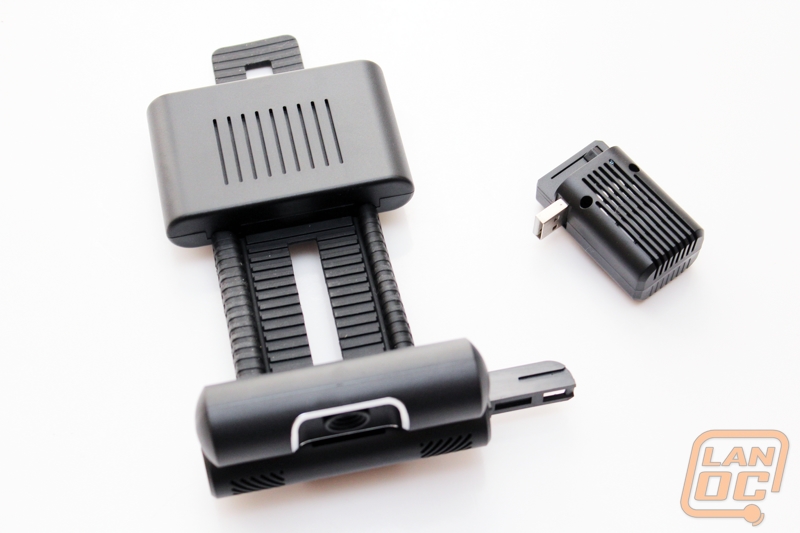
It claims to not interfere with your Wi-Fi signal in your home. Why? Doesn't this device use Wi-Fi to work? NO! In an interesting turn of events, you are required to use a dongle attached to your PC in order to use the device.
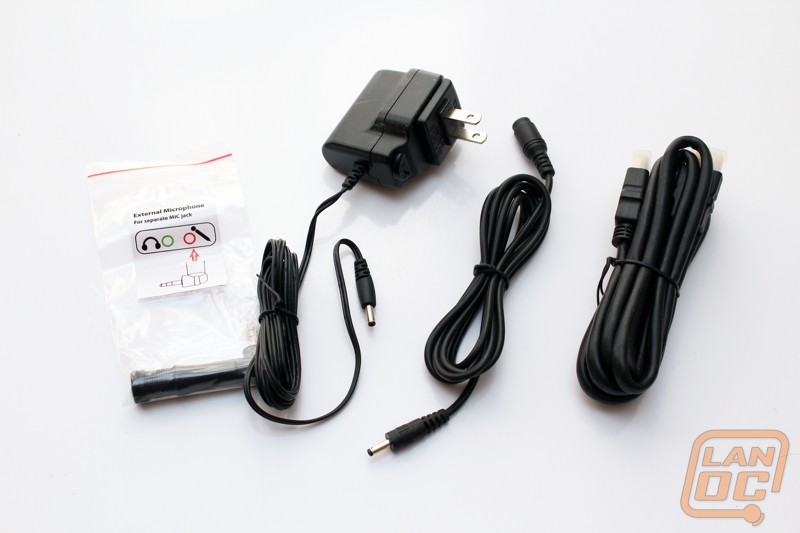
On the positive side though, there is a HDMI cable included in the box (just do not expect to be able to watch Blu-Ray movies on this device; it is not supported and clearly shows this device is not HDCP compliant).